
An older monitor's digital input is DVI. The PC should use the cable that mates with that input. Which cable is that?
Select an answer to reveal the explanation.
Short Explanation
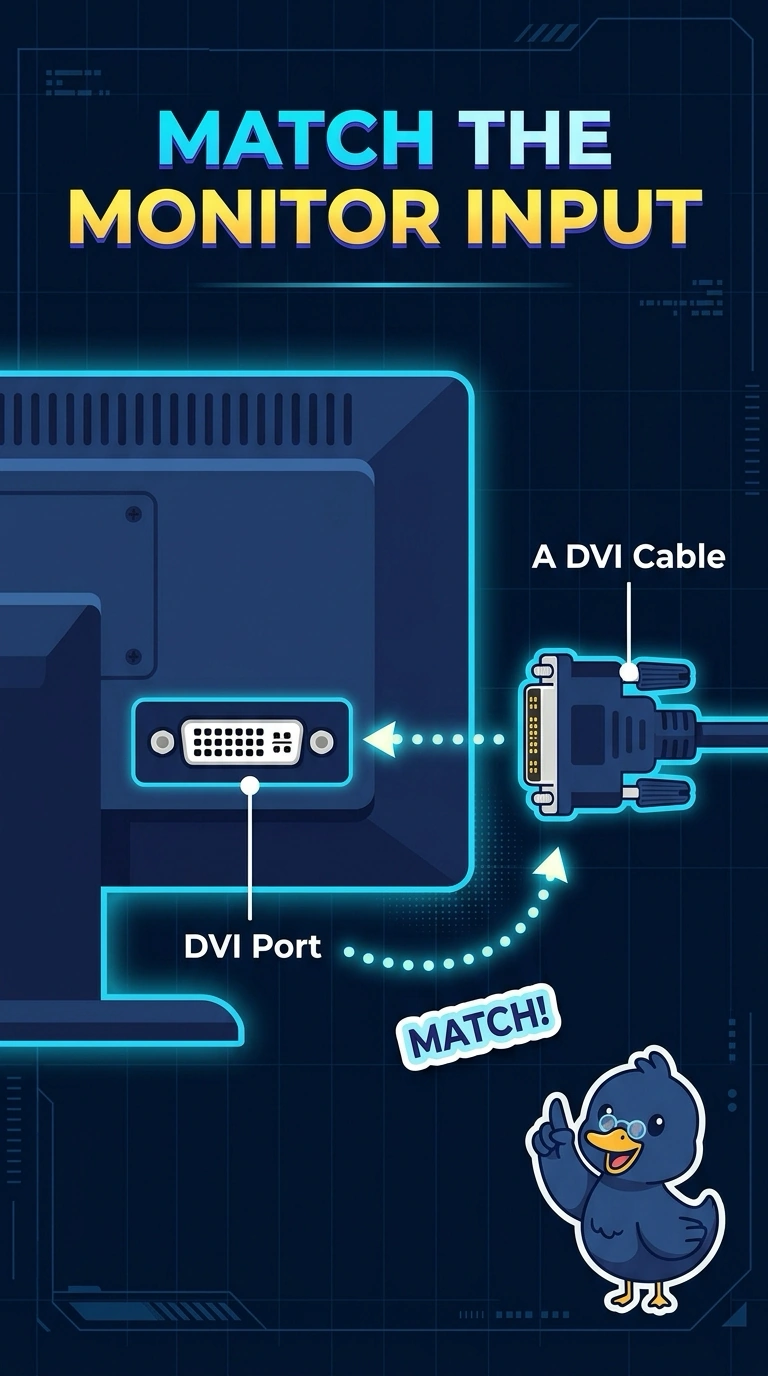
The monitor's socket is the digital DVI shape, so the cable has to be DVI. You are not looking at the analog blue plug, a network plug, or a serial plug.
Full Explanation
DVI is the digital video connector common on older monitors and PCs. A monitor whose digital input is DVI needs a DVI cable. VGA is analog and uses a different shell. It is not the digital DVI lead, even though some DVI ports also accept analog on extra pins. RJ45 is an Ethernet plug. It does not mate with a DVI input. DB9 is a serial connector. It is not a monitor's digital video connector. Exam caveat: DVI comes in digital and analog-capable variants. Match the plug to the socket instead of forcing a VGA shell into a digital-only port. Operational check: connect the DVI cable, select that input, and confirm a stable picture. Select the DVI input and confirm the picture is stable. Do not force a VGA shell into a digital-only port. Note the result on the ticket. If the plug will not seat, stop. The shell is the wrong video connector.