
A laser printer's maintenance counter says the maintenance kit is due, and the pages are still readable. Which action follows that counter?
Select an answer to reveal the explanation.
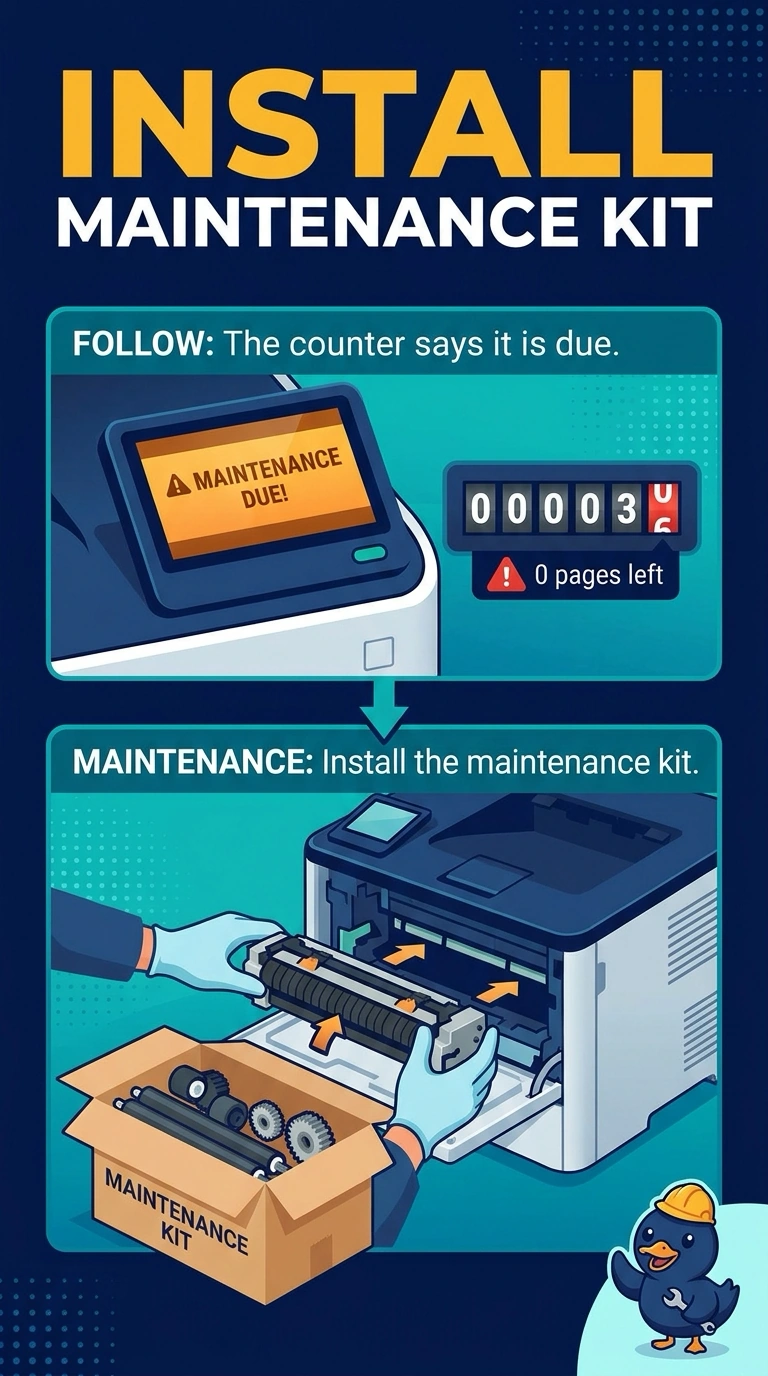
Short Explanation
The printer has kept its own odometer, and the odometer says the kit is due. You install the maintenance kit. A network card, memory in the PC, and a video cable are not the rollers and fuser that kit replaces.
Full Explanation
A laser maintenance kit replaces wear parts such as the fuser and feed rollers when the printer's counter says they are due. Readable pages do not cancel that counter. The kit is the action. The network adapter does not contain those wear parts and does not reset the counter by being swapped. Memory in the PC is not a printer kit. A VGA cable carries video. The counter is not measuring it. Exam caveat: follow the kit's instructions and let the fuser cool. Installing the kit is not a reason to ignore a separate fault such as a leaking cartridge. Operational check: install the kit, confirm the counter is reset the way the manual describes, and print a page. Let the fuser cool, install the kit, and print a page after the counter is reset. Note the result on the ticket. Print a page after the kit is in and confirm the counter was reset.