
A clerk must scan a thick stack of forms without placing each page on the glass. Which scanner feature feeds that stack?
Select an answer to reveal the explanation.
Short Explanation
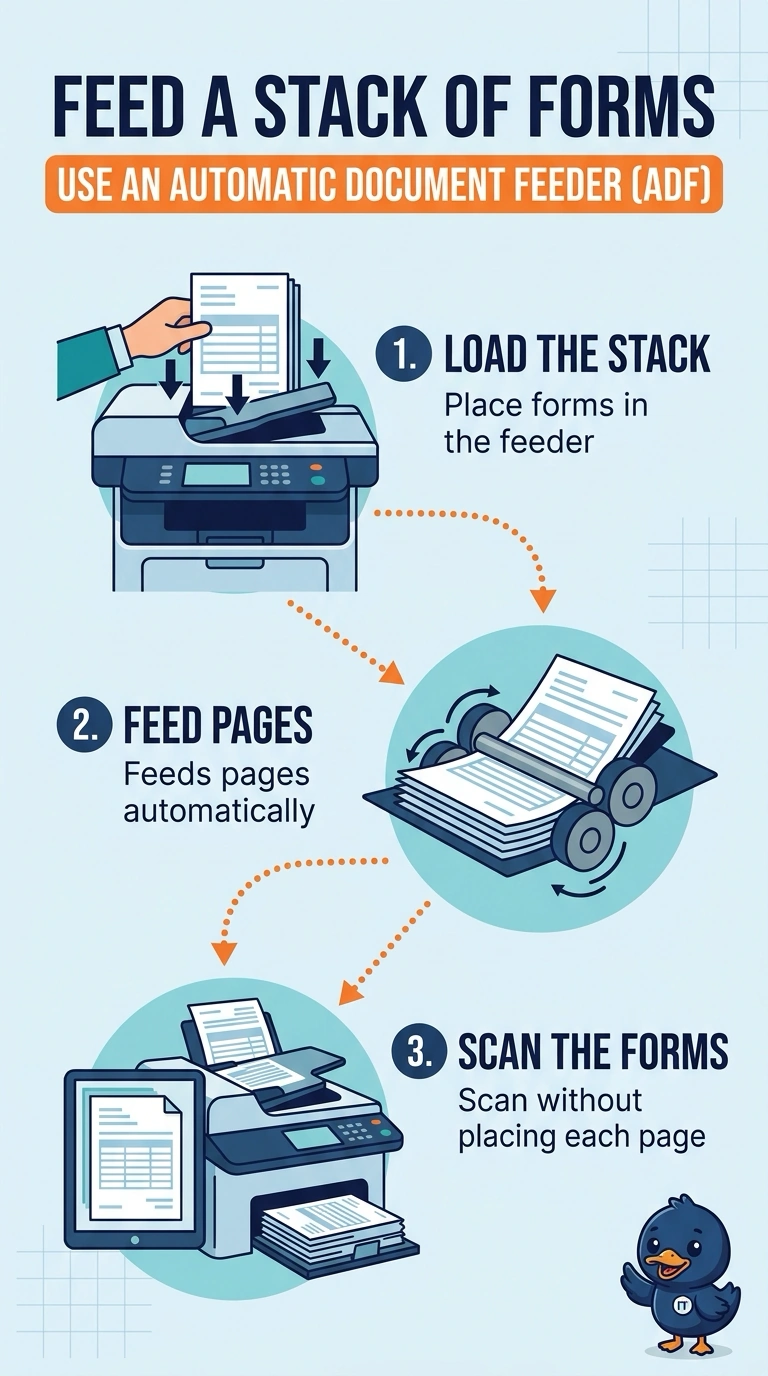
The stack should walk through on its own instead of making the clerk lift the lid for every page. You use the automatic document feeder. The glass alone, a unit that flips printed output, and a badge release for print jobs do not pull a stack of originals.
Full Explanation
An automatic document feeder draws a stack of original pages across the scanner so nobody has to place each one on the glass. That is the feature the clerk needs. A flatbed scans what you lay on the glass, one placement at a time. It does not pull a stack by itself. A duplexer turns printed output over so the printer can use both sides. It does not feed original forms into the scanner. Secured print holds a print job until a user authenticates. It does not scan a stack. Exam caveat: staples and torn corners jam a feeder. Remove staples before you load the stack. Operational check: load a small stack, scan it, and confirm each page appears without anyone opening the lid. Remove staples, scan a short stack, and confirm every page arrived. Scan the stack twice and confirm the page count matches the forms you loaded. Count the scanned images against the paper stack before you file them.