
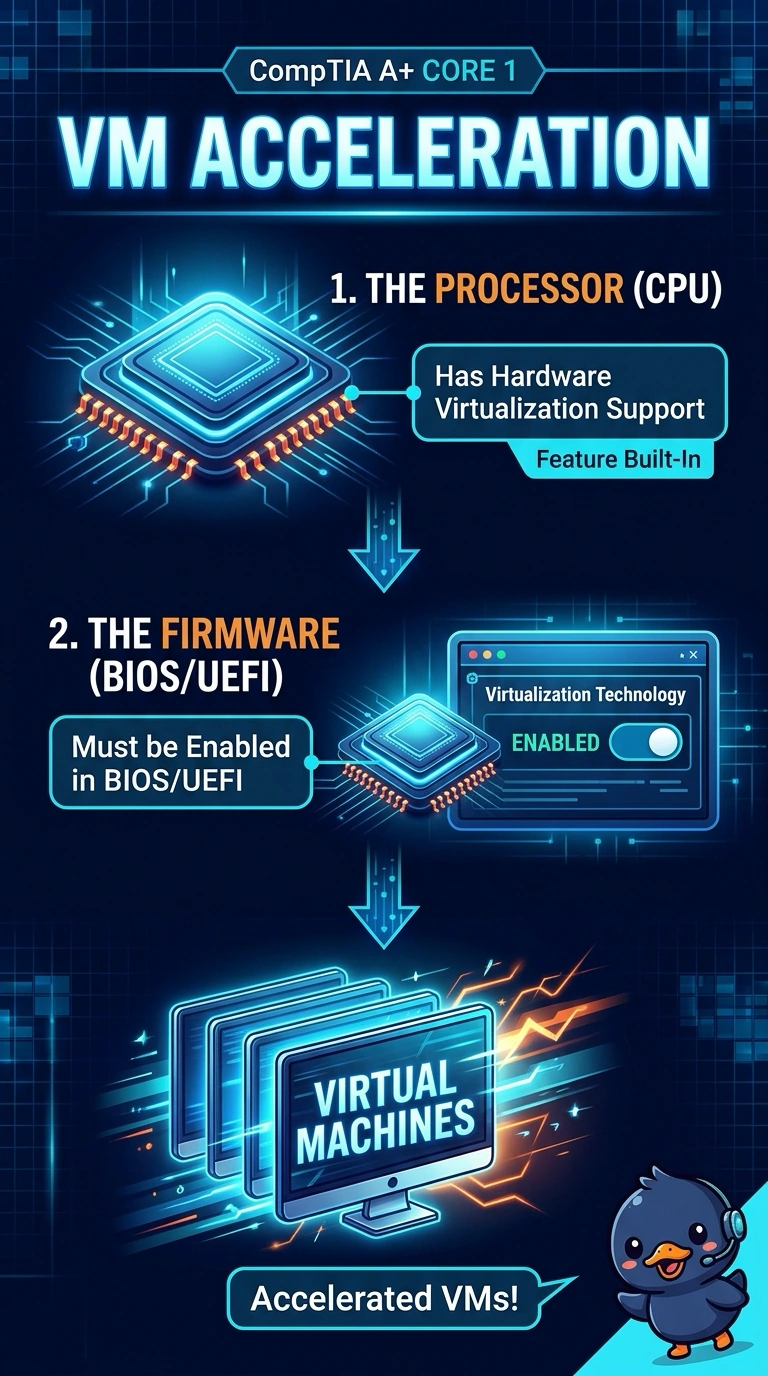
Virtual machines on a workstation run poorly until a processor feature that accelerates guests is turned on in firmware. Which feature is that?
Select an answer to reveal the explanation.
Short Explanation
The processor has a helper for guest machines, and it is switched off. You turn on hardware virtualization support. A boot signature check, the key-storage chip, and a faster screen do not accelerate a guest.
Full Explanation
Hardware virtualization support is the processor feature that lets guest machines run efficiently, and firmware can enable or disable it. Turning it on is what this workstation needs. Secure Boot checks signatures before an operating system starts. It does not accelerate guests. A TPM stores keys and measurements. It is not the processor feature that speeds virtual machines. Refresh rate is how often a panel draws a frame. It has no effect on how fast a guest operating system runs. Exam caveat: the hypervisor still has to be installed and the guests still need enough memory. The processor flag removes a bottleneck. It does not size the guests. Operational check: enable the feature in firmware, reboot, and confirm the hypervisor reports that hardware virtualization is available. Reboot after enabling the feature and confirm the hypervisor sees it. Give the guests enough memory after the processor feature is on. The flag is not a substitute for RAM. Watch a guest boot and confirm it is no longer sluggish for lack of the processor feature.