
A desktop's only internal drive bay is the wide 3.5-inch bay. A technician arrived with a laptop-sized disk. Which drive fits the bay?
Select an answer to reveal the explanation.
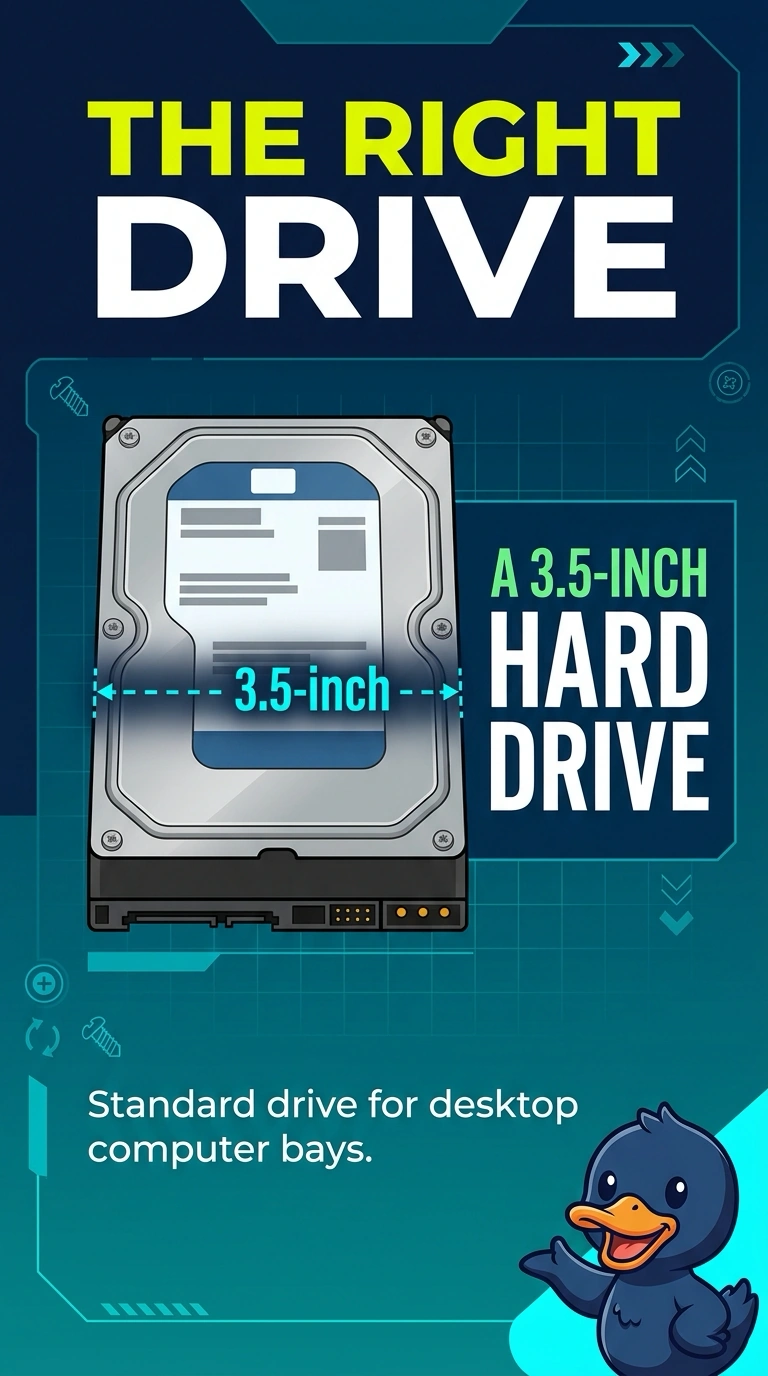
Short Explanation
The bay is the wide desktop size, and the disk in the technician's hand is the smaller laptop size. You need a 3.5-inch hard drive. The laptop disk, a DVD, and a memory module do not fill that bay.
Full Explanation
Desktop internal hard-drive bays of this traditional width take a 3.5-inch drive. A laptop-sized disk is the 2.5-inch form factor and does not match the wide bay without an adapter the stem does not provide. The drive that fits is a 3.5-inch hard drive. Calling the laptop disk a match for the wide bay swaps the two sizes. An optical disc is media, not a hard drive that screws into the hard-drive bay. A SODIMM is memory. It is not a 3.5-inch drive. Exam caveat: an adapter bracket can let a 2.5-inch drive sit in a 3.5-inch bay, and the power and data connectors still have to match. This question asks which drive fits the bay as it is. Operational check: confirm the bay is 3.5-inch, install that drive, and confirm the firmware lists it. Confirm the firmware lists the 3.5-inch drive after it is screwed in. Screw the drive into the wide bay so it cannot slide into the fan. Connect power and data before you slide the bay closed.