
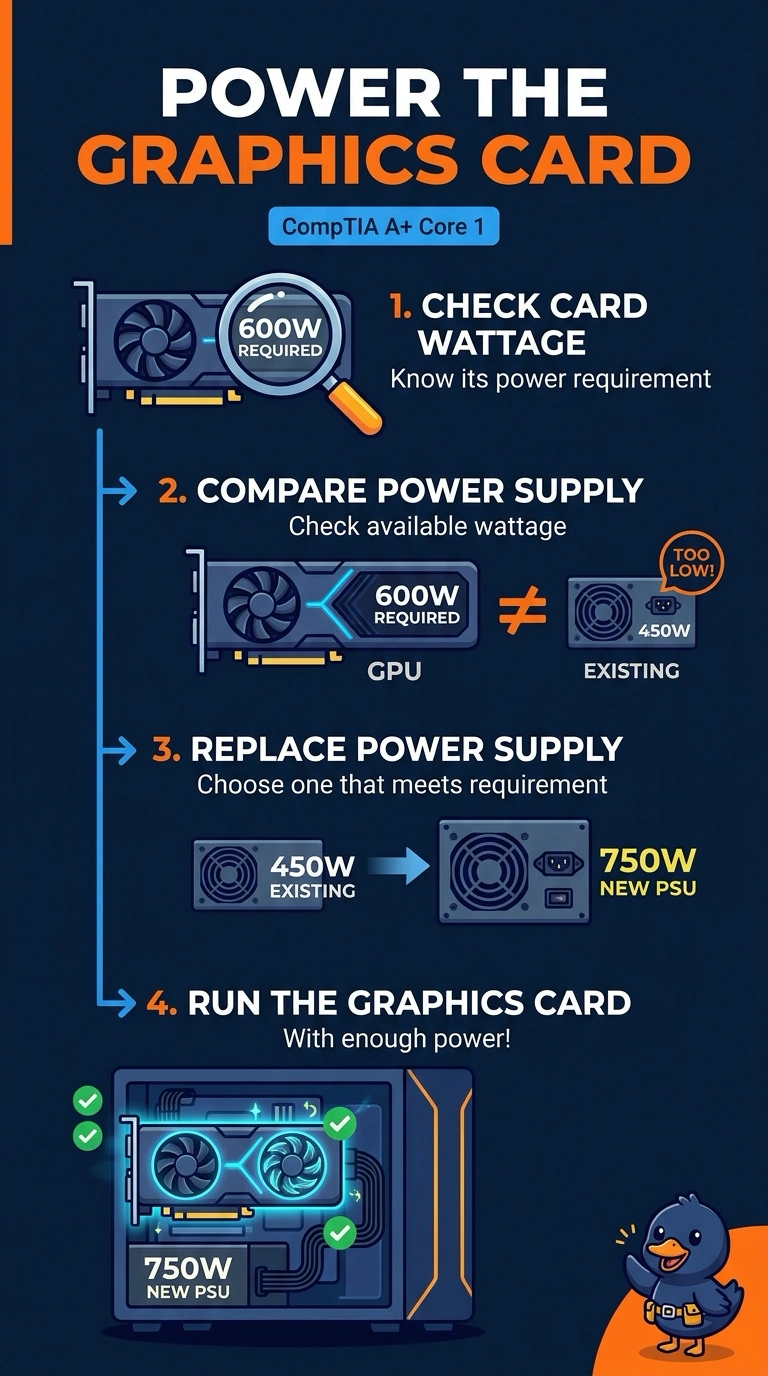
A new graphics card requires more wattage than the desktop's power supply can provide. Which change lets the card run?
Select an answer to reveal the explanation.
Short Explanation
You can give the graphics card the power it needs by replacing the power supply with one that meets its wattage requirement. A longer HDMI cable, extra memory, or a faster network adapter won’t increase the power supply’s output. Wattage is the key requirement to check.
Full Explanation
A power supply must deliver at least the wattage the system, including the graphics card, will draw. Because the card needs more wattage than the current supply can provide, replace the supply with one that meets the card’s requirement. A longer HDMI cable changes the video connection, not the supply’s wattage. Adding memory can increase the system’s power draw, but it does not increase what the supply can deliver. A faster network adapter handles network traffic; it does not feed extra power to the graphics card. Exam caveat: size the supply for the rest of the system’s draw as well as the card, and allow some headroom above that total. Also check that the supply has the power connector the graphics card expects. Practical check: install the correctly rated supply, connect the card’s own power leads—not only its slot connection—and confirm the system remains stable under a graphics load.