
A label printer has only a USB port. It is attached to one front-desk PC, and the other front-desk PCs need to print labels too. Which setup does that?
Select an answer to reveal the explanation.
Short Explanation
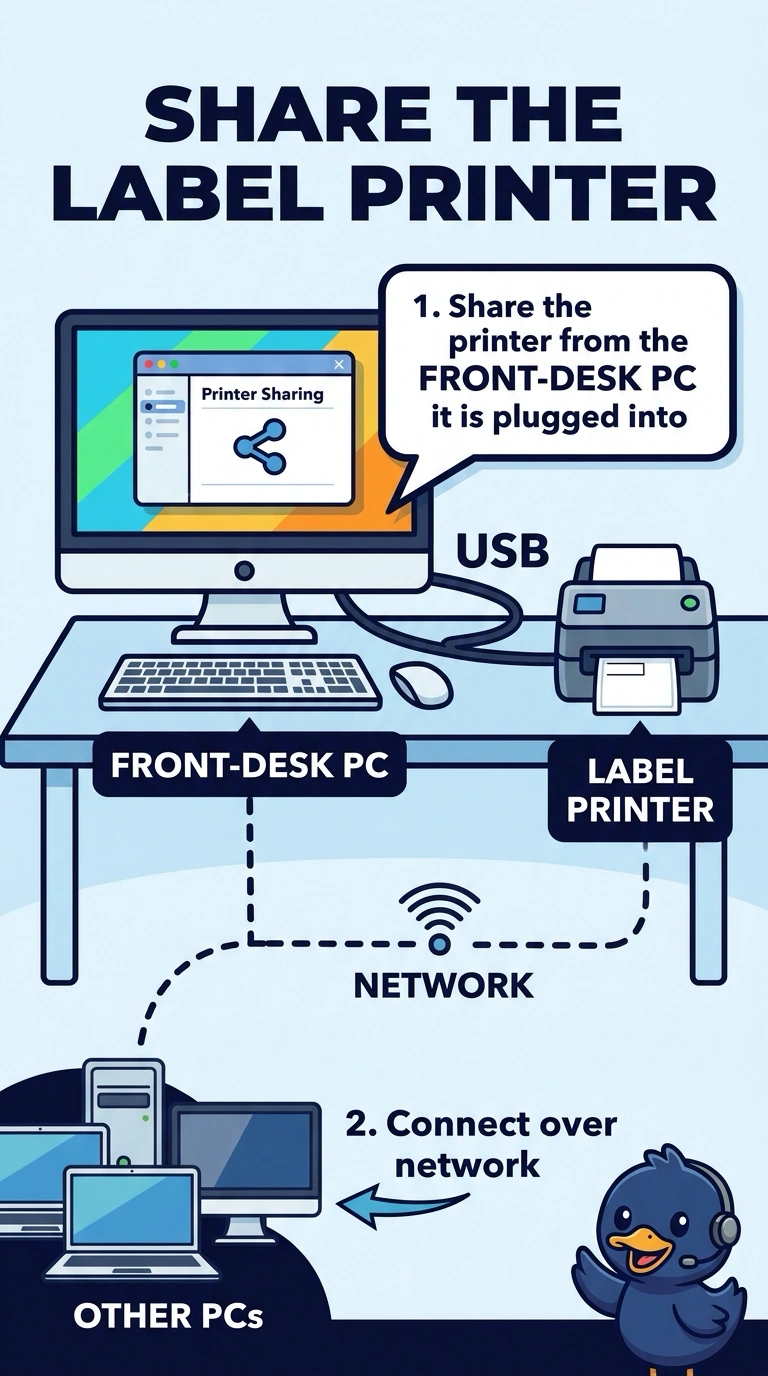
You can let the other front-desk PCs send label jobs to the PC the USB printer is connected to. Sharing the printer gives them access without moving the cable. An MX record or a flatbed scanner won’t provide a print queue, and carrying the cable is only a manual workaround.
Full Explanation
A printer attached by USB can be shared from the PC it is plugged into, allowing the other PCs to send jobs to that share. Because the label printer has no network port of its own, sharing it from the front-desk PC lets the other desks print. Carrying the USB cable from PC to PC is a manual workaround, not a shared printer, and it prevents the first PC from printing while the cable is elsewhere. An MX record tells mail servers where to deliver mail; it does not create a print queue to a USB device. A flatbed scanner captures pages, and replacing the printer with one removes the ability to print labels. Exam caveat: the sharing PC must be on, or the share becomes unavailable. Practical check: leave the USB printer connected to the first PC, print a label from a second PC, and confirm that the job finishes. Keep the sharing PC powered on during the front-desk shift so the queue remains available.