
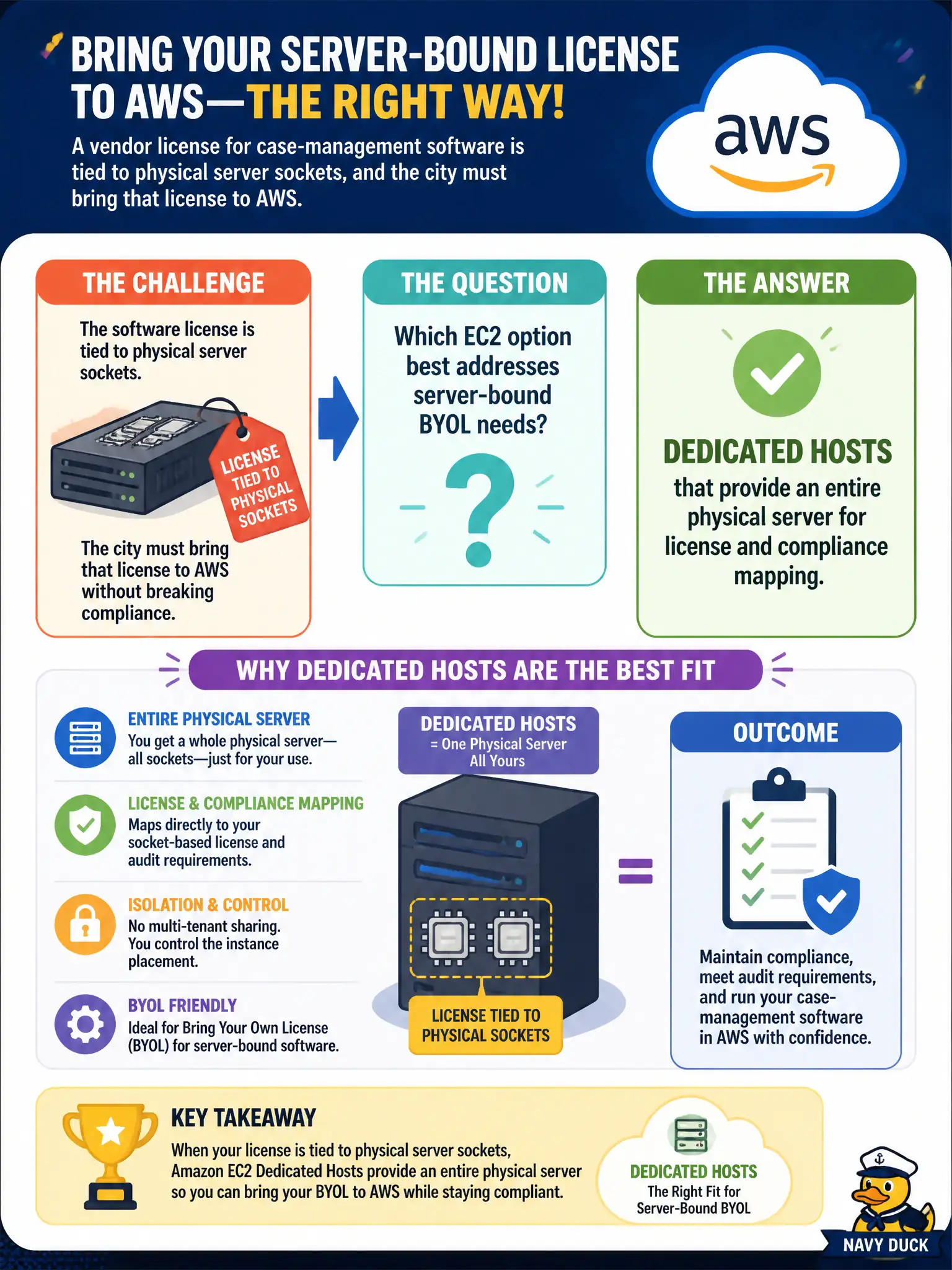
A vendor license for case-management software is tied to physical server sockets, and the city must bring that license to AWS. Which EC2 option best addresses server-bound BYOL needs?
Select an answer to reveal the explanation.
Short Explanation
Dedicated Hosts are renting the whole apartment building — you can point socket-bound licenses at specific physical hardware. Regular shared tenancy hides the host under the hood, Spot adds interruption drama you do not want on licensed cores, and S3 tiers have nothing to do with EC2 licensing.
Full Explanation
When a vendor license for case-management software is tied to physical server sockets and the city must bring that license to AWS, Dedicated Hosts best address server-bound BYOL needs. A Dedicated Host gives the customer an entire physical server with visibility into sockets/cores for license mapping and compliance, which shared tenancy obscures. Civic BYOL conversations that mention sockets, cores, or server-bound licenses should trigger Dedicated Hosts at Cloud Practitioner depth.
Shared tenancy On-Demand instances hide physical host identity from the customer and therefore poorly support socket-based license audits. Spot Fleets maximize interruption risk and are a poor default for licensed case-management databases. S3 Intelligent-Tiering only manages object storage classes; it provides no EC2 host tenancy for BYOL. Storage tiering cannot satisfy socket licensing.
Exam caveat: Dedicated Hosts = physical server for licensing/compliance mapping; Dedicated Instances = dedicated hardware tenancy without host-level placement control; shared tenancy = default. BYOL sockets → Dedicated Hosts.
Operational check for case management: confirm license terms allow cloud BYOL on Dedicated Hosts, select host instance families matching vendor rules, track socket/core inventory, align host affinity/placement with HA design, estimate host hourly costs versus license savings, and document evidence for auditors who will ask which physical hosts run the licensed software.