
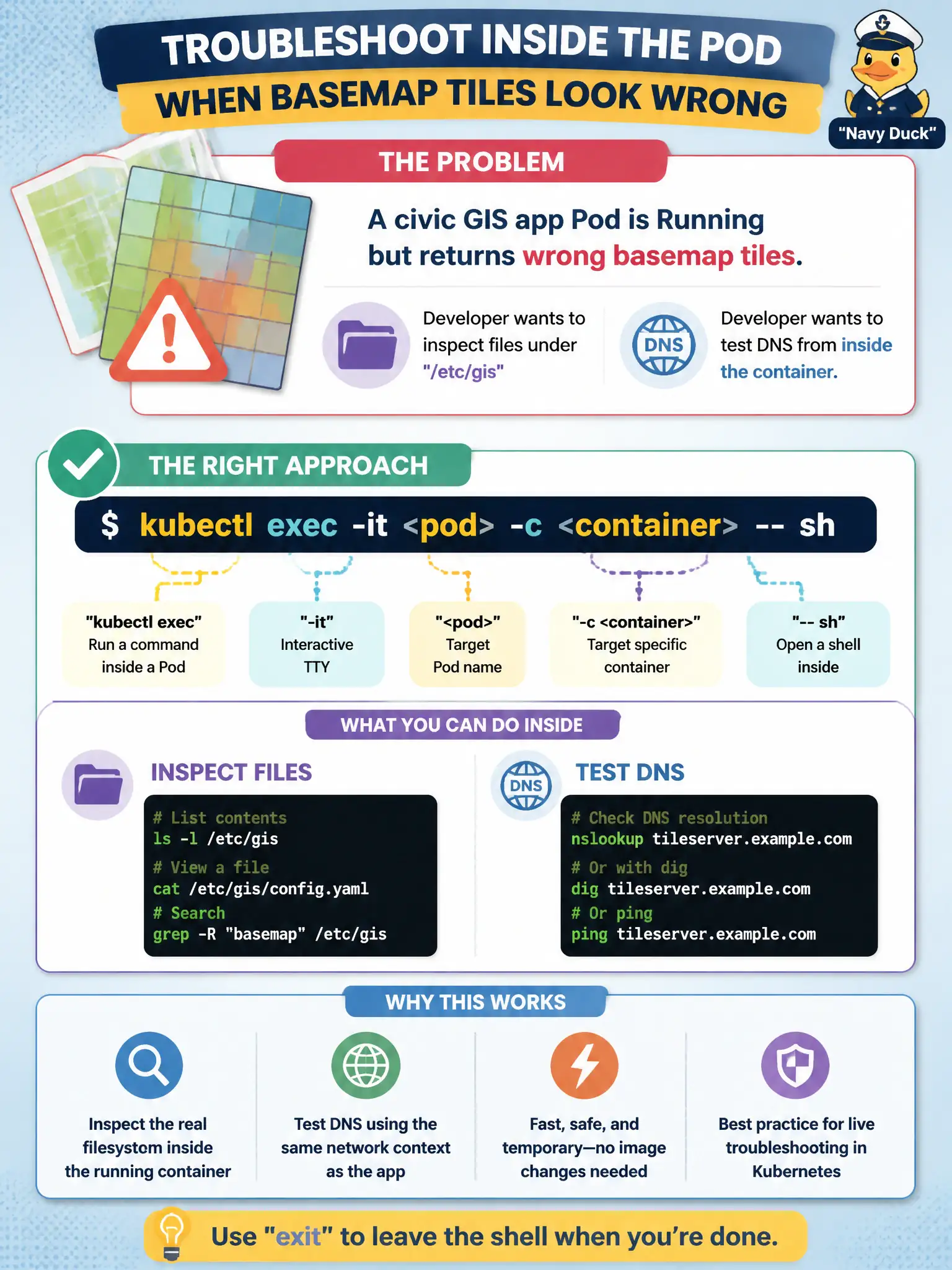
A civic GIS app Pod is Running but returns wrong basemap tiles. The developer wants to inspect files under /etc/gis and test DNS from inside the container. Which approach fits?
Select an answer to reveal the explanation.
Short Explanation
exec is like stepping into the truck cab while the engine is running—you can open the glove box and ping the radio tower from there. Great for live file and DNS checks. Logs alone will not list /etc/gis for you.
Full Explanation
When a civic GIS Pod is Running but serves wrong basemap tiles, live inspection of /etc/gis and in-Pod DNS tests are best done with kubectl exec into the appropriate container (kubectl exec -it <pod> -c <container> -- sh or an available shell). Exec shares the container’s filesystem and network namespace so you can cat config, check mounted ConfigMaps/Secrets, and run nslookup/dig against tile Service DNS—evidence you cannot get from logs alone when the process is up but misconfigured.
Using only kubectl logs --previous fails because --previous targets a prior terminated instance and exec is not forbidden for Running Pods; logs also will not show file contents under /etc/gis. Patching hostNetwork: true fails as a filesystem-sharing trick: hostNetwork changes network namespace sharing with the node, does not mount the container filesystem to your workstation, and is a significant security/ops change. Deleting the Pod to rely only on initContainer output fails because it destroys the live state you need to inspect and init logs may not reflect the running app container’s mounts.
Exam caveat: distroless images may lack a shell—then use kubectl debug with an ephemeral container instead of plain exec. Operational check: exec in, ls /etc/gis, compare expected basemap endpoints, test DNS to the tiles Service, fix ConfigMap/env, and roll the Deployment without unnecessary hostNetwork changes.