
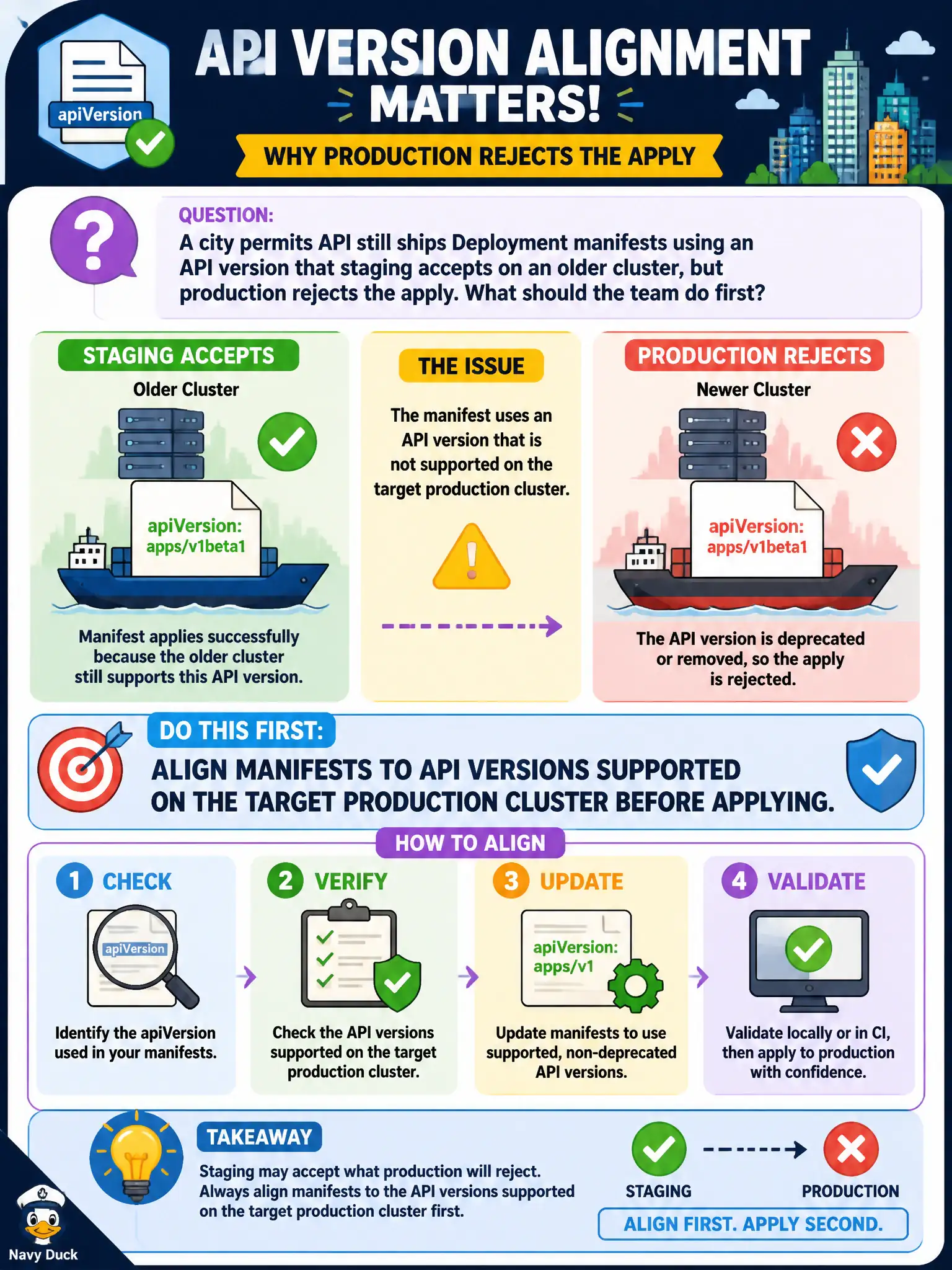
A city permits API still ships Deployment manifests using an API version that staging accepts on an older cluster, but production rejects the apply. What should the team do first?
Select an answer to reveal the explanation.
Short Explanation
Staging and production can be like two different building codes for the same blueprint. Manifests have to match what the target cluster still accepts, not just what worked last quarter on staging. Update the YAML to supported API versions before you hit production apply.
Full Explanation
When a city permits API still ships Deployment manifests using an API version that staging accepts on an older cluster but production rejects, the team should first align manifests to API versions supported on the target production cluster before applying. Environment skew is common in municipal platforms; the production apiserver’s supported APIs are the acceptance criteria for go-live, not the oldest lab cluster’s leniency.
Why the other options fail by concept: Pinning every environment to the oldest cluster forever blocks security and platform upgrades. Ignoring the production error and applying with --force to skip API validation does not create missing API support and risks undefined behavior. Converting all workloads to bare Pods does not make API versions stop mattering and abandons Deployment rollout features.
Exam caveat: kubectl convert and manual rewrites both require field-level review—stable schemas are not always drop-in renames. Keep staging near production’s Kubernetes version to catch removals early. Helm/Kustomize pipelines must emit production-supported versions, not only developer-laptop defaults.
Operational check: On production, kubectl api-resources | grep deploy (and the failing kind), update the permits manifests to the preferred apiVersion, kubectl apply --dry-run=server -f against production credentials, then apply and verify kubectl get deploy in the permits namespace.