
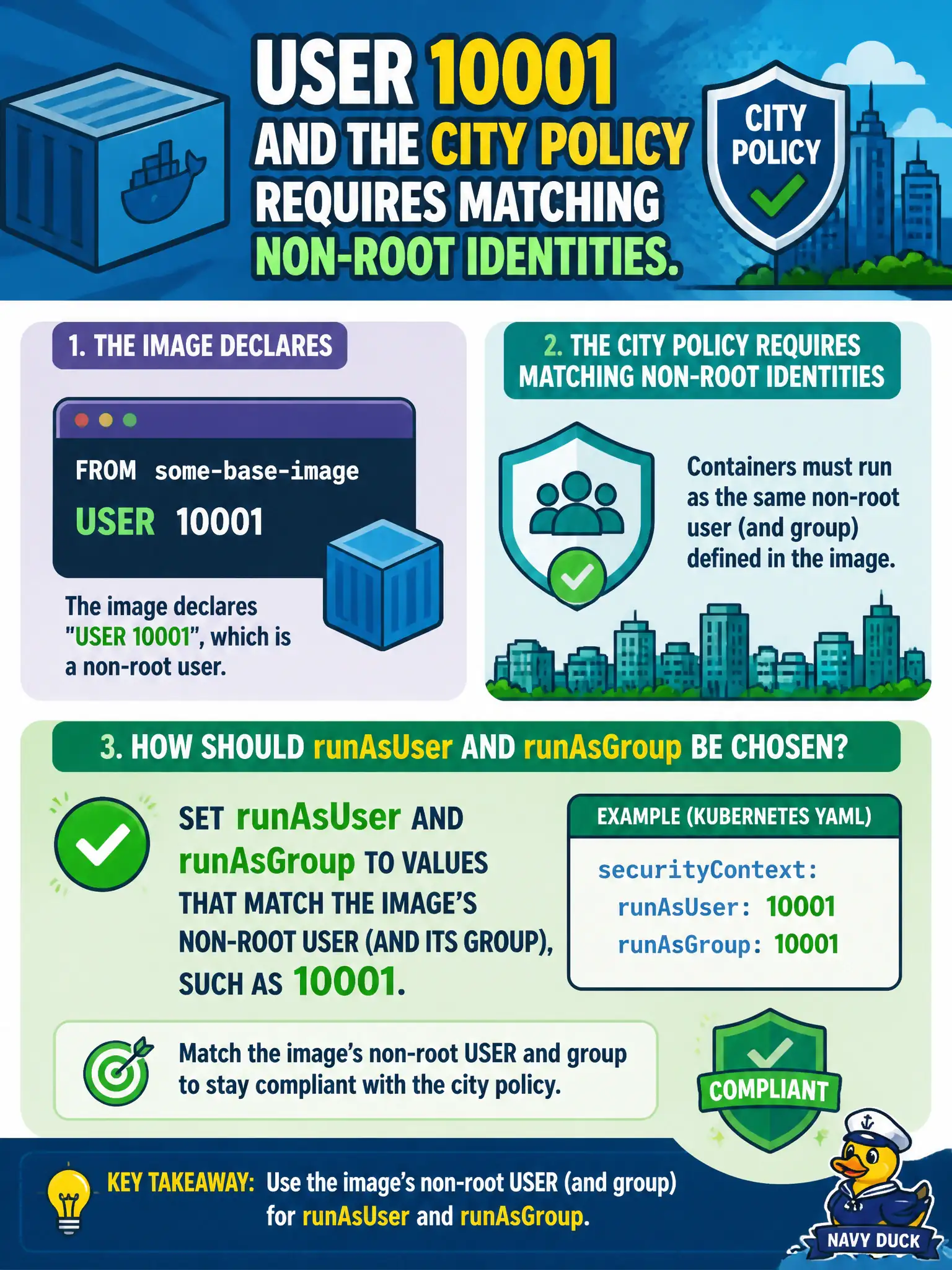
An image declares USER 10001 and the city policy requires matching non-root identities. How should runAsUser and runAsGroup be chosen?
Select an answer to reveal the explanation.
Short Explanation
If the image already wears badge 10001, don't force it into a root costume. Align runAsUser/runAsGroup with the image USER so files and processes agree. Random UIDs or UID 0 fight the non-root goal.
Full Explanation
When an image declares USER 10001, city non-root policy should align the Pod’s securityContext with that identity. Set runAsUser (and runAsGroup when relevant) to values that match the image’s non-root USER and group—such as 10001—so the process can read its packaged files, satisfy runAsNonRoot, and avoid permission surprises on bundled paths. Matching the badge the image already wears is how municipal platforms keep filesystem permissions and admission policy consistent.
Always forcing runAsUser: 0 so an entrypoint can “switch later” violates non-root requirements and invites root-owned processes. Omitting runAsUser while forcing runAsGroup: 0 to inherit root group permissions on mounts undermines the least-privilege group posture and often fights volume permission designs. Choosing a random UID on every restart maximizes breakage (file ownership, volume permissions, troubleshooting) rather than security entropy in any meaningful CKAD sense.
Exam caveat: runAsNonRoot: true still needs a concrete non-root UID available—either from the image USER or from runAsUser. If runAsUser disagrees with file ownership inside the image, the civic app may CrashLoop with permission errors even though policy “looks” non-root. Operational check: inspect the image USER, set matching runAsUser/runAsGroup, confirm the Pod starts, and kubectl exec to verify id output matches 10001 (or the chosen non-root pair). City policy engines should accept the Pod, and volume fsGroup should be chosen to remain compatible with that group.