
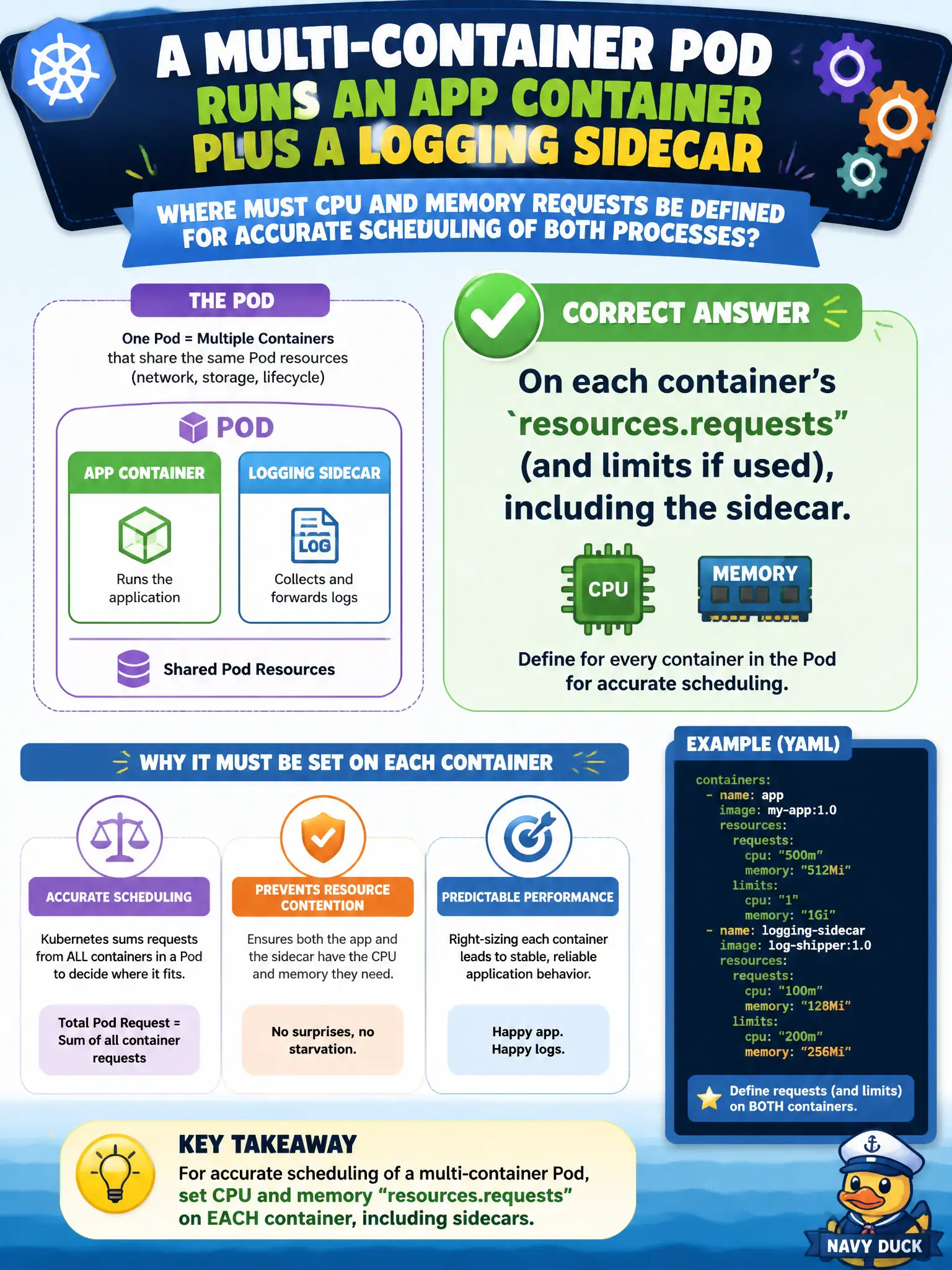
A multi-container Pod runs an app container plus a logging sidecar. Where must CPU and memory requests be defined for accurate scheduling of both processes?
Select an answer to reveal the explanation.
Short Explanation
Each container brings its own appetite—the scheduler adds them up. Put CPU and memory requests on the app and on the sidecar separately. Skipping the sidecar under-counts what the node must reserve.
Full Explanation
In a multi-container Pod that runs an app container plus a logging sidecar, CPU and memory requests must be defined on each container's resources.requests—and limits if used—including the sidecar. The scheduler accounts for those per-container values when placing the Pod. Omitting sidecar requests under-accounts capacity and can overpack nodes that run municipal logging or proxy sidecars beside application containers.
Defining resources only on the PodSpec under a single shared resources block that covers every container is not how the Pod API expresses per-container needs. Putting requests only on Deployment metadata as annotations the scheduler supposedly reads globally fails—the scheduler uses PodSpec container resources. Defining requests only on the primary app container while assuming sidecars inherit automatically fails; sidecars do not inherit sibling requests.
Exam caveat: init containers follow effective-request rules that differ from a simple sum of app containers—keep that in mind for fit math. Operational check: set resources on both app and sidecar, describe the Pod for each container's requests, and confirm scheduling accounts for the combined footprint. In CKAD scenarios involving q203, prefer verifying the live object with kubectl get and describe before changing cluster-wide settings.