
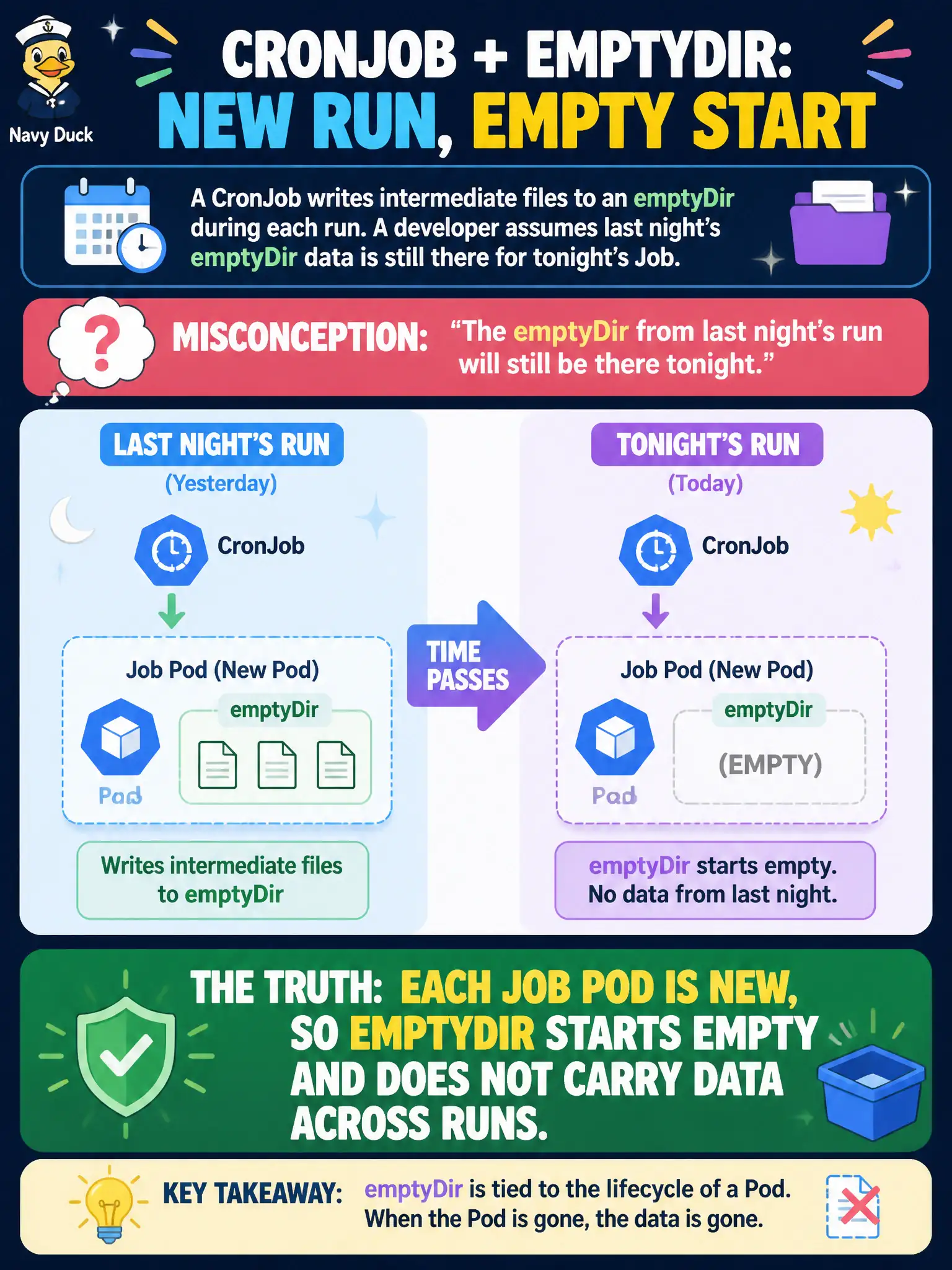
A CronJob writes intermediate files to an emptyDir during each run. A developer assumes last night’s emptyDir data is still there for tonight’s Job. What is true?
Select an answer to reveal the explanation.
Short Explanation
Every CronJob tick spins up a fresh Pod—like a new scratch pad each morning. emptyDir dies with that Pod, so last night’s files are gone. Design the Job to fetch inputs again or use real persistence if you need carry-over.
Full Explanation
A CronJob that writes intermediate files to an emptyDir during each run does not retain last night’s data for tonight’s Job. Each Job Pod is new, so emptyDir starts empty and does not carry data across runs. Municipal nightly jobs that need yesterday’s intermediates must write to a PVC, object storage, or another durable store.
emptyDir on CronJobs is not cluster-scoped until the CronJob is deleted. Kubernetes does not snapshot emptyDir for CronJobs into a PVC named after the schedule. The Job controller does not remount yesterday’s emptyDir when successfulJobsHistoryLimit is greater than zero—that field only retains Job objects/history.
Exam caveat: emptyDir lifetime equals Pod lifetime; CronJob Pods are ephemeral by design. Pair CronJobs with PVCs when artifacts must accumulate.
Operational check: run a CronJob that writes to emptyDir; inspect a finished Pod; wait for the next scheduled Pod; confirm the path is empty unless you switched to a PVC. In municipal environments, document the chosen pattern in the service runbook so on-call engineers apply the same kubectl checks during incidents, and keep the change tied to the application Deployment or Job rather than ad-hoc node mutation.