
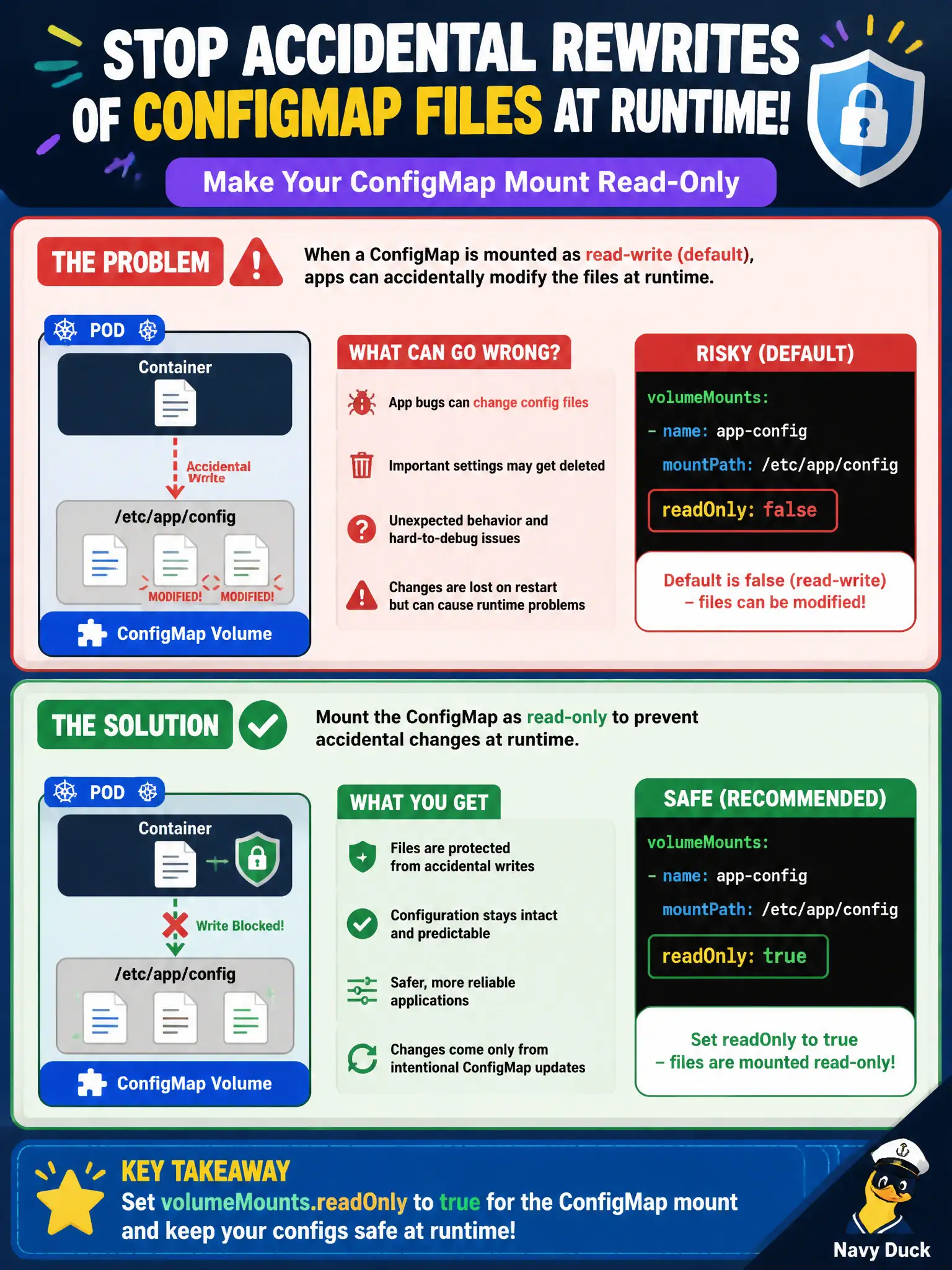
Operators want to stop the app from accidentally rewriting mounted ConfigMap files at runtime. What volumeMount setting helps?
Select an answer to reveal the explanation.
Short Explanation
Treat config like a laminated cheat sheet—look, don’t scribble. readOnly: true on the volumeMount keeps the app from corrupting those files. Wide-open modes and bidirectional propagation are the opposite of hardening.
Full Explanation
Operators who want to stop the app from accidentally rewriting mounted ConfigMap files at runtime should set volumeMounts.readOnly to true for the ConfigMap mount. A read-only mount makes the projected files non-writable to the process, protecting municipal configuration from accidental corruption while still allowing the app to read settings.
Setting mountPropagation to Bidirectional does not make ConfigMaps read-only and is unrelated to protecting projected config. Setting defaultMode to 0777 increases writability rather than preventing edits. Adding fsGroup 0 so only root can write is a confused privilege change, not a clean read-only mount.
Exam caveat: readOnly on the volumeMount is the direct control. Remember apps that require writable config may need an emptyDir copy pattern instead of writing through the ConfigMap mount.
Operational check: mount ConfigMap with readOnly: true; kubectl exec -- touch a mounted file and expect failure; confirm the app still reads configuration successfully. In municipal environments, document the chosen pattern in the service runbook so on-call engineers apply the same kubectl checks during incidents, and keep the change tied to the application Deployment or Job rather than ad-hoc node mutation.