
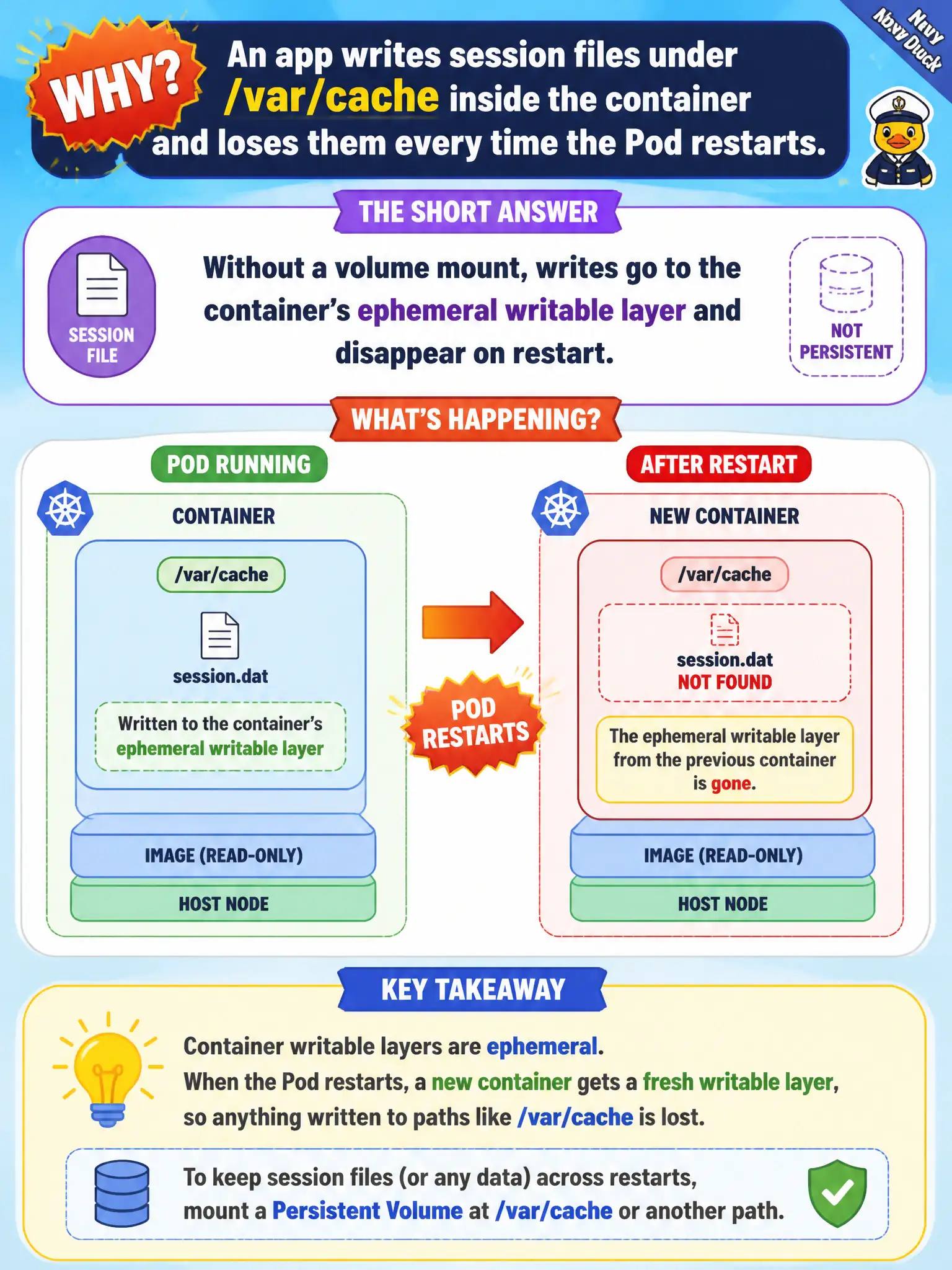
An app writes session files under /var/cache inside the container and loses them every time the Pod restarts. Why?
Select an answer to reveal the explanation.
Short Explanation
The container’s writable layer is a hotel notepad—fine for tonight, gone at checkout. Restart the Pod and that /var/cache scratch vanishes unless you mount a volume. Persistence needs an explicit volume, not hope.
Full Explanation
If an app writes session files under /var/cache inside the container and loses them every time the Pod restarts, the reason is that without a volume mount those writes go to the container’s ephemeral writable layer and disappear when the container is recreated. Municipal session caches need emptyDir (Pod-lifetime) or a PVC (durable) if survival matters.
Kubernetes does not always wipe /var on every readiness probe failure. Session files do not require a DaemonSet; Deployments persist paths only when volumes are mounted. The kubelet does not store container layers only when imagePullPolicy is Always—that confuses pull policy with writable-layer lifetime.
Exam caveat: Distinguish image layers (immutable) from writable container layer (ephemeral) from volumes (explicit lifetime). Choose volume type by durability needs.
Operational check: write a file under /var/cache; kubectl delete pod; confirm loss; remount emptyDir or PVC and repeat to show persistence for the chosen lifetime. In municipal environments, document the chosen pattern in the service runbook so on-call engineers apply the same kubectl checks during incidents, and keep the change tied to the application Deployment or Job rather than ad-hoc node mutation.