
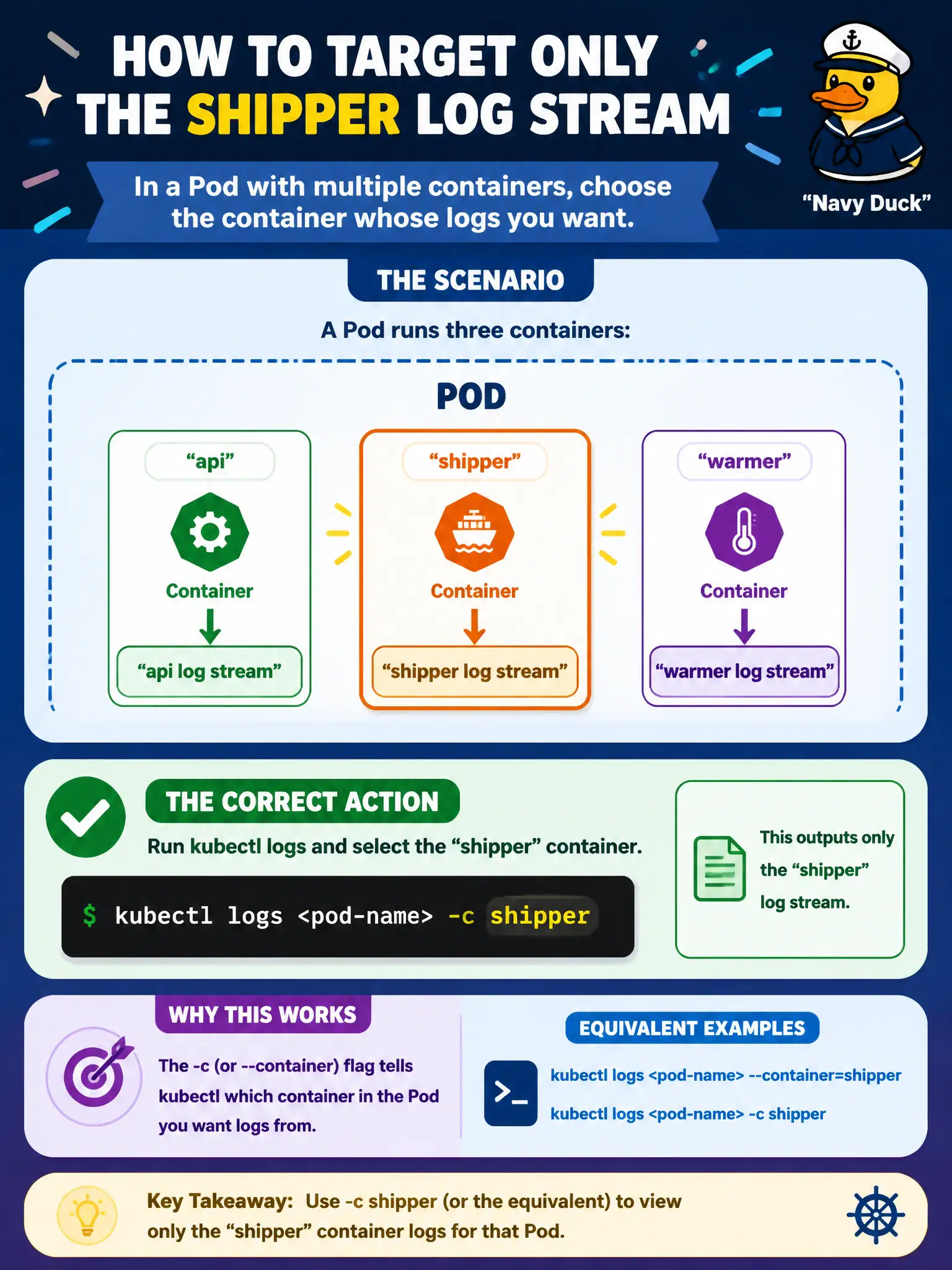
A Pod runs containers named api, shipper, and warmer. Which action correctly targets only the shipper log stream?
Select an answer to reveal the explanation.
Short Explanation
Multi-container Pods are a group chat with three threads—you have to name which thread you want. That’s the -c container flag for kubectl logs.
Full Explanation
A Pod that runs containers named api, shipper, and warmer requires explicit container selection to view only the shipper log stream. Run kubectl logs with -c shipper (or the equivalent container selection flag) for that Pod. Multi-container Pods keep separate log streams per container name; choosing -c targets the municipal log shipper without mixing api or warmer output into the triage session.
Running kubectl logs without a container name does not cleanly merge streams alphabetically in the way the distractor claims—clients typically error or prompt when multiple containers exist. Deleting the api and warmer containers from the live Pod so logs default to shipper is destructive and fights the controller’s desired state. Querying the Service DNS name is wrong because logs are not stored in Endpoints objects.
Exam caveat: The same -c selector applies to kubectl exec and to interpreting containerStatuses. Use --previous (-p) when reading logs from the last crashed container instance.
Operational check: kubectl logs deploy/app -c shipper --tail=100; compare with -c api; after a crash, kubectl logs -c shipper --previous; automate -c in runbook snippets. In municipal environments, document the chosen pattern in the service runbook so on-call engineers apply the same kubectl checks during incidents, and keep the change tied to the application Deployment or Job rather than ad-hoc node mutation.