
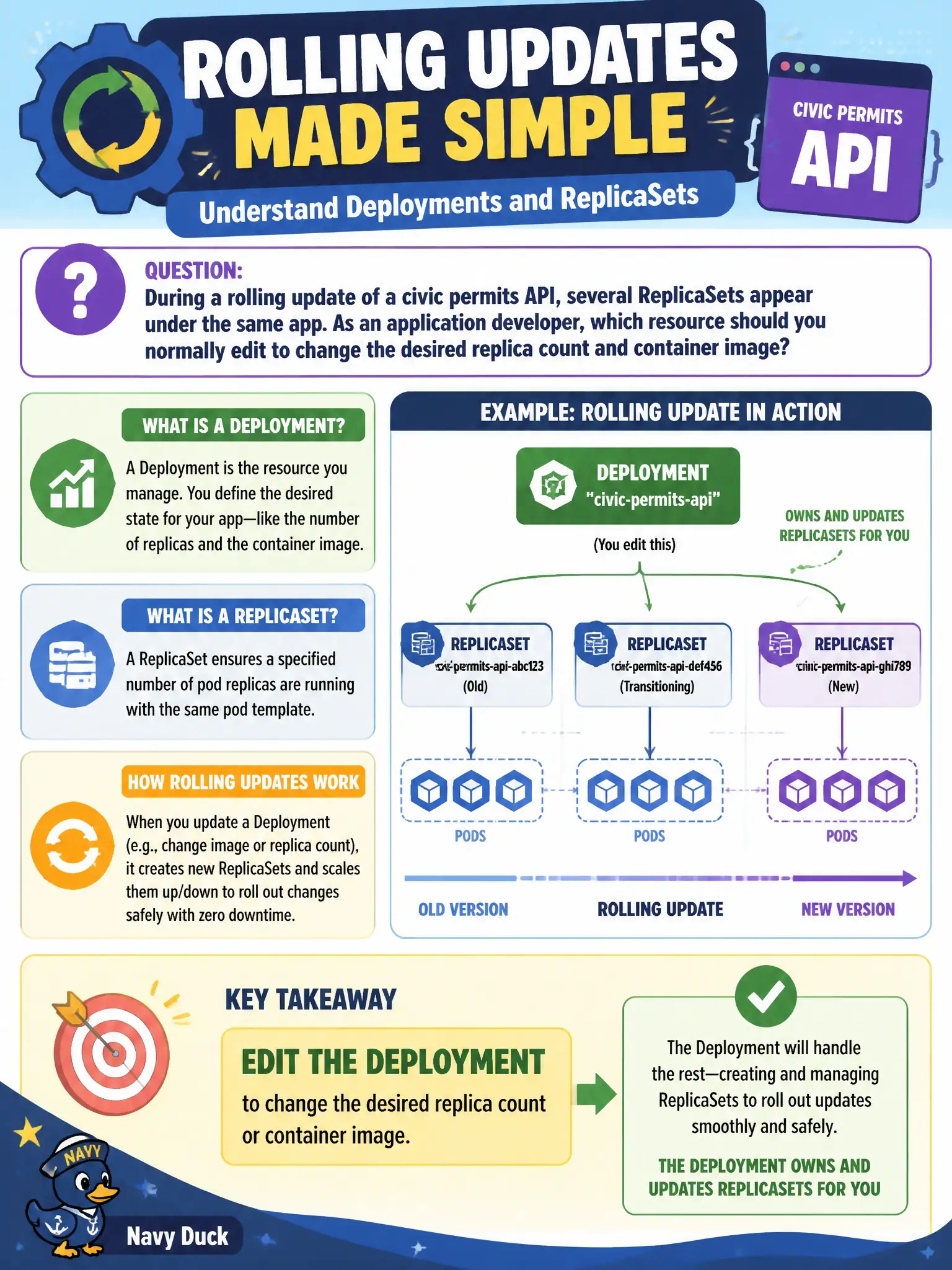
During a rolling update of a civic permits API, several ReplicaSets appear under the same app. As an application developer, which resource should you normally edit to change the desired replica count and container image?
Select an answer to reveal the explanation.
Short Explanation
The Deployment is the steering wheel; ReplicaSets are the gears underneath. You turn the wheel (replicas, image, template)—Kubernetes shifts the gears so you do not hand-edit each ReplicaSet.
Full Explanation
During a rolling update of a civic permits API, several ReplicaSets appear under the same application labels. As an application developer you normally edit the Deployment when you need to change the desired replica count or the container image. The Deployment owns those ReplicaSets: it creates a new ReplicaSet when the Pod template changes and scales previous ReplicaSets according to the rolling-update strategy. Day-to-day configuration therefore targets the Deployment object, not each ReplicaSet.
Editing each ReplicaSet independently so the Deployment stays untouched fights the controller and tends to race or be reconciled away. Editing the underlying Pods one by one with kubectl edit pod is ephemeral and bypasses desired state. Introducing a DaemonSet that mirrors the Deployment’s selector mixes workload types and is not how Deployment rollouts are managed.
Exam caveat: kubectl set image, kubectl scale, and kubectl edit deploy are the CKAD-facing tools. Use kubectl get rs to inspect ReplicaSets while troubleshooting, but do not treat ReplicaSets as the primary configuration surface for application releases.
Operational check: kubectl get rs -l app=permits; change deploy.spec.replicas or the image; watch the old ReplicaSet scale down and the new one scale up with kubectl get rs --watch; finish with kubectl rollout status deploy/permits.