
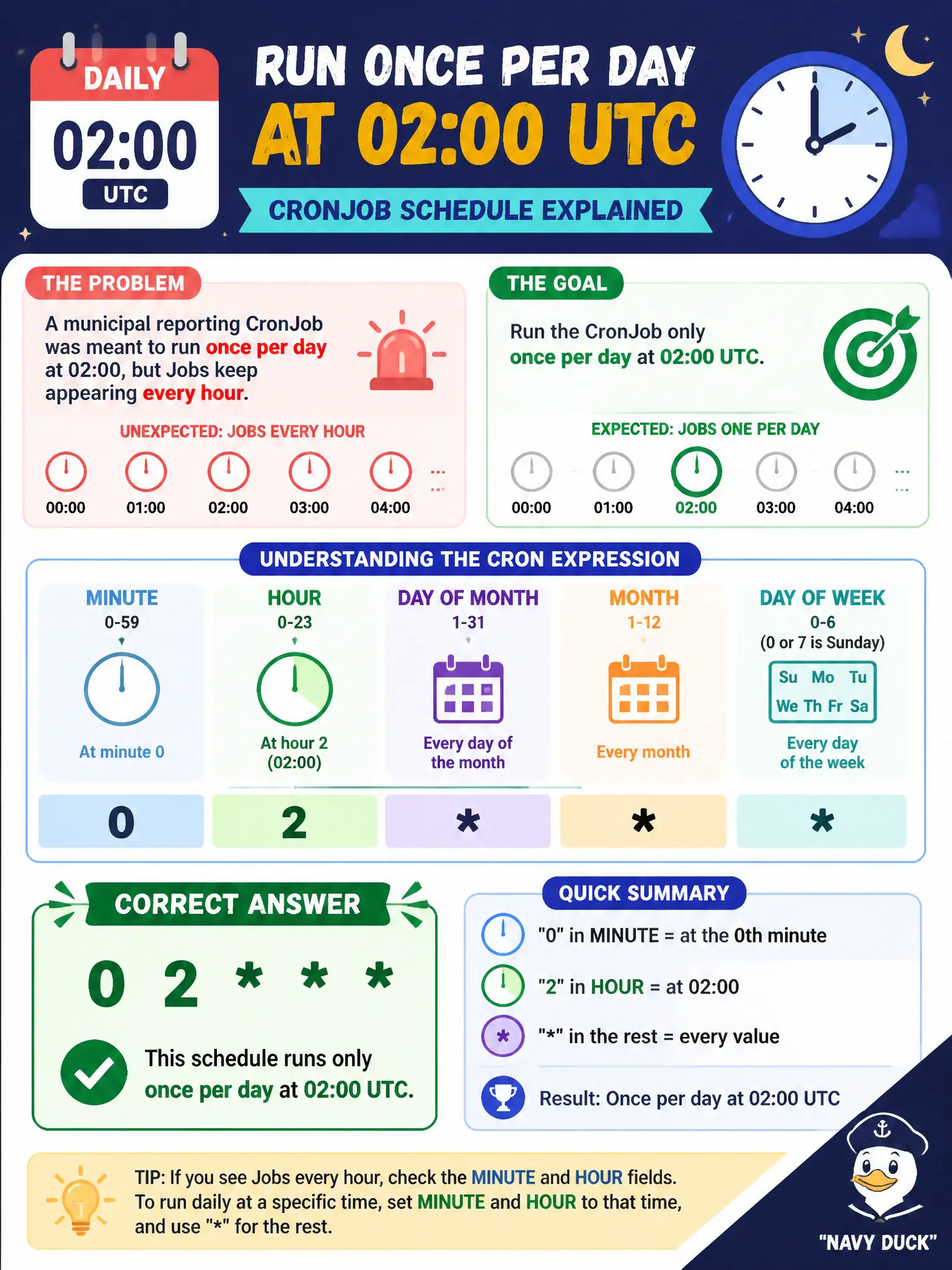
A municipal reporting CronJob was meant to run once per day at 02:00, but Jobs keep appearing every hour. Which schedule expression correctly runs only daily at 02:00 UTC?
Select an answer to reveal the explanation.
Short Explanation
Think of cron like an alarm clock face: the minute and hour slots decide when the bell rings. Putting 0 in the minute slot and 2 in the hour slot means “at 02:00,” while a star in the hour slot means “every hour.”
Full Explanation
A municipal reporting CronJob intended to run once per day at 02:00 UTC needs the schedule expression 0 2 *. In Kubernetes cron syntax that means minute 0, hour 2, every day of month, every month, and every day of week. The Job template therefore fires once daily at 02:00, which matches overnight reporting windows for city dashboards without creating hourly noise or overlapping daytime API load.
The expression 0 runs at minute 0 of every hour, which explains Jobs that keep appearing hourly. /1 runs every minute and is far too aggressive for a daily report. 2 0 runs at 00:02 daily (minute field 2, hour field 0), not at 02:00; reversing minute and hour is a frequent mistake when people map “2:00” onto the wrong positions.
Exam caveat: Kubernetes uses five cron fields—minute, hour, day of month, month, day of week. Review concurrencyPolicy if a single run can overrun twenty-four hours, and confirm whether your cluster documents UTC or another timezone for CronJob scheduling.
Operational check: kubectl get cronjob -o jsonpath='{.spec.schedule}{"\n"}'; in a lab namespace temporarily set a near-term schedule and watch Job creation; kubectl describe cronjob for Last Schedule Time; restore 0 2 * before promoting the reporting CronJob.