
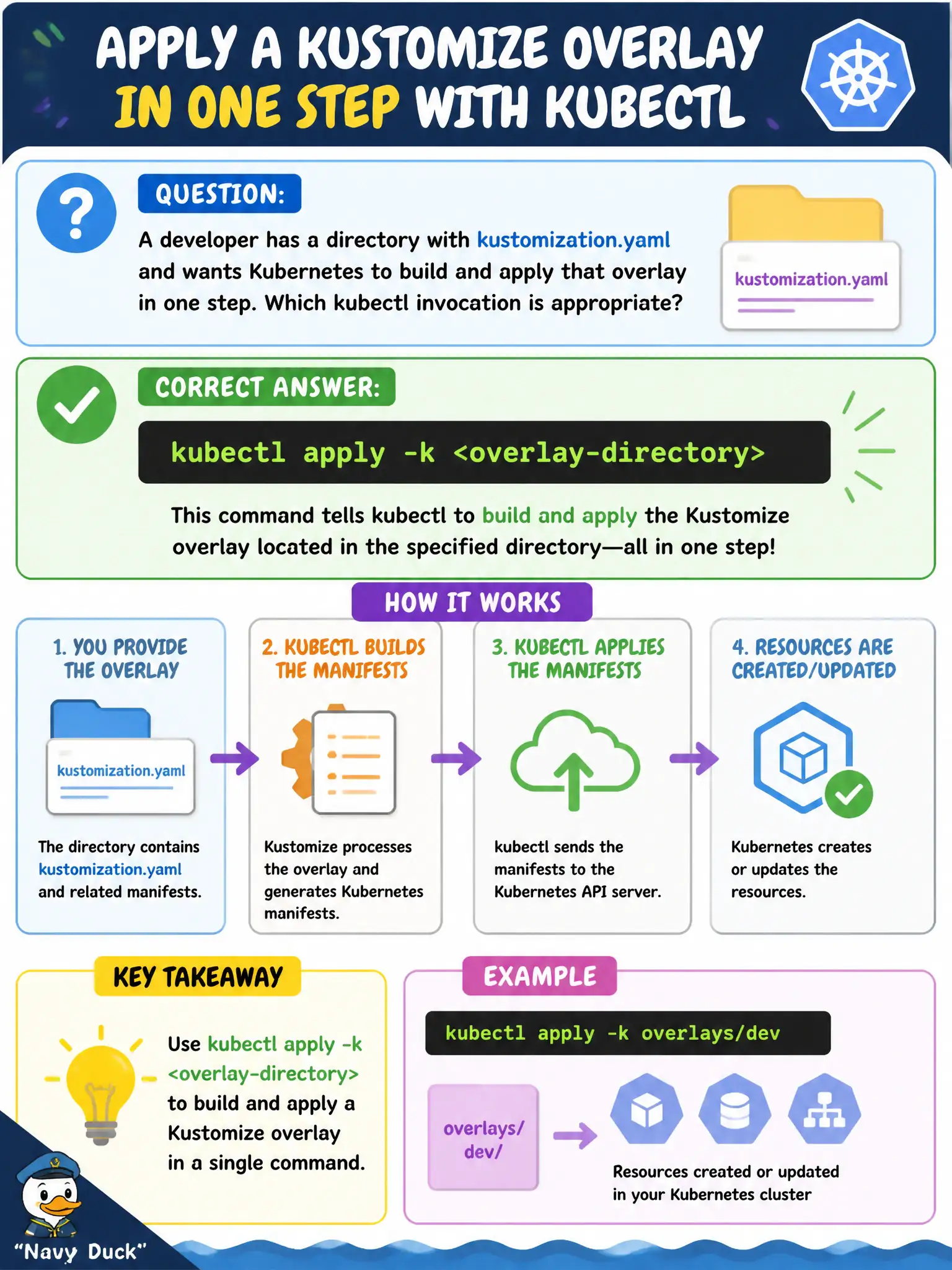
A developer has a directory with kustomization.yaml and wants Kubernetes to build and apply that overlay in one step. Which kubectl invocation is appropriate?
Select an answer to reveal the explanation.
Short Explanation
kubectl apply -k is the built-in “assemble then submit” button. Point it at the overlay folder and it renders the Kustomize build before applying—no separate kustomize binary required for the common case.
Full Explanation
When a developer has a directory containing kustomization.yaml and wants Kubernetes to build and apply that overlay in one step, kubectl apply -k <overlay-directory> is the appropriate invocation. The -k flag runs the Kustomize build and applies the rendered objects in a single workflow—standard practice for municipal Git-managed overlay directories when the review gate has already passed.
Why the other options fail by concept: kubectl run -k with a random Pod name is not how you apply a kustomization directory’s full resource set. kubectl attach -f against kustomization.yaml attaches to containers; it does not apply overlay resources. kubectl cordon -k is not a valid “apply overlays” workflow; cordon only marks nodes unschedulable and does not deploy application manifests.
Exam caveat: apply -k requires a valid kustomization.yaml at the path. Client-side versus server-side apply behaviors still apply to the rendered objects. For production city changes, prefer kubectl kustomize for human/CI review before apply -k so reviewers see the final YAML, not only the patch fragments.
Operational check: kubectl kustomize <overlay> | less for review, then kubectl apply -k <overlay>, and kubectl get -k <overlay> (or get deploy,svc -n <ns>) to confirm the city app’s resources landed as expected with the overlay’s namespace and image settings.