
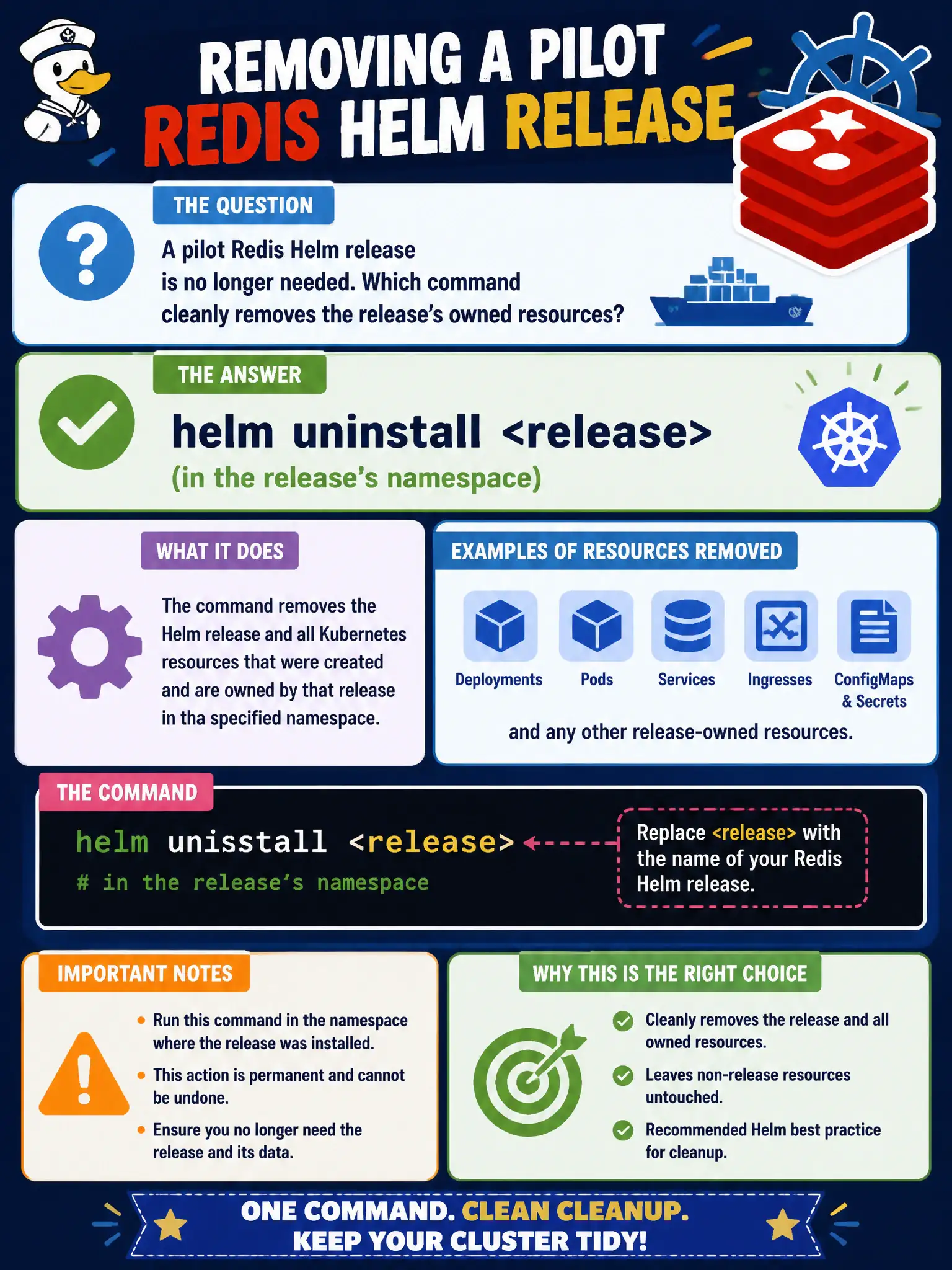
A pilot Redis Helm release is no longer needed. Which command cleanly removes the release’s owned resources?
Select an answer to reveal the explanation.
Short Explanation
When the pilot kiosk closes, take down that kiosk’s kit—not the whole mall. helm uninstall removes the named release and the resources it owns.
Full Explanation
When a pilot Redis Helm release is no longer needed, helm uninstall <release> in the release’s namespace removes the release record and deletes the Kubernetes resources Helm tracks for that release. That is the clean teardown path for municipal experiments: take down the pilot kiosk’s kit without demolishing unrelated apps sharing the cluster. Uninstall is the counterpart to install/upgrade in the release lifecycle and should be the default when a city proof-of-concept chart must leave no managed residue.
Why the other options fail by concept: Deleting namespace kube-system is catastrophic to cluster self-management and completely unrelated to removing one Redis pilot. helm template only renders YAML locally; it does not delete live objects by default. docker system prune on a worker affects local images and containers on that node, not Helm releases or namespaced Kubernetes objects owned by the release.
Exam caveat: Some charts install CRDs or cluster-scoped resources that uninstall may intentionally leave behind—read the chart’s uninstall notes before assuming a pristine cluster. PersistentVolumeClaims and PVs may retain pilot data depending on reclaim policy and templates; city data-retention policy may require an explicit PVC delete afterward. The --keep-history flag changes whether release records remain for audit after uninstall.
Operational check: Run helm uninstall <release> -n <ns>, then helm list -n <ns> to confirm the release is gone. Follow with kubectl get all,cm,secret,pvc -n <ns> filtered by release labels and manually remove any retained PVCs if the pilot’s data must not persist under municipal policy. Document the uninstall in the change ticket.