
A Helm upgrade breaks the city’s permit search UI. Which action restores the prior successful release revision?
Select an answer to reveal the explanation.
Short Explanation
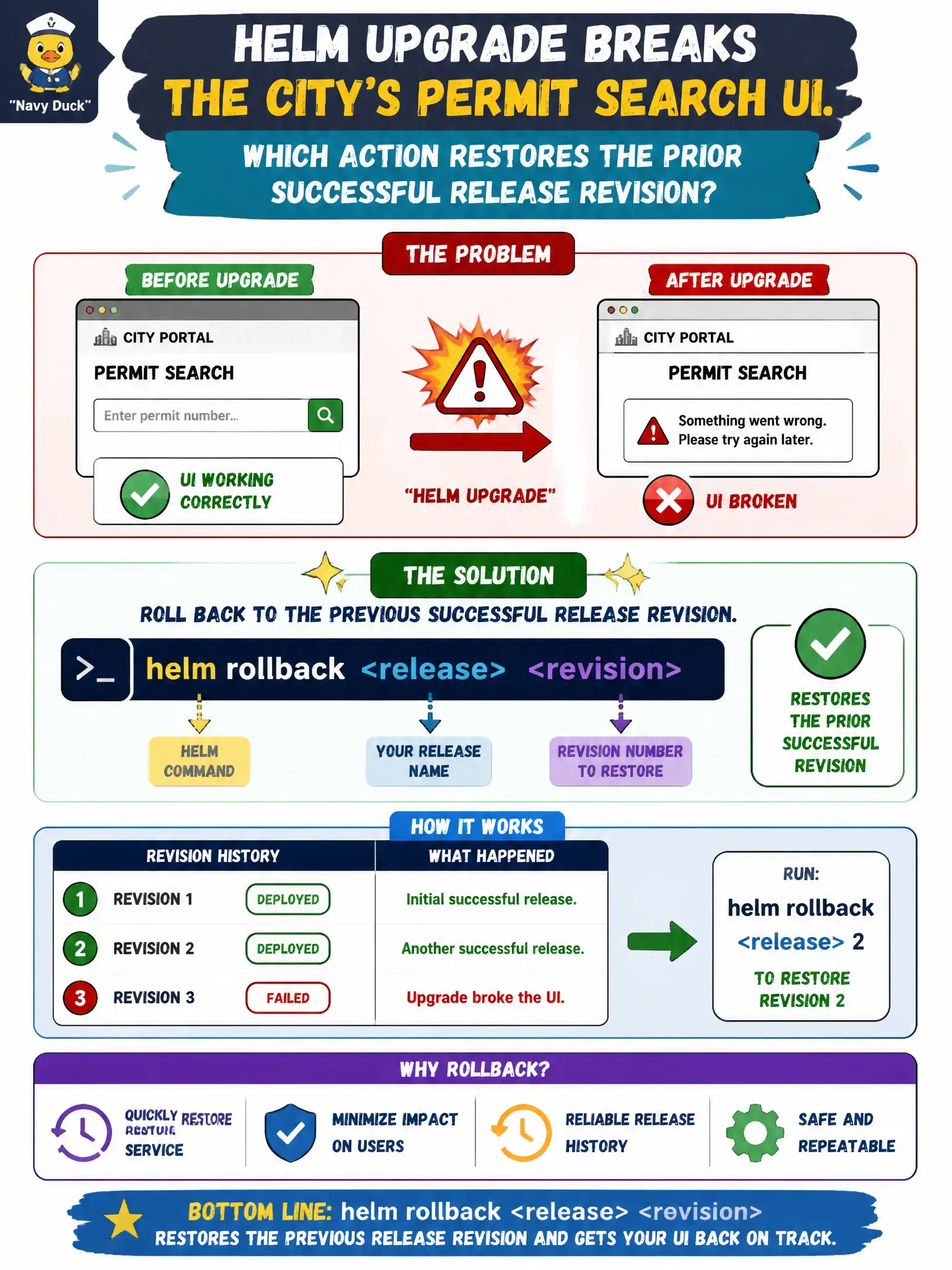
Bad upgrade? Hit the release time machine. helm rollback puts the release back on an earlier revision so the app returns to the last good chart/values state.
Full Explanation
When a Helm upgrade breaks the city’s permit search UI, helm rollback <release> <revision> restores the prior successful release revision, reapplying the earlier release’s rendered resources. That is the Helm-native recovery path analogous to Deployment undo, preserving municipal service continuity after a bad chart/values change.
Why the other options fail by concept: helm repo update refreshes chart indexes; it does not rewrite live release revisions back to health. Deleting all Secrets in the namespace destroys credentials and can obliterate Helm storage backends depending on driver—catastrophic, not rollback. helm create only scaffolds a new chart directory locally; it does not undo cluster state.
Exam caveat: Rollback targets a release revision from helm history, which includes failed revisions—pick a known-good number deliberately. Hooks may run on rollback depending on chart design. If resources were manually drifted outside Helm, rollback may not match operator expectations—prefer helm-managed changes.
Operational check: helm history <release> -n <ns> to identify the last good revision, helm rollback <release> <rev> -n <ns>, then verify permit search UI and kubectl get deploy,pods for the release. Confirm helm status shows the rolled-back revision as deployed.