
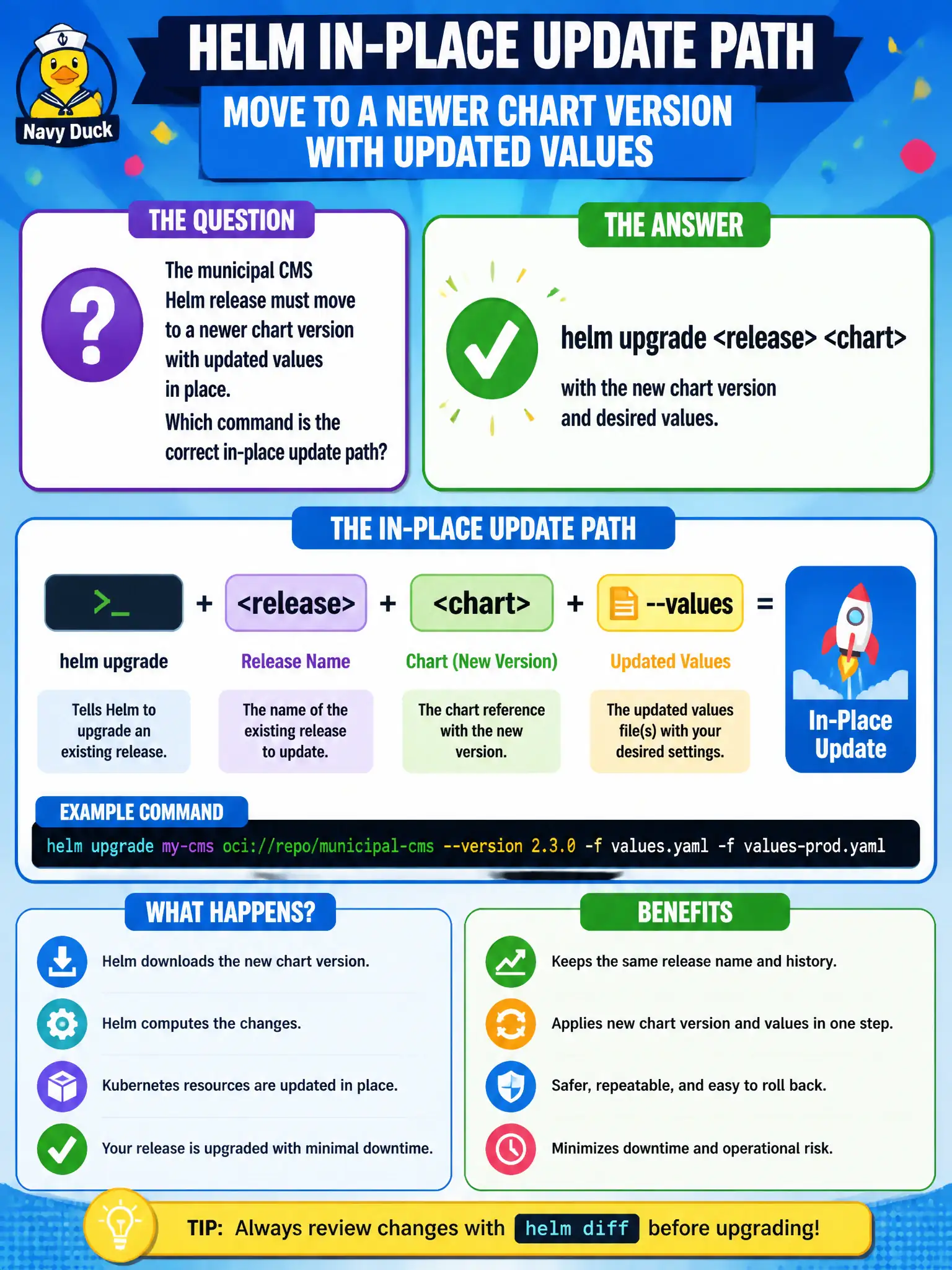
The municipal CMS Helm release must move to a newer chart version with updated values in place. Which command is the correct in-place update path?
Select an answer to reveal the explanation.
Short Explanation
Upgrading the carnival booth doesn’t mean tearing down the whole fairground. helm upgrade updates the named release to a new chart version or values in place.
Full Explanation
Moving a municipal CMS Helm release to a newer chart version with updated values in place is done with helm upgrade <release> <chart>, supplying the new chart version and desired values. Upgrade revises the named release, applies chart hooks as configured, and keeps release history for rollback—appropriate for in-place civic app updates without destroying the namespace.
Why the other options fail by concept: helm uninstall plus deleting the namespace is destructive teardown, not an in-place update path. kubectl rollout undo on an unrelated DaemonSet does not upgrade a Helm release. helm repo remove drops local repo configuration; it does not auto-upgrade releases.
Exam caveat: Always review helm diff/helm template output before production upgrades when possible. Major chart versions may change values schema—read CHANGELOG/migration notes. Atomic/cleanup flags and hooks can affect failure behavior; know whether a failed upgrade leaves partial resources.
Operational check: helm history <release> -n <ns>, helm upgrade <release> <chart> --version <ver> -f values.yaml -n <ns>, then helm status and application smoke tests. If the CMS UI breaks, helm rollback to the prior healthy revision promptly.