
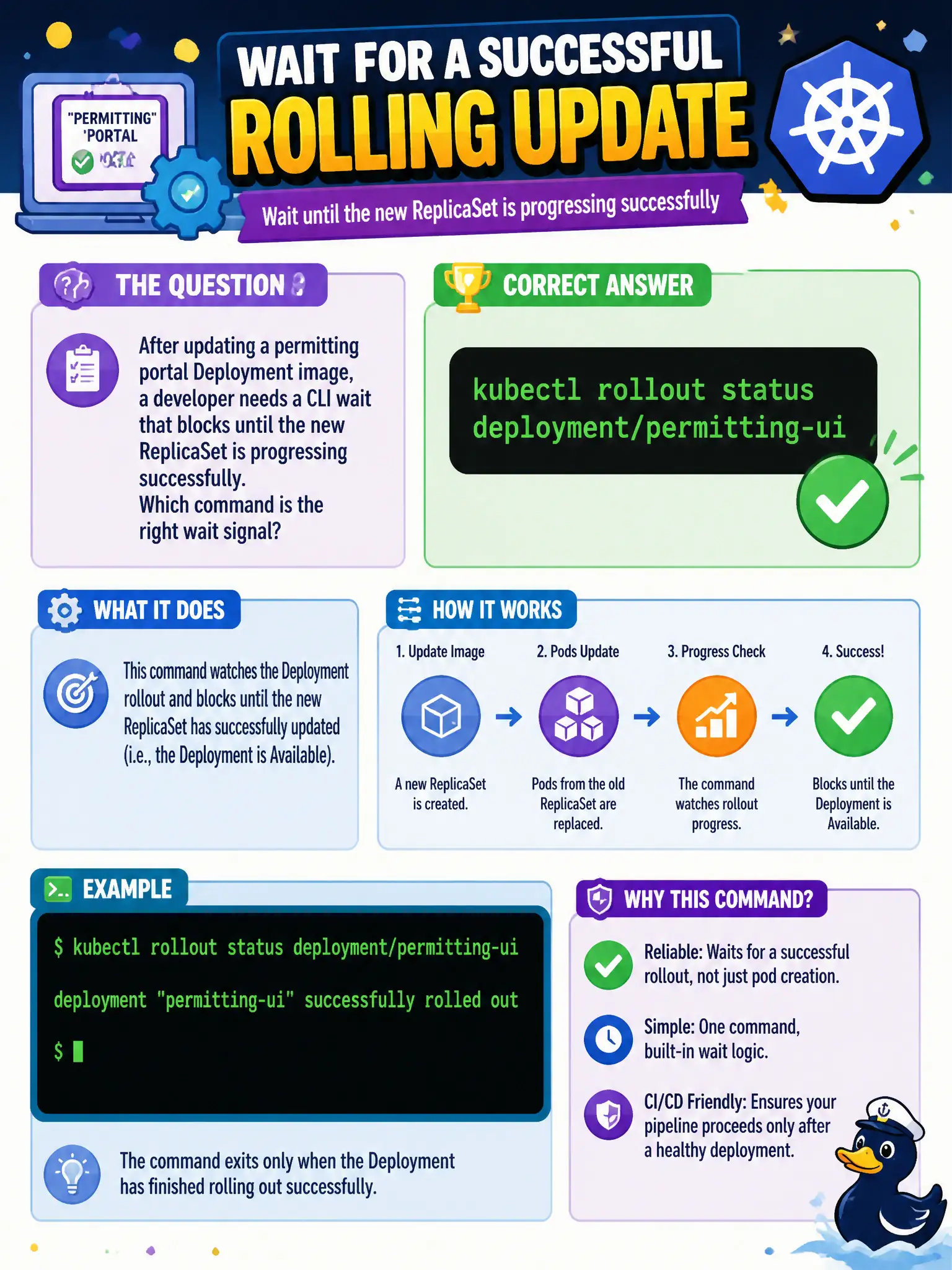
After updating a permitting portal Deployment image, a developer needs a CLI wait that blocks until the new ReplicaSet is progressing successfully. Which command is the right wait signal?
Select an answer to reveal the explanation.
Short Explanation
You don’t guess whether the movers finished—you stand at the door until they say “done.” kubectl rollout status watches the Deployment until the new ReplicaSet is healthy (or the progress deadline fails), so it’s the natural CLI wait after an image bump.
Full Explanation
After bumping a permitting portal Deployment image, the developer needs a CLI that blocks until the new ReplicaSet is healthy enough for the rollout to be considered successful. kubectl rollout status deployment/permitting-ui watches Deployment progress conditions and exits zero when the rollout completes, or non-zero when progress fails (commonly ProgressDeadlineExceeded). That wait signal is the standard gate in municipal CI/CD scripts before announcing the portal upgrade to stakeholders or proceeding to smoke tests against the Service.
Why the other options fail by concept: kubectl wait --for=delete on the Deployment waits for the Deployment object itself to disappear, which is destruction—not a successful new ReplicaSet. Scaling replicas to zero deliberately removes capacity and does not certify that a new revision is Ready. Writing an arbitrary rollout-complete annotation invents a fake signal Kubernetes does not drive from ReplicaSet health; annotations alone do not prove Pods became Ready.
Exam caveat: rollout status respects the Deployment’s progressDeadlineSeconds; a hang may be a failed image pull, probe failure, or insufficient cluster resources rather than a “slow but fine” update. In multi-container Pods, readiness of all containers that participate in readiness gates matters. Prefer waiting on the Deployment (or its owning revision) rather than a single Pod name that may be replaced mid-rollout.
Operational check: After kubectl set image or apply, run kubectl rollout status deployment/permitting-ui --timeout=<budget> in the permitting namespace. On failure, immediately kubectl describe deploy/permitting-ui and kubectl get rs,pods -l <selector> to see whether the new ReplicaSet is scaled up and why Pods are not Ready before attempting rollout undo.