
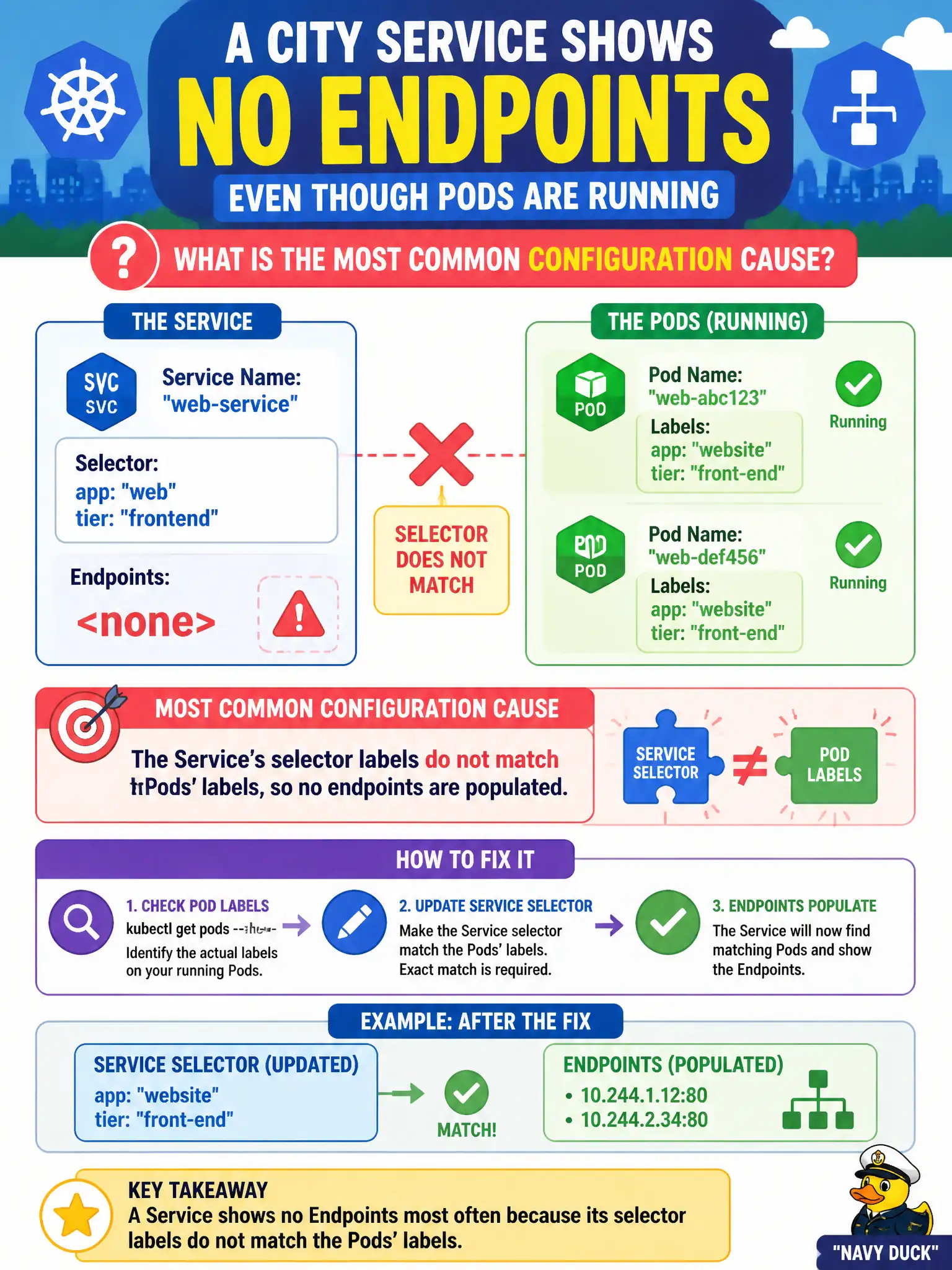
A city Service shows no Endpoints even though Pods are Running. What is the most common configuration cause?
Select an answer to reveal the explanation.
Short Explanation
Services pick teammates by jersey numbers (labels)—if the selector says blue-7 and the Pods wear red-9, the roster stays empty. Match the labels, get the Endpoints.
Full Explanation
When a city Service shows no Endpoints even though Pods are Running, the most common configuration cause is that the Service's selector labels do not match the Pods' labels, so no endpoints are populated. Jersey numbers must match for the roster to fill. Pods lacking a PersistentVolumeClaim is not required before Endpoints can form; many Services select diskless Pods successfully. CoreDNS must not be scaled to zero for Endpoints objects to appear; Endpoints are maintained by controllers matching selectors, independent of DNS availability. The Service type does not need to be ExternalName before any in-cluster Pod can be selected; ExternalName Services do not select Pods via selectors the way ClusterIP Services do. Exam caveat: Also check Ready probes—unready pods may be excluded from ready addresses even when Endpoints subsets look nuanced (EndpointSlices). Still, total empty Endpoints usually means selector mismatch. Operational check: Compare Service selector to Pod labels, fix the mismatch, confirm Endpoints/EndpointSlices populate, and retest the civic Service path. In municipal production practice, record the finding in the incident ticket with command output snippets, confirm the fix under change control, and re-validate the user-facing civic service before closing the change window.