
A county pod crashed and restarted; engineers need logs from the terminated instance, not only the new one. Which kubectl behavior addresses that need?
Select an answer to reveal the explanation.
Short Explanation
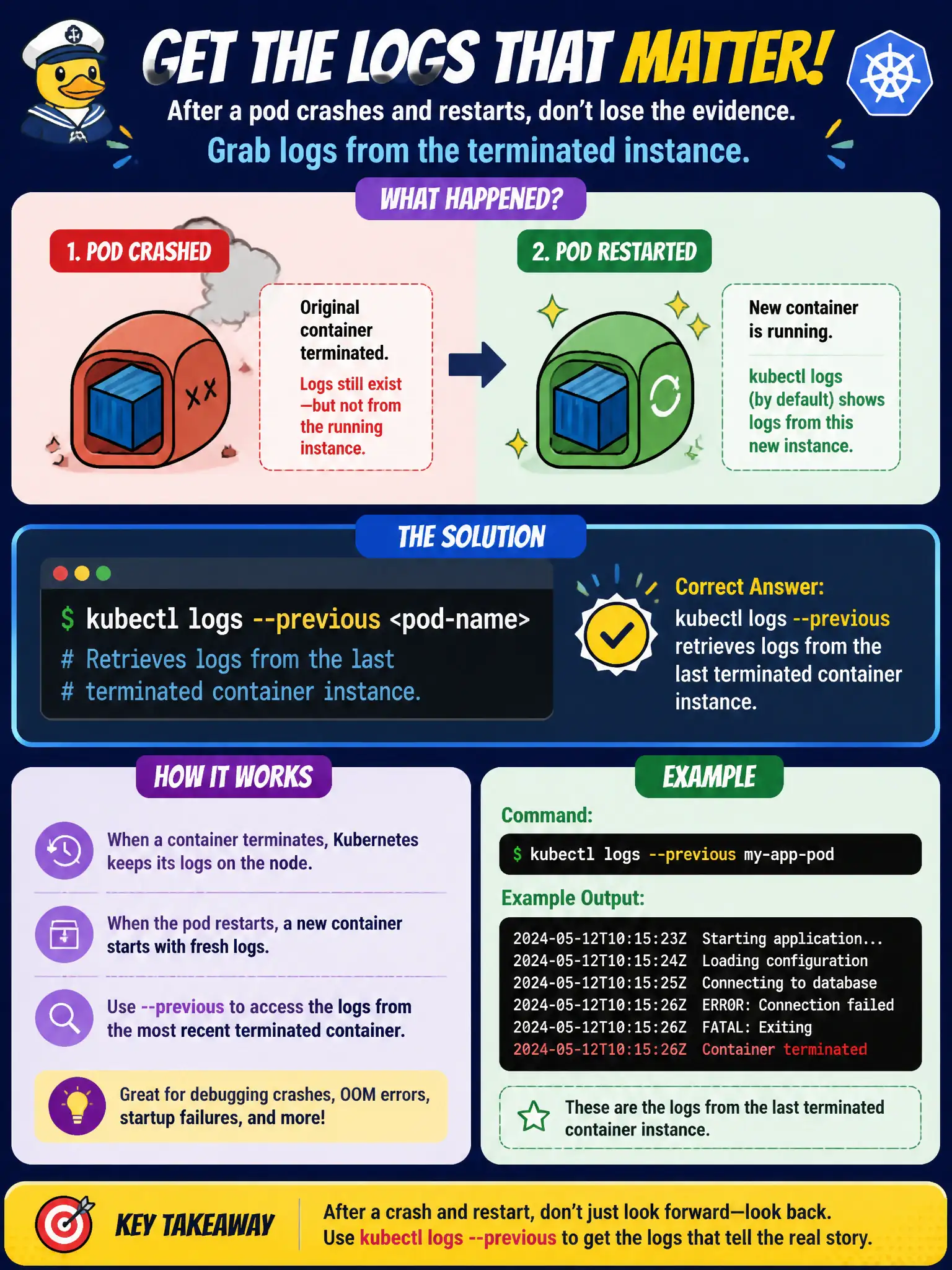
After a restart you're staring at a fresh container—add --previous to hear the last one's dying words. Otherwise you only get the newbie's empty notebook.
Full Explanation
After a county pod crashes and restarts, kubectl logs without flags shows the new container’s stream. kubectl logs --previous retrieves logs from the last terminated container instance, which is exactly what engineers need when diagnosing the crash that prompted the restart rather than staring at a fresh process with little to say yet. kubectl logs does not always merge every historical restart into one stream without flags; by default you see the current instance, and --previous refers only to the immediate predecessor. kubectl attach connects interactively to a running container’s streams; it does not replace retrieving logs from an already-terminated crash instance. kubectl rollout undo rolls a Deployment back to a prior ReplicaSet revision; it does not automatically print prior container stdout for crash analysis. Exam caveat: --previous covers only one generation back—after several rapid restarts, older crash logs may already be gone unless a centralized log shipper retained them for the municipality. Operational check: Immediately run kubectl logs <pod> --previous (and -c if needed), save the output into the incident ticket, fix the root cause, and consider cluster-wide logging so future crashes are not lost with the node-local buffer.