
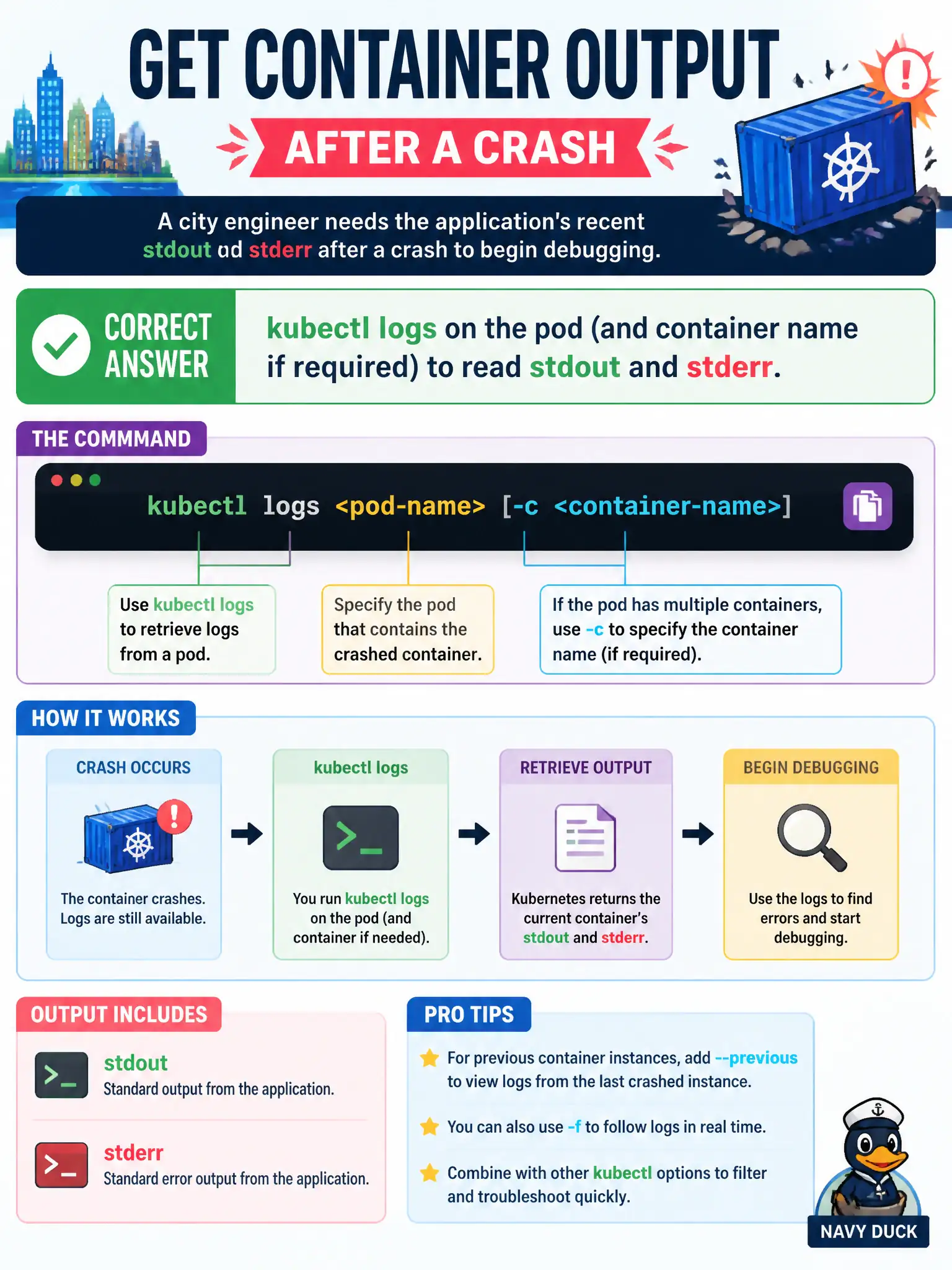
A city engineer needs the application's recent stdout and stderr after a crash to begin debugging. Which approach retrieves the current container's output stream?
Select an answer to reveal the explanation.
Short Explanation
App chatter lives on stdout and stderr—kubectl logs is how you listen. Describe and auth checks talk about objects, not the process's print stream.
Full Explanation
After a crash, a city engineer begins debugging by retrieving the application’s recent stdout and stderr with kubectl logs on the pod, adding -c or --container when multiple containers exist. That command reads the container’s output stream through the Kubernetes API from the node logging pipeline—not node describe dumps and not authorization probe commands. kubectl get events filtered to SuccessfulCreate only shows controller acknowledgements that a pod object was created; it does not stream application console output needed after a crash. kubectl describe node summarizes conditions, capacity, and addresses; it does not dump application log files from the host filesystem as a substitute for kubectl logs. kubectl auth can-i create pods checks whether an identity is allowed to create pods; it does not print container console output for debugging. Exam caveat: If the container already restarted, add --previous to retrieve the terminated instance’s logs. Empty kubectl logs often mean the application wrote only to files inside the container filesystem instead of stdout and stderr. Operational check: Run kubectl logs on the pod (and container name if required), capture the stack trace or configuration error, fix the civic application or its ConfigMap, and confirm the replacement instance remains stable.