
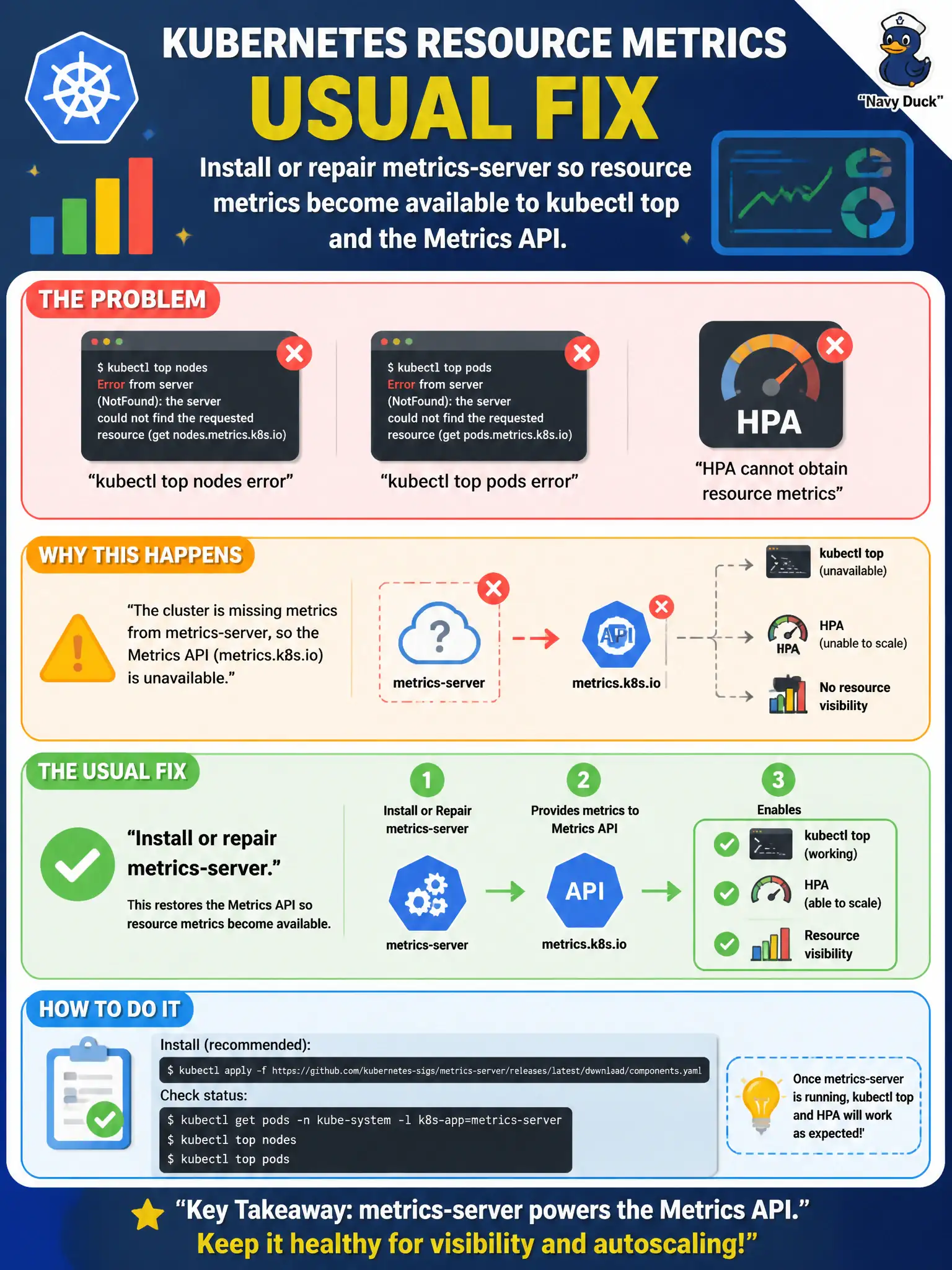
HR cluster administrators find that kubectl top nodes and kubectl top pods error, and HPA cannot obtain resource metrics. What is the usual fix?
Select an answer to reveal the explanation.
Short Explanation
When top and HPA go blind, the cluster is usually missing its metrics-server eyeballs. Install or fix that addon and the Metrics API lights back up.
Full Explanation
When kubectl top nodes and kubectl top pods error and HPA cannot obtain resource metrics, the usual fix is to install or repair metrics-server so the resource metrics API becomes available again. HR cluster administrators should treat the Metrics API as the shared dependency behind top and HPA rather than rewriting DNS or Service types as a first step. Replacing CoreDNS with only a NodeLocal DNS Cache DaemonSet does not restore resource metrics; DNS caching is orthogonal to whether the Metrics API can serve CPU and memory samples. Converting every Service from ClusterIP to ExternalName breaks ordinary in-cluster load-balancing patterns and does nothing to repair a missing or broken metrics-server. Setting all pods to hostNetwork true is a disruptive networking change that does not provide CPU or memory metrics to kubectl top or to HorizontalPodAutoscalers. Exam caveat: After installation, verify the metrics.k8s.io APIService shows Available and that metrics-server can scrape kubelets with correct auth and address-type flags for your environment. Operational check: Deploy or repair metrics-server, inspect APIService status and pod logs, re-run kubectl top, and confirm HPA objects display current utilization readings for HR workloads.