
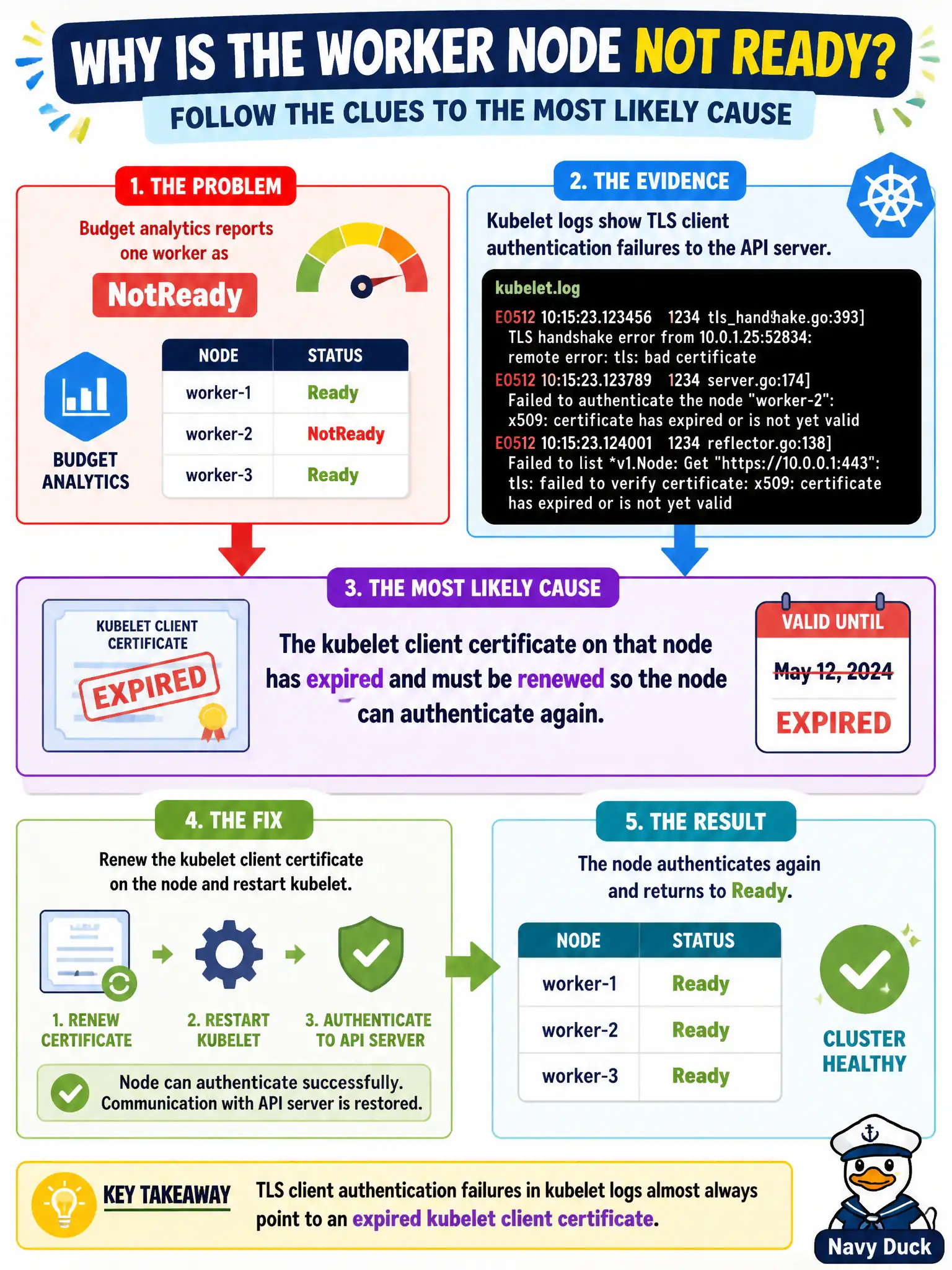
Budget analytics reports one worker as NotReady and kubelet logs show TLS client authentication failures to the API server. What is the most likely cause?
Select an answer to reveal the explanation.
Short Explanation
Think of the kubelet's client cert like a badge at the city hall door—if it expires, security won't let that node talk to the API, and it shows NotReady. Renewing the kubelet credentials gets the handshake working again.
Full Explanation
In a municipal cluster, kubelet authenticates to the API server with a client certificate, much like a city worker badge at the hall door. When that certificate expires, TLS client authentication fails: the node cannot renew leases or report healthy conditions reliably, and operators commonly observe NotReady together with kubelet log lines about certificate or handshake failures. Renewing the kubelet client credentials restores the authenticated control channel so the node can publish Ready again. CNI deletion can leave pods without networking, but it is not the most direct explanation for kubelet TLS client authentication failures in the logs; Ready publication problems framed as badge/TLS errors point at credentials, not a missing CNI binary. A PodDisruptionBudget constrains voluntary disruptions such as drain/eviction; it does not intercept or block kubelet heartbeats or TLS handshakes to the API server, so it cannot explain certificate authentication failures. CoreDNS outages break Service name resolution for workloads; they do not typically present as kubelet client certificate authentication failures to the API server, nor do they require resolving metrics-server merely to keep the node Ready via the authenticated kubelet path. Exam caveat: NotReady has many causes (disk pressure, network unavailable, kubelet crash). The stem’s explicit TLS client authentication failures are the distinguishing clue—match the symptom to expired or untrusted kubelet client certs rather than inventing unrelated component outages. Operational check: On the affected worker, inspect kubelet logs for x509/certificate expired messages, compare certificate notAfter times under the kubelet PKI paths used by your distro (often under /var/lib/kubelet/pki or kubeadm-managed paths), renew or rotate with the cluster’s documented procedure (kubeadm certs or your CMDB runbook), restart kubelet if required, then confirm the node returns Ready and that kubectl describe node no longer shows authenticating errors.