
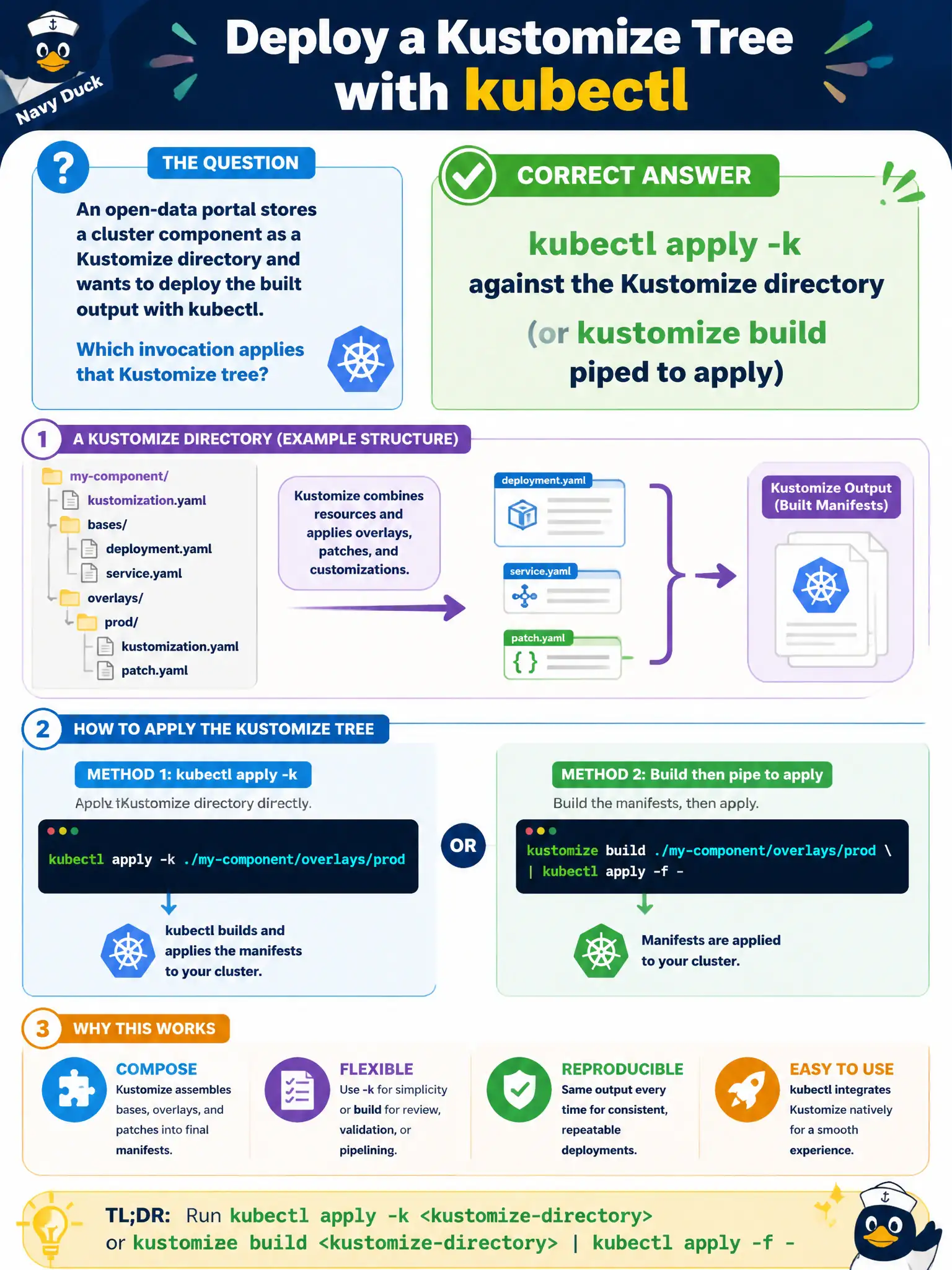
An open-data portal stores a cluster component as a Kustomize directory and wants to deploy the built output with kubectl. Which invocation applies that Kustomize tree?
Select an answer to reveal the explanation.
Short Explanation
kubectl apply -k is the built-in “build this Kustomize folder, then apply it” button—perfect for an open-data addon checked into git. Taints and attach sessions do not expand kustomization.yaml. You build (or -k), then apply.
Full Explanation
An open-data portal storing a component as a Kustomize directory deploys it with kubectl apply -k against that directory—or kustomize build piped to apply. That is the built-in “build this folder, then apply” button for git-checked municipal addons. kubectl taint nodes with a Kustomize=true key does not expand kustomization.yaml. kubectl attach to the API server process to paste YAML interactively is not a Kustomize workflow. kubectl delete -f only does not expand kustomization.yaml as an apply -k build step. Exam caveat: apply -k builds then applies; taints and attach sessions are unrelated. Operational check: kubectl apply -k ./component, review the built resources, and confirm objects match kustomize build output for the portal addon. In municipal platform operations, record the rationale in the change ticket so future on-call staff know which control was chosen and which failure modes the rejected options would create for city services. Re-validate after the next maintenance window that the same control still holds under the cluster’s current minor version and addon revisions used by the civic platform team. Keep the verification evidence—command output or config snippets—with the municipal runbook so audits can prove the control was applied as designed.