
Transit platform ops must decommission a worker permanently. What clean removal sequence avoids stale node registrations?
Select an answer to reveal the explanation.
Short Explanation
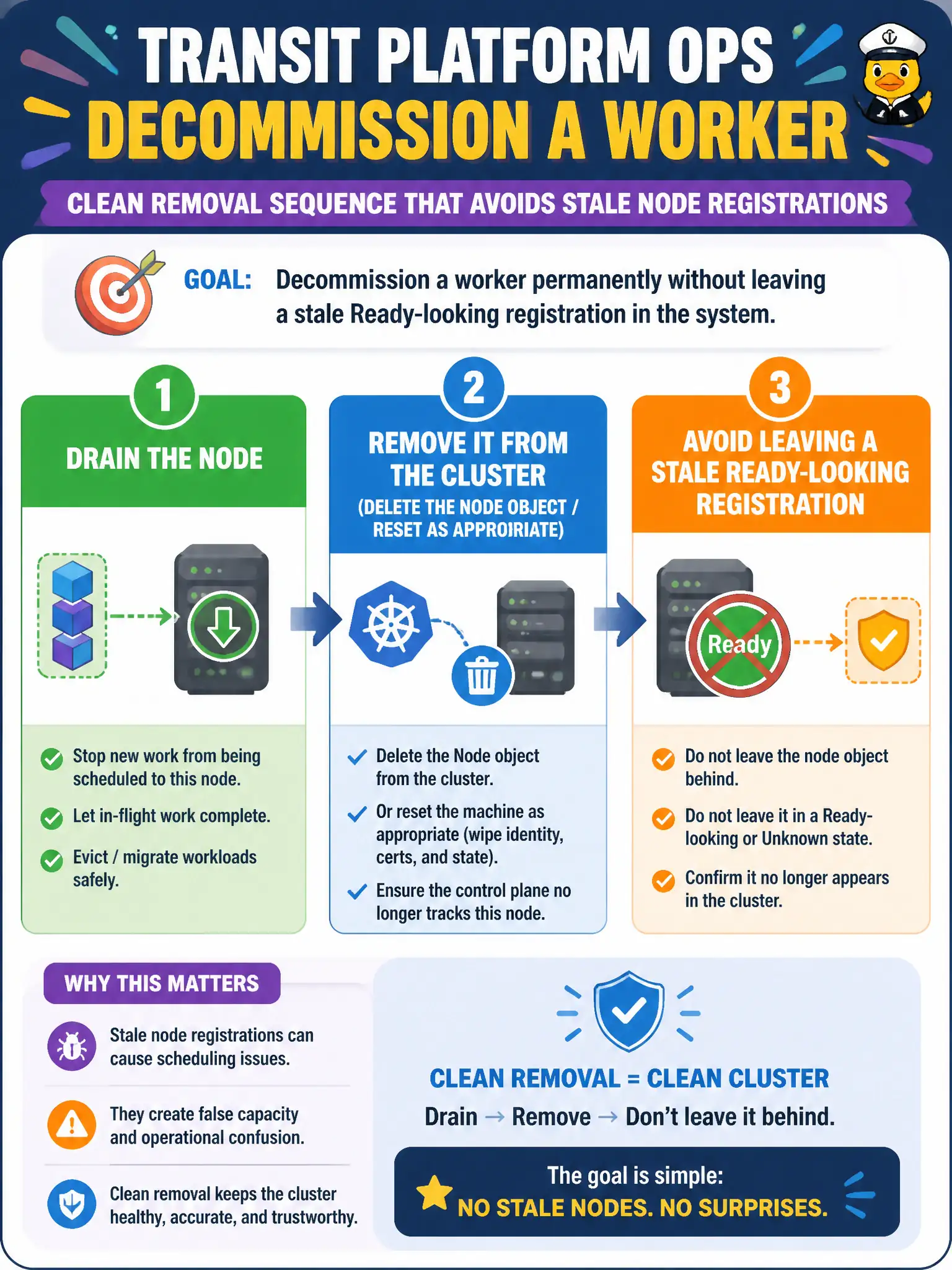
Retiring a node isn’t just yanking the power cord—you empty it, check it out of inventory, and wipe the badge. Drain workloads, delete the Node object (and reset the host if it might rejoin), so the API doesn’t keep a ghost that looks like capacity. Stale nodes confuse monitoring and scheduling forever.
Full Explanation
To decommission a transit worker permanently, drain the node, remove it from the cluster by deleting the Node object and resetting the host as appropriate, and avoid leaving a stale Ready-looking registration. Retiring a node means emptying it, checking it out of inventory, and wiping the badge—not only yanking power. Powering off the VM only often leaves a stale Node object that still looks like capacity to schedulers and monitors. Running kubeadm init on the worker to turn it into a control plane before deletion is the wrong teardown path. Removing /etc/hosts entries cluster-wide while leaving the Node object does not deregister the node from the API. Exam caveat: API inventory and host membership state both need cleanup for clean removal. Operational check: drain, kubectl delete node, kubeadm reset on the host if reuse is possible, and confirm the node no longer appears in kubectl get nodes or capacity dashboards. In municipal platform operations, record the rationale in the change ticket so future on-call staff know which control was chosen and which failure modes the rejected options would create for city services. Re-validate after the next maintenance window that the same control still holds under the cluster’s current minor version and addon revisions used by the civic platform team.