
A school district upgrades kubelet on a worker while keeping applications available. Which node lifecycle pattern matches standard practice?
Select an answer to reveal the explanation.
Short Explanation
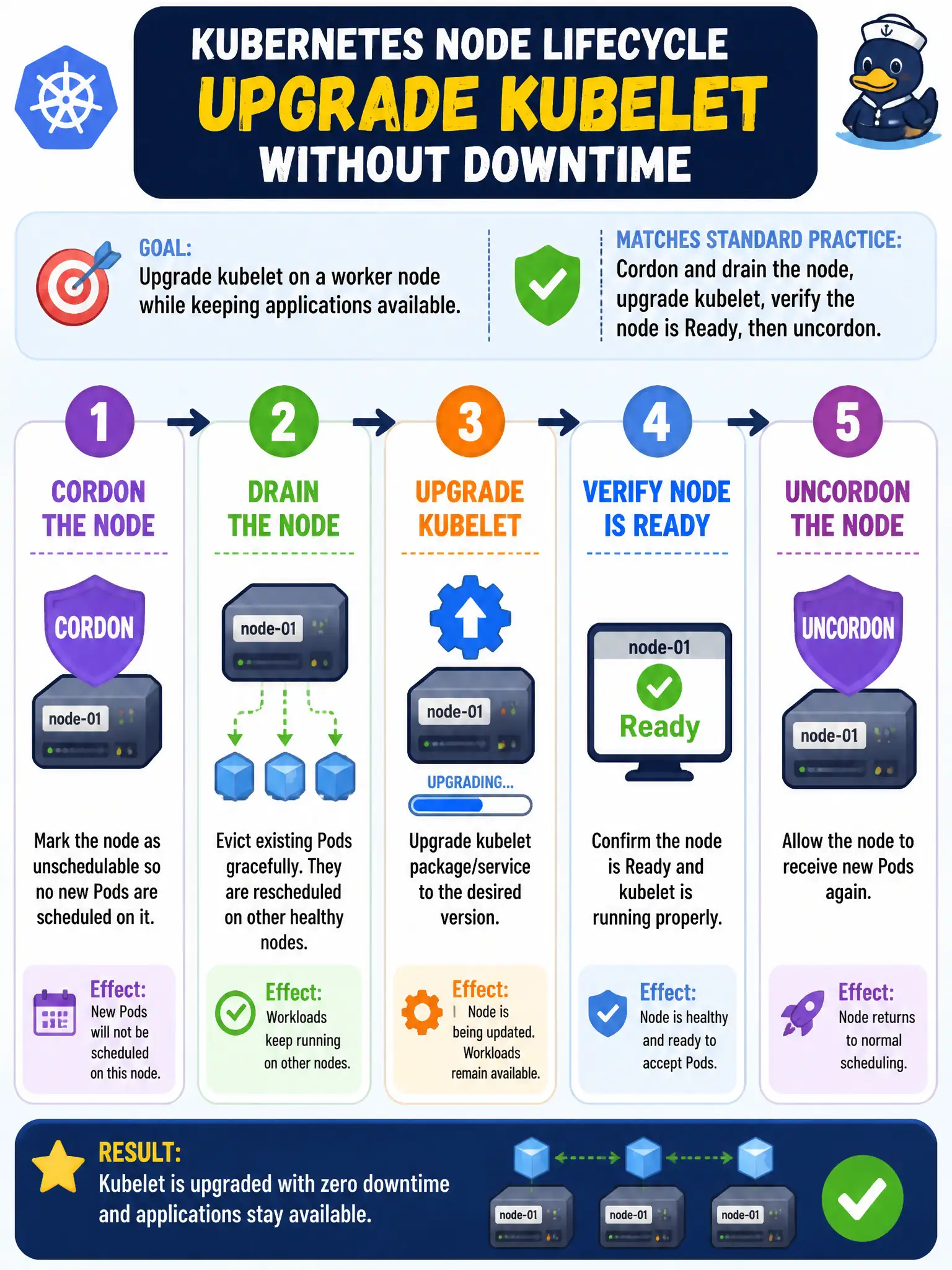
Patching a worker is like closing one checkout lane—you stop new customers, clear the line, fix the register, then reopen. Cordon and drain, upgrade kubelet, make sure the node is healthy, then uncordon. Skipping drain means Pods sit on a node mid-surgery.
Full Explanation
When a school district upgrades kubelet on a worker while keeping applications available, the standard pattern is cordon and drain the node, upgrade kubelet, verify the node is Ready, then uncordon. Close one checkout lane, clear the line, fix the register, reopen—so replicas elsewhere keep serving district apps. Uncordoning first so new Pods land during the upgrade, then draining after kubelet restarts, invites disruption mid-surgery. Deleting the Node object before stopping kubelet is a blunt removal pattern, not a careful rolling upgrade. Upgrading kubelet without cordon/drain risks breaking in-place workloads during restart; drain is not only for permanent removal. Exam caveat: Cordon → drain → upgrade → Ready → uncordon is the worker lifecycle mantra. Operational check: kubectl cordon/drain with policy-appropriate flags, upgrade packages, kubectl get node until Ready, uncordon, and confirm district Deployments regained desired replicas. In municipal platform operations, record the rationale in the change ticket so future on-call staff know which control was chosen and which failure modes the rejected options would create for city services. Re-validate after the next maintenance window that the same control still holds under the cluster’s current minor version and addon revisions used by the civic platform team.