
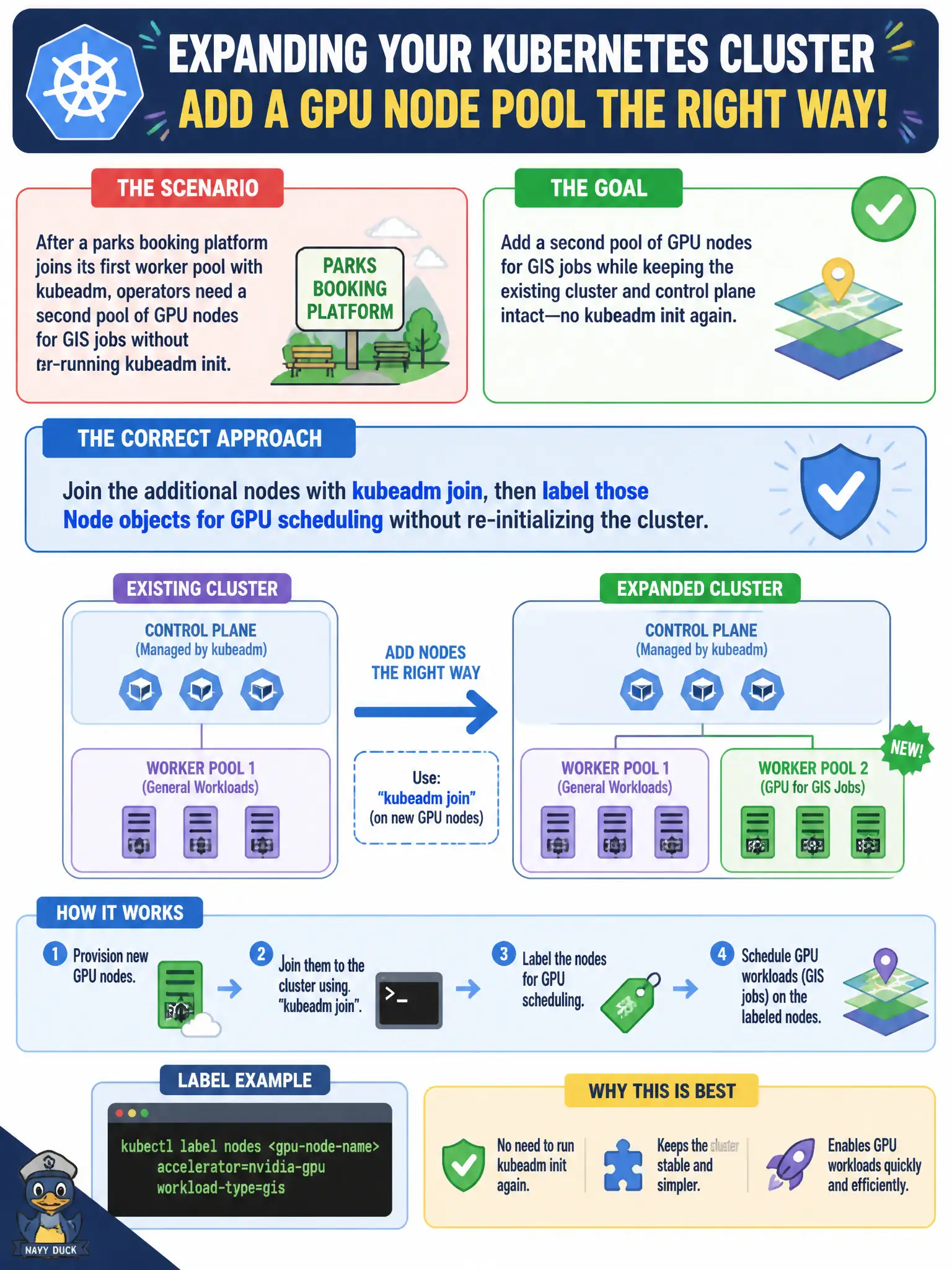
After a parks booking platform joins its first worker pool with kubeadm, operators need a second pool of GPU nodes for GIS jobs without re-running kubeadm init. What is the correct admin approach?
Select an answer to reveal the explanation.
Short Explanation
Think of the cluster like a club already open—you don’t rebuild the building to add a VIP room; you badge new members in and tag them. Join the GPU boxes with kubeadm join, then slap on Node labels the scheduler can match. Init is a one-time birth certificate, not something you redo every time you hire more hardware.
Full Explanation
After a parks booking platform has already joined its first worker pool, operators add GPU nodes for GIS by joining those machines with kubeadm join and then labeling the Node objects for GPU scheduling—without re-running kubeadm init. The club is already open; badge new members in and tag them for the VIP GIS room rather than rebuilding the building. Re-running kubeadm init with a new ClusterConfiguration that embeds GPU node names destroys or diverges cluster identity instead of expanding capacity. Deleting existing worker Node objects and recreating the whole cluster just to apply labels is unnecessary downtime for a labeling problem. Installing the NVIDIA GPU Operator only on the control plane does not make workers inherit GPU labels automatically from etcd. Exam caveat: init bootstraps once; join adds nodes; labels drive scheduling after membership exists. Operational check: kubeadm join the GPU hosts, kubectl label nodes for GPU, deploy a test GIS Pod with nodeSelector/affinity, and confirm it lands on the labeled pool. In municipal platform operations, record the rationale in the change ticket so future on-call staff know which control was chosen and which failure modes the rejected options would create for city services.