
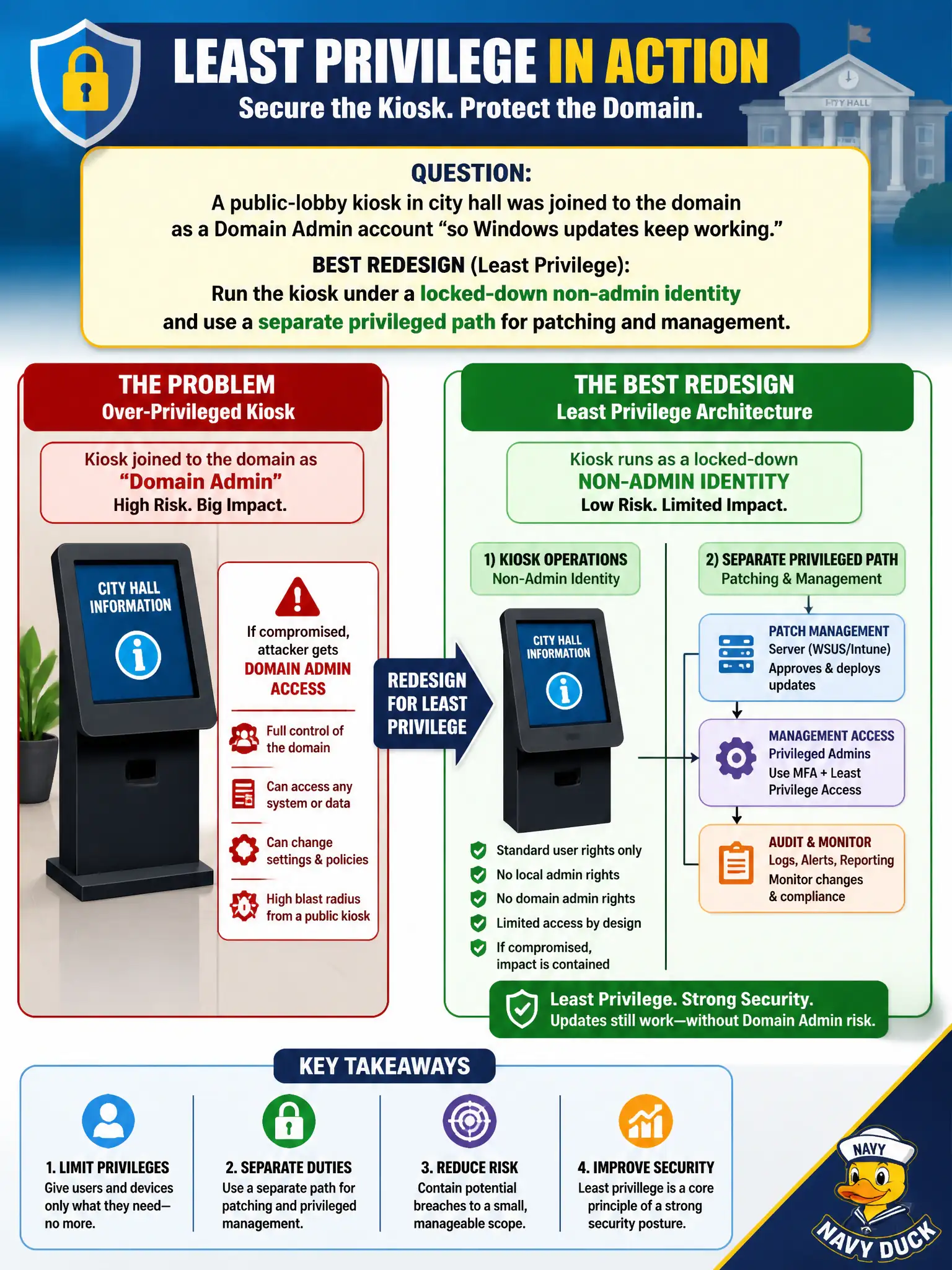
A public-lobby kiosk in city hall was joined to the domain as a Domain Admin account “so Windows updates keep working.” What redesign best applies least privilege?
Select an answer to reveal the explanation.
Short Explanation
A lobby kiosk with Domain Admin is a master key taped to the front door. Least privilege means the kiosk gets a skinny badge for public use, while patching happens through a separate, watched privileged channel.
Full Explanation
Joining a public-lobby kiosk to the domain as Domain Admin so updates “keep working” inverts least privilege: a physically accessible, untrusted endpoint holds rights that can compromise the directory and every connected system. The correct redesign runs the kiosk under a locked-down non-admin identity with constrained local rights, kiosk-mode lockdown, and no standing domain privilege, while patching and management use a separate privileged path—just-in-time elevation, dedicated management accounts, MDM/Intune or WSUS channels, or break-glass procedures that are audited and time-bounded. Leaving Domain Admin and hiding the keyboard is obscurity layered on catastrophic privilege. Elevating further to Enterprise Admin expands blast radius for a machine the public can touch. Disabling updates removes the privilege excuse but creates a permanent vulnerability farm on a high-exposure device. Exam caveat: least privilege separates interactive/runtime identity from administrative functions; “needed for updates” is a common distractor that does not justify standing Domain Admin on endpoints. Operational check: inventory kiosk account group membership, remove Domain/Enterprise Admin, apply a dedicated kiosk OU with restrictive GPO, confirm patching succeeds via the management channel without interactive admin login on the console, and test that a compromised kiosk session cannot create domain principals or access assessor file shares.