
Analysts need to track each investigation from detection to closure, including ownership, status changes, notes, evidence and actions taken, so audits can reconstruct who did what. Which Splunk capability supports this?
Select an answer to reveal the explanation.
Short Explanation
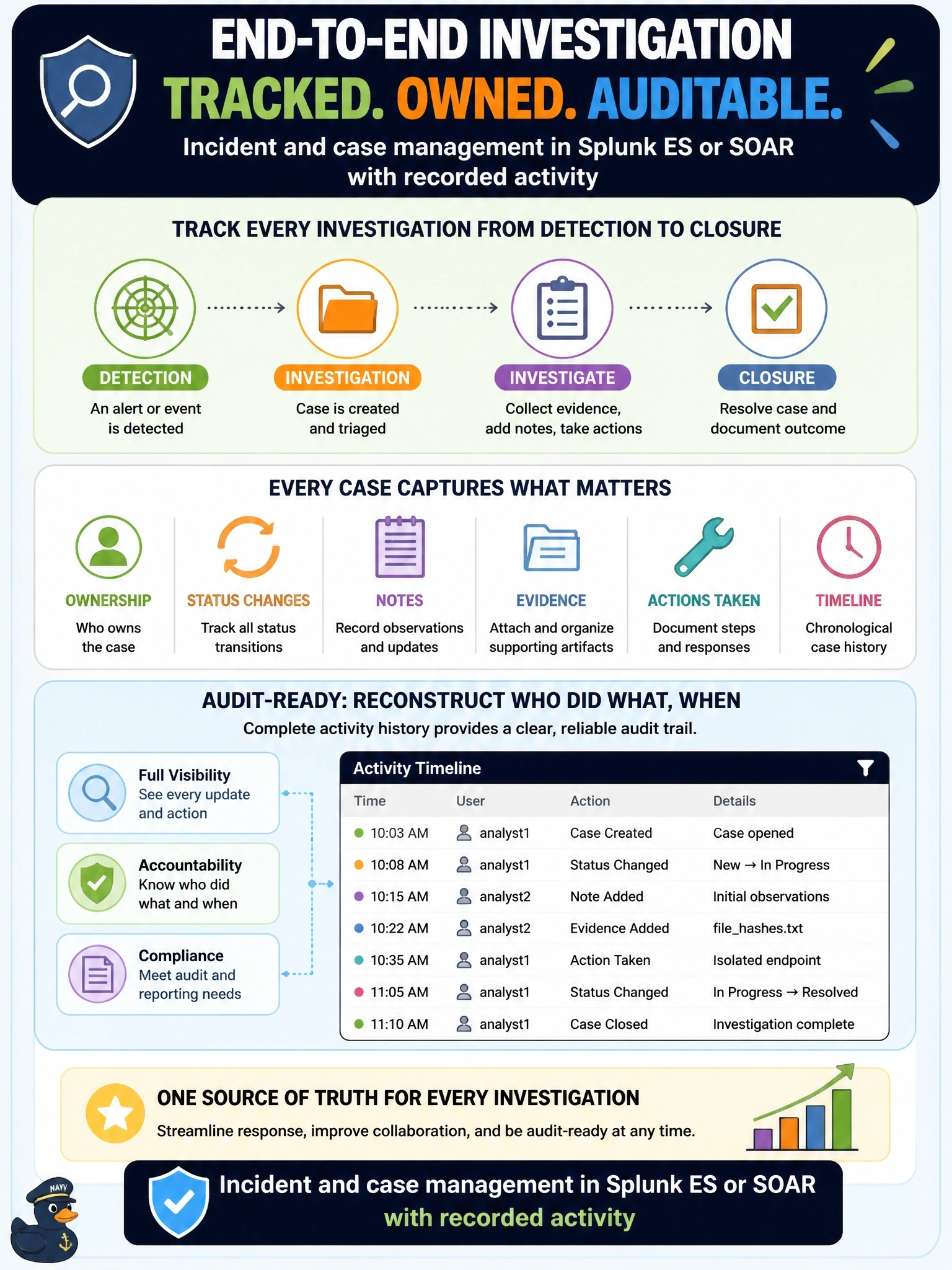
An investigation needs a case file that follows it from first alert to closure, with every handoff written down. Splunk's incident and case management gives you owner, status, notes and actions in one place, plus the history to prove it. The spreadsheet is the trap; it's only as honest as the last person who remembered to update it.
Full Explanation
Splunk Enterprise Security provides incident review and investigation features in which notable events carry an owner, status, urgency and comments, and investigations collect related events, artifacts and notes on a timeline. Splunk SOAR adds case management with containers, artifacts, notes, tasks and the record of every automated or manual action. Status changes and actions are logged with the user and time, which gives auditors a reconstructable history from detection to closure. A shared spreadsheet relies on manual updates, has weak access control and integrity, and is disconnected from the alerts and evidence it describes, so it cannot support a trustworthy audit trail. Emailing each notable to the team distributes awareness but provides no ownership, status workflow or record of actions. Search history shows which queries analysts ran, not the lifecycle of an investigation, its decisions or its outcome. Exam caveat: case management is only as complete as the discipline of recording actions in it; integrating automation so actions are logged automatically improves completeness, and newer Enterprise Security releases may present these features under different names. Operational check: pick a closed incident and confirm its history shows owner assignment, each status change, analyst notes and the response actions with timestamps.