
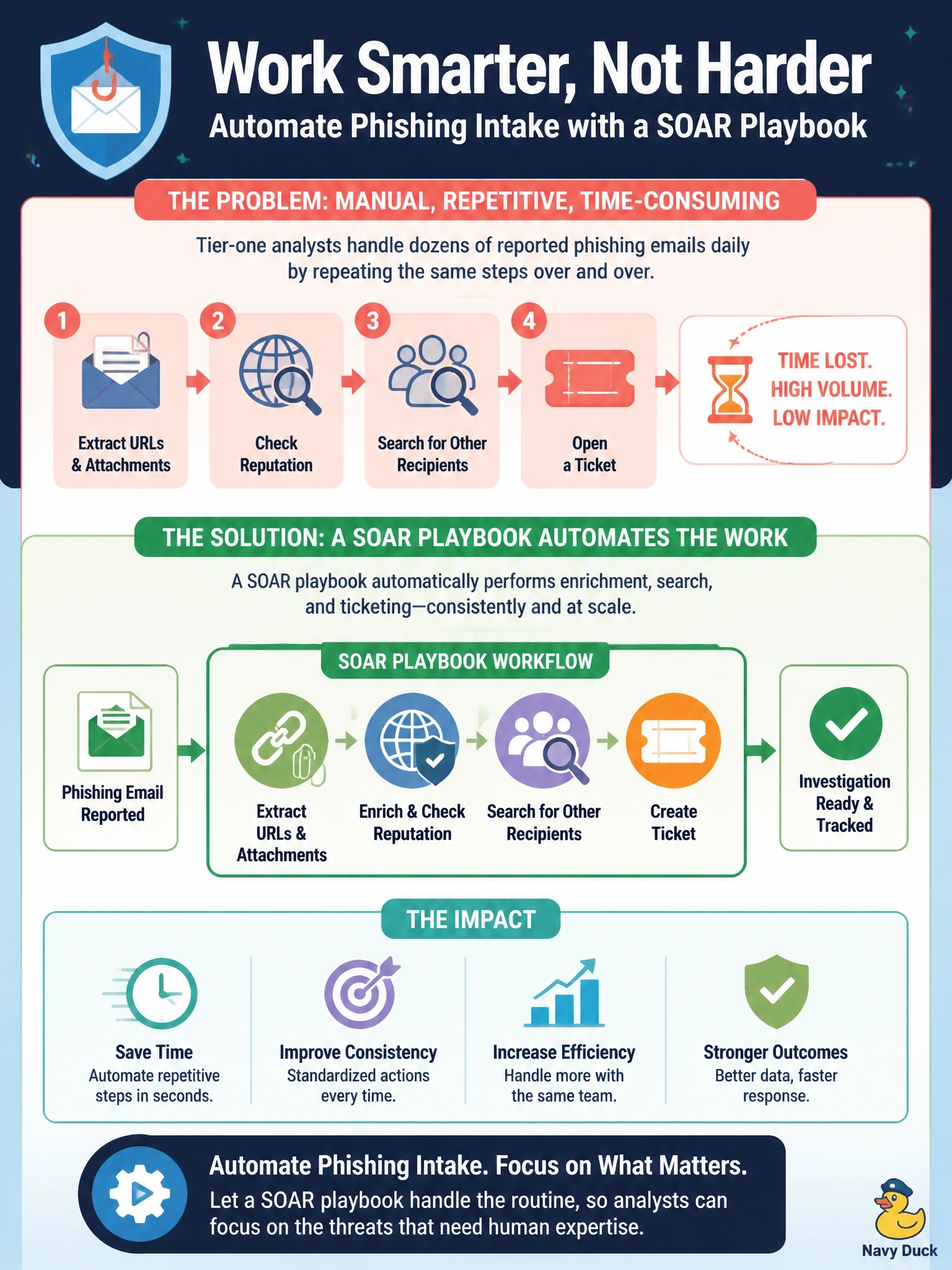
Tier-one analysts handle dozens of reported phishing emails daily, each time extracting URLs and attachments, checking reputation, searching for other recipients and opening a ticket. The steps never change. Which Splunk capability addresses this?
Select an answer to reveal the explanation.
Short Explanation
If you're doing the exact same steps fifty times a day, that's a job for a robot, not a person. A SOAR playbook grabs the indicators, checks reputation, finds the other recipients and opens the ticket while you have your coffee. An emailed saved search just tells you about more work faster.
Full Explanation
Splunk SOAR orchestrates actions across security tools through apps and connectors, and playbooks encode a sequence of steps that run automatically when an event or case arrives. A phishing triage playbook can parse the reported message, extract URLs, domains and attachment hashes, query reputation services or sandboxes, search email logs for other recipients, open or update a ticket and, with approval where appropriate, trigger remediation such as removing messages or blocking indicators. This removes repetitive manual effort and produces consistent results. A dashboard listing reported messages organizes the work but performs none of the extraction, enrichment or ticketing. Longer index retention preserves data for historical searches but does not reduce per-message handling time. A saved search that emails analysts on each report adds notifications without automating any step, so analysts still perform the same manual work. Exam caveat: automation should include decision points or approvals for disruptive actions such as blocking widely used domains, and playbook outcomes should be logged for audit. Operational check: submit a test phishing report and confirm the playbook runs end to end, recording enrichment results and the created ticket in the SOAR event or case.