
Security wants Cisco Duo to warn or block users at login if their laptop is running an out-of-date operating system or has its host firewall or disk encryption turned off. Which Duo capability provides this?
Select an answer to reveal the explanation.
Short Explanation
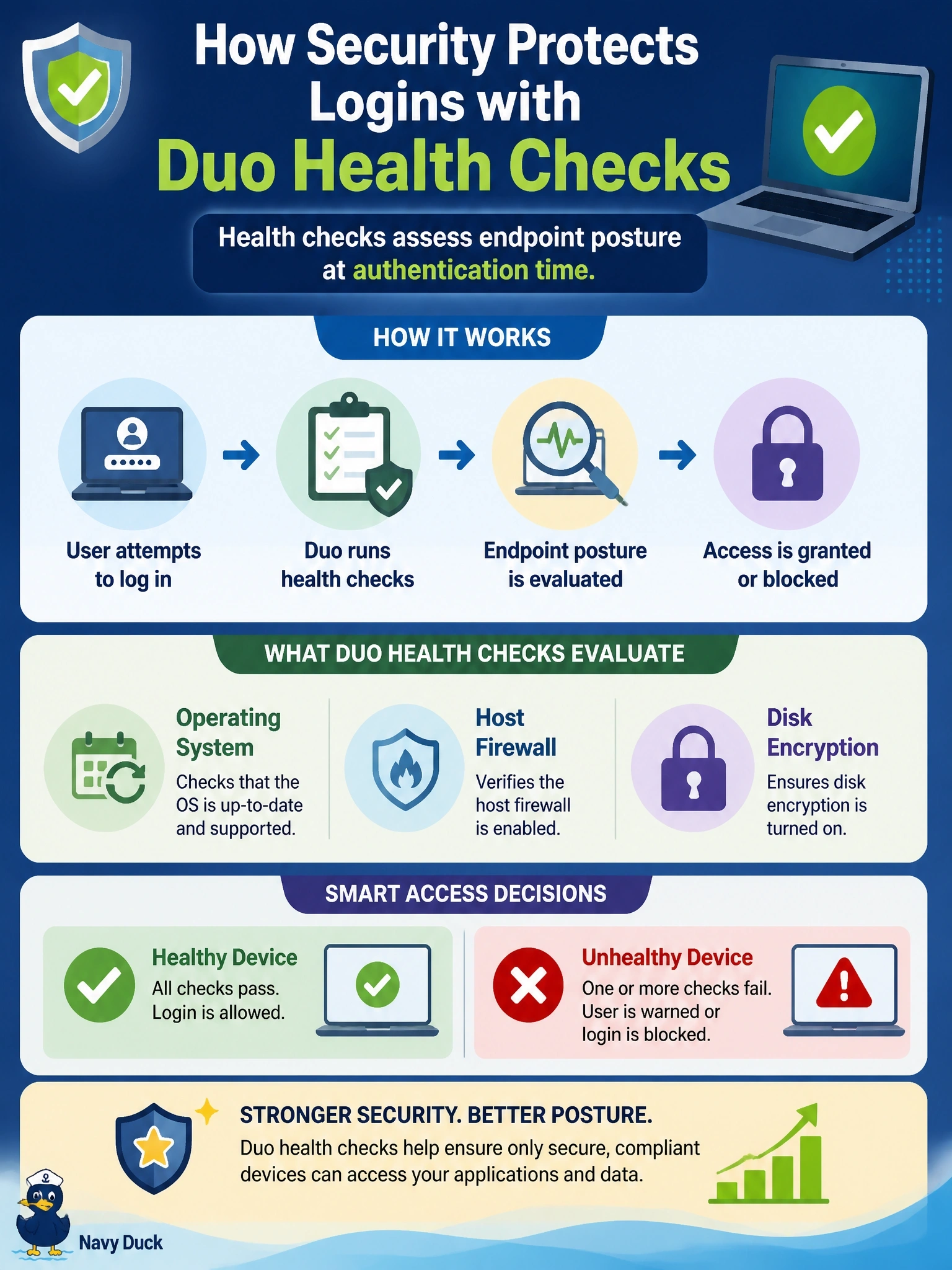
Before letting you in, Duo can peek at the laptop's checkup report: is the OS current, is the firewall on, is the disk encrypted? That's health checking, and you decide whether to warn or block. Remembered devices are the trap; they just make the prompts quieter.
Full Explanation
Duo health checks evaluate the security posture of the device at authentication time. The Duo Device Health application and related policy settings can check items such as operating system version, host firewall status, disk encryption, screen lock and the presence of endpoint security agents. Administrators configure policy to warn users and give them a chance to fix the issue, or to block access when the device fails, and they can apply stricter requirements to sensitive applications. This directly satisfies the requirement to act on outdated operating systems and disabled security settings at login. Trust Monitor analyzes authentication patterns to surface anomalies for review; it is not a pre-access posture check. Remembered devices reduce how often users are prompted for MFA on a device they recently used; they relax friction and do not assess security settings. Duo Passwordless changes how users prove identity, replacing passwords with stronger factors, but does not check operating system or firewall status. Exam caveat: health checks complement network-side posture such as ISE, which enforces at network access, whereas Duo enforces at application login. Operational check: disable the firewall on a test laptop, attempt to sign in to a protected application, and confirm Duo warns or blocks according to policy.