
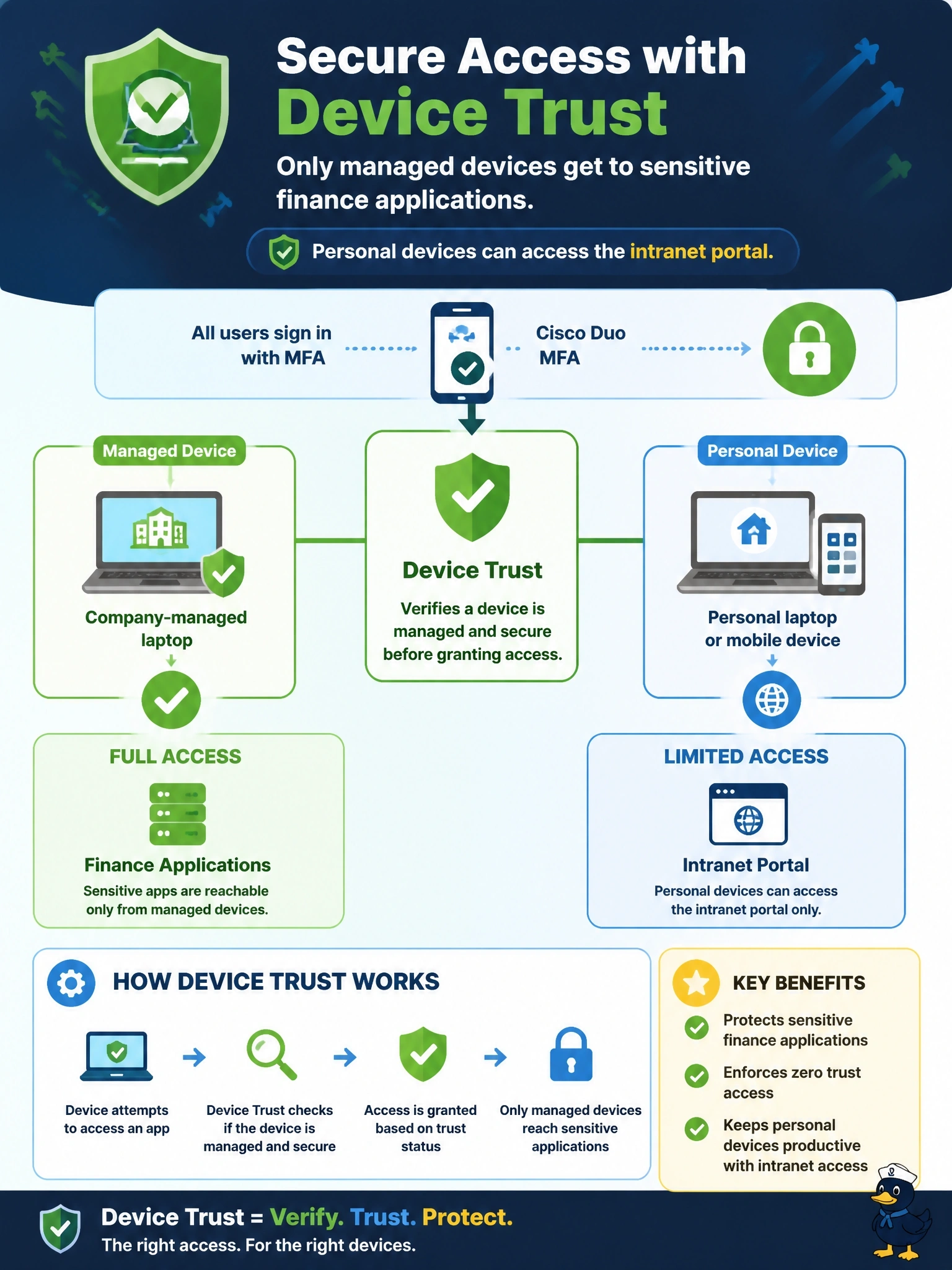
A company wants its finance applications reachable only from company-managed laptops, while personal devices can still reach the intranet portal. Users already authenticate with Cisco Duo MFA. Which Duo capability enforces the managed-device requirement?
Select an answer to reveal the explanation.
Short Explanation
MFA proves it's really you; it doesn't prove that's a company laptop in your hands. Device Trust checks whether the device is managed, and the finance apps' policy says no managed device, no entry. Push notifications are the trap; they're all about the user, not the hardware.
Full Explanation
Duo Device Trust determines whether an accessing device is managed by the organization, using integrations with management platforms or certificates and device identifiers, sometimes referred to as trusted endpoints. A policy applied to the finance applications can require a trusted, managed device, while the intranet portal's policy permits unmanaged personal devices. Because policies are applied per application, this meets both parts of the requirement. Enforcing push notifications strengthens user verification, but a user can approve a push from a personal laptop, so it does nothing to restrict device ownership. Trust Monitor surfaces anomalous authentication events for review; it does not enforce a managed-device condition at the moment of login, and weekly review is after the fact. Duo SSO centralizes sign-in and can apply Duo policy, but SSO by itself does not determine whether a device is managed; the Device Trust check does. Exam caveat: device trust and device health are related but distinct: trust asks whether the organization manages the device, while health checks ask whether its security settings are current. Operational check: attempt to reach a finance application from an unmanaged device and confirm Duo denies it while the intranet portal remains reachable from the same device.