
Self-service kiosks in a store run a fixed set of business applications. Security wants to ensure that no other executable can run on them, including malware that has never been seen before. Which control best meets this goal?
Select an answer to reveal the explanation.
Short Explanation
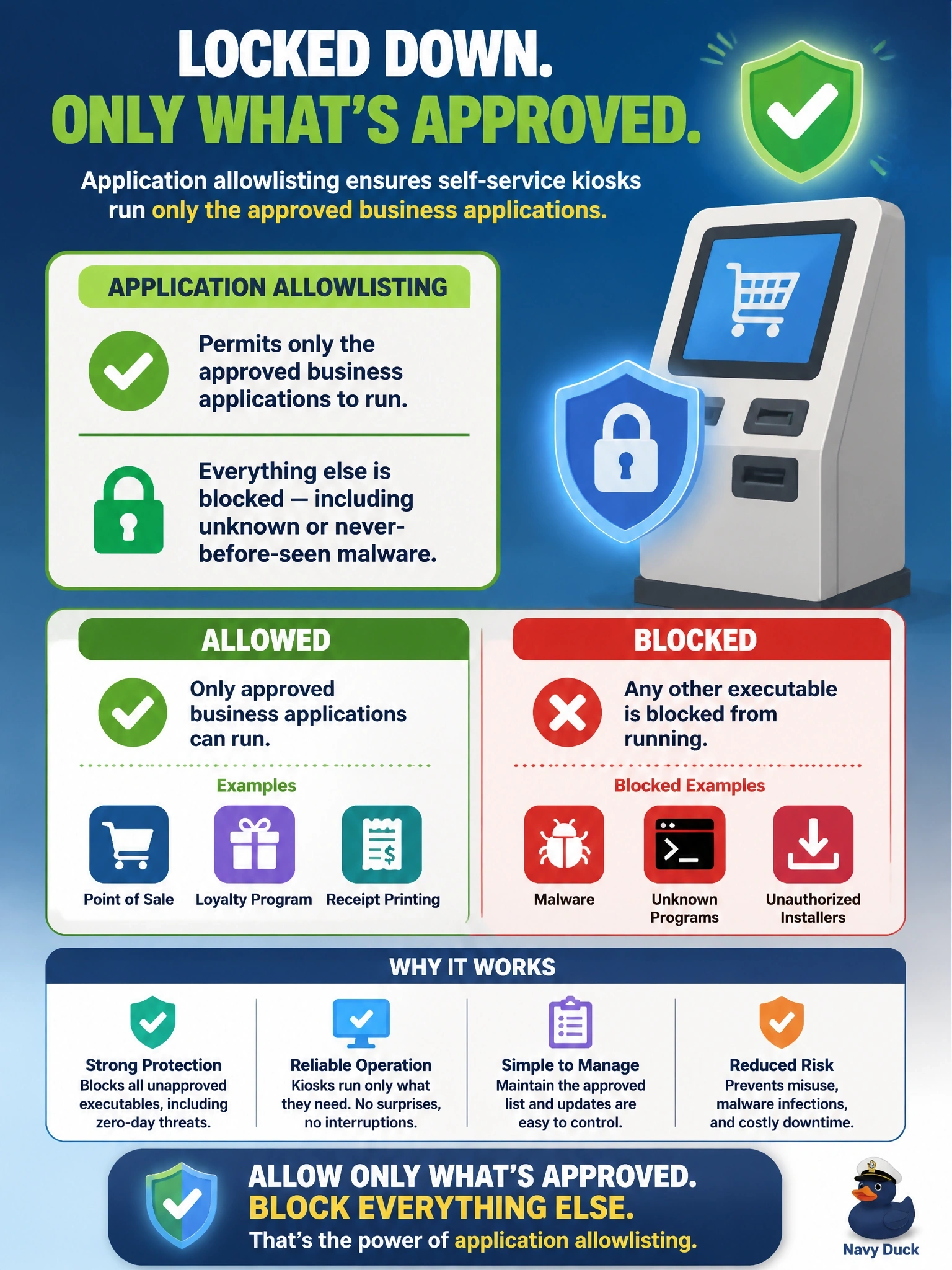
On a kiosk, you know exactly what should run, so why chase everything that shouldn't? An allowlist says only these programs may run and everything else is denied, even malware nobody has seen yet. Blocklists and signatures are always one step behind brand-new threats.
Full Explanation
Application allowlisting permits only explicitly approved executables, scripts or publishers to run and denies everything else by default. On a fixed-function device such as a kiosk, the approved set is small and stable, so allowlisting is practical and powerful: unknown malware, including zero-day samples with no signature or reputation, is blocked simply because it is not on the list. Signature-based antivirus detects only known malware patterns, so a never-seen sample can run before definitions catch up, regardless of update frequency. A blocklist of malicious hashes has the same limitation in a narrower form; any new or slightly modified file has a new hash and passes. A host firewall that blocks inbound connections reduces network attack surface but does nothing to stop an executable delivered by USB or downloaded through an allowed outbound session from running. Exam caveat: allowlisting is hardest on general-purpose user workstations where software changes often; it fits kiosks, point-of-sale and industrial systems best, and needs a managed process for updates. Operational check: attempt to launch an unapproved but harmless test executable on a kiosk and confirm it is blocked and the event is logged centrally.