
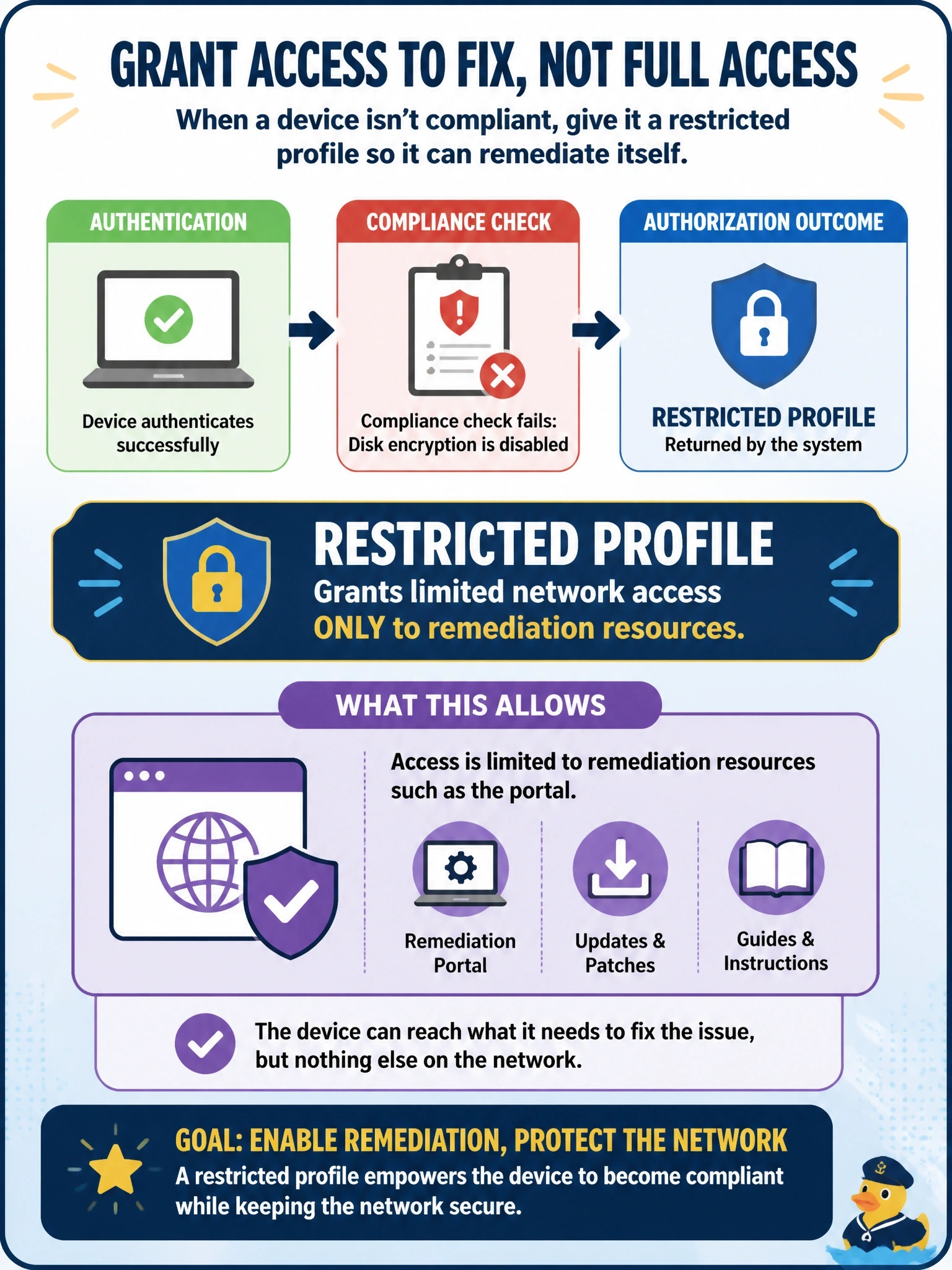
A contractor laptop authenticates to the network successfully, but its compliance check fails because disk encryption is disabled. Policy says the device must still be able to fix the problem itself. What authorization outcome should be returned?
Select an answer to reveal the explanation.
Short Explanation
Think of it as a waiting room with a single door to the clinic: you're allowed in, but only far enough to get fixed. A restricted remediation profile keeps the laptop off the real network while it reaches the tools it needs. An outright reject is the trap, because the device can't heal itself if it can't connect at all.
Full Explanation
Compliance-based authorization distinguishes between proving identity and earning access. When authentication succeeds but the compliance check fails, the authorization policy should return a restricted profile, typically a dACL or VLAN that permits access only to remediation resources such as the posture or client provisioning portal, patch servers or the software distribution point, often with URL redirection to explain the problem to the user. When the device becomes compliant, a change of authorization moves it to the full-access profile. Granting full access with a warning removes the enforcement that the compliance check exists to provide, so a device without disk encryption could still reach sensitive data. Rejecting the session outright stops the laptop from reaching the remediation resources and turns a fixable health problem into a help desk ticket. Guest internet-only access mixes a managed device with visitors and does not provide the internal remediation path; encryption software should come from an approved internal source, not an arbitrary download. Exam caveat: a grace period can grant temporary access while remediation completes, but it must be explicit policy, not the default result. Operational check: confirm the restricted dACL permits only remediation destinations by testing access to a protected server.