
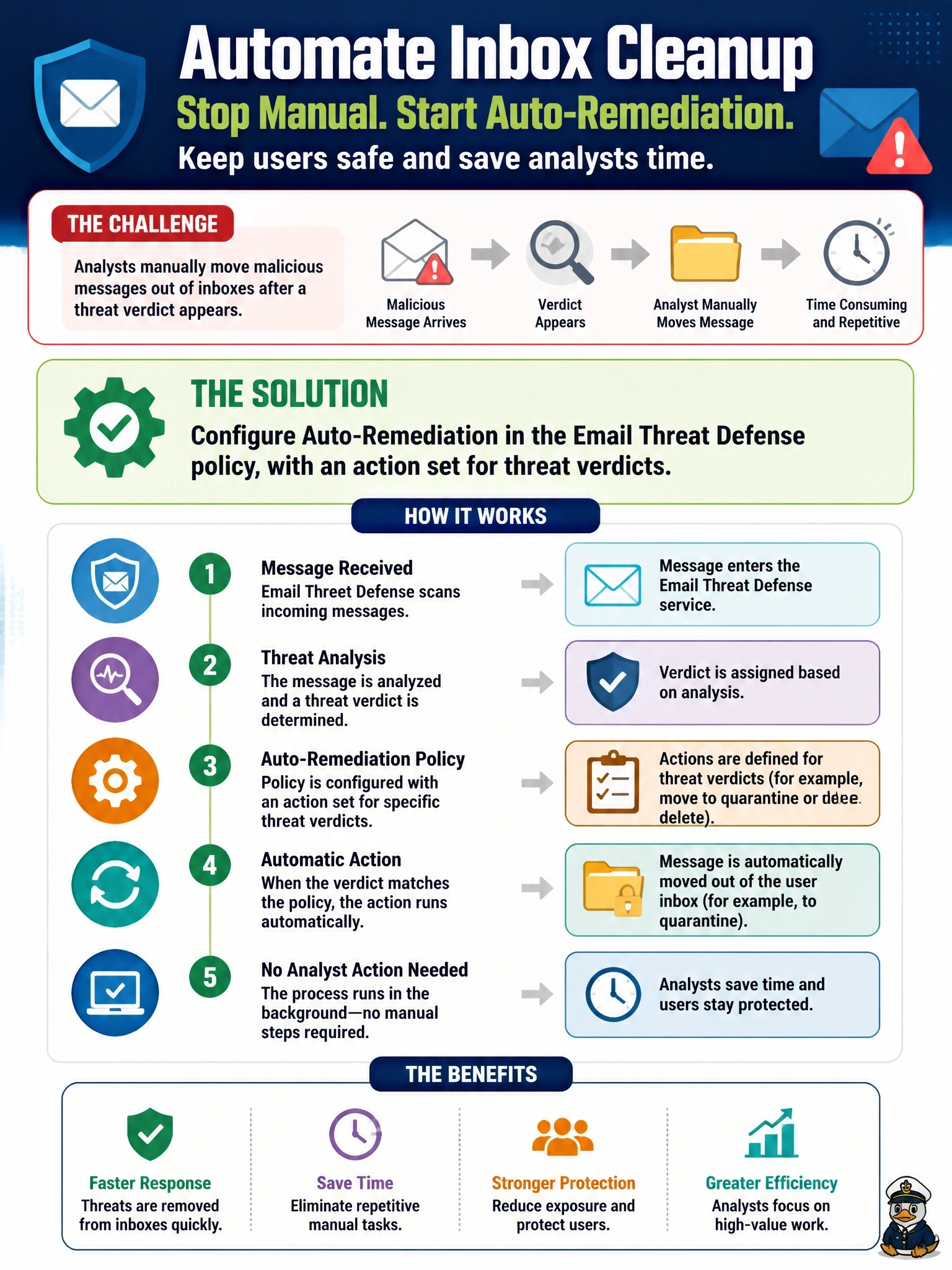
A company uses Cisco Security Email Threat Defense with its Microsoft 365 tenant. The security team is tired of manually moving each malicious message out of user inboxes after the verdict appears and wants this to happen without analyst action. What should the team configure?
Select an answer to reveal the explanation.
Short Explanation
Think of auto-remediation as giving Email Threat Defense standing permission to clean up after itself. Since it already reaches into Microsoft 365 through the API, you just tell it what to do with threat verdicts. The trap is journaling: that's how mail gets seen, not how it gets removed.
Full Explanation
Email Threat Defense connects to Microsoft 365 through the Microsoft Graph API, which gives it both visibility into messages and the ability to act on them in the mailbox after delivery. In its base policy, administrators choose a remediation action for each message category: threats, which covers the BEC, scam, phishing and malicious verdicts, plus spam and graymail. Typical actions are moving the message to quarantine, junk or trash. Once that is set and auto-remediation is enabled for the protected domains, each message that receives a qualifying verdict is moved automatically, including messages whose verdict arrives retrospectively. A transport rule that rejects anything with an external banner is a blunt mail-flow control that would block legitimate partner mail and has no awareness of Email Threat Defense verdicts. An XDR incident rule that opens tickets improves tracking but still leaves the message sitting in the inbox until someone acts. A journaling rule only delivers copies of mail to Email Threat Defense so it can analyze them; it provides visibility, not remediation, and on its own cannot move anything. Exam caveat: remediation requires that the Microsoft 365 permissions granted during setup are read and write, not read-only. Operational check: send a test message that will be scored as a threat and confirm it leaves the recipient's inbox without manual action.