
Employees using personal phones for work insist that IT must not see or erase their personal photos and apps, while security requires that corporate email and files can be controlled and removed when an employee leaves. Which approach meets both requirements?
Select an answer to reveal the explanation.
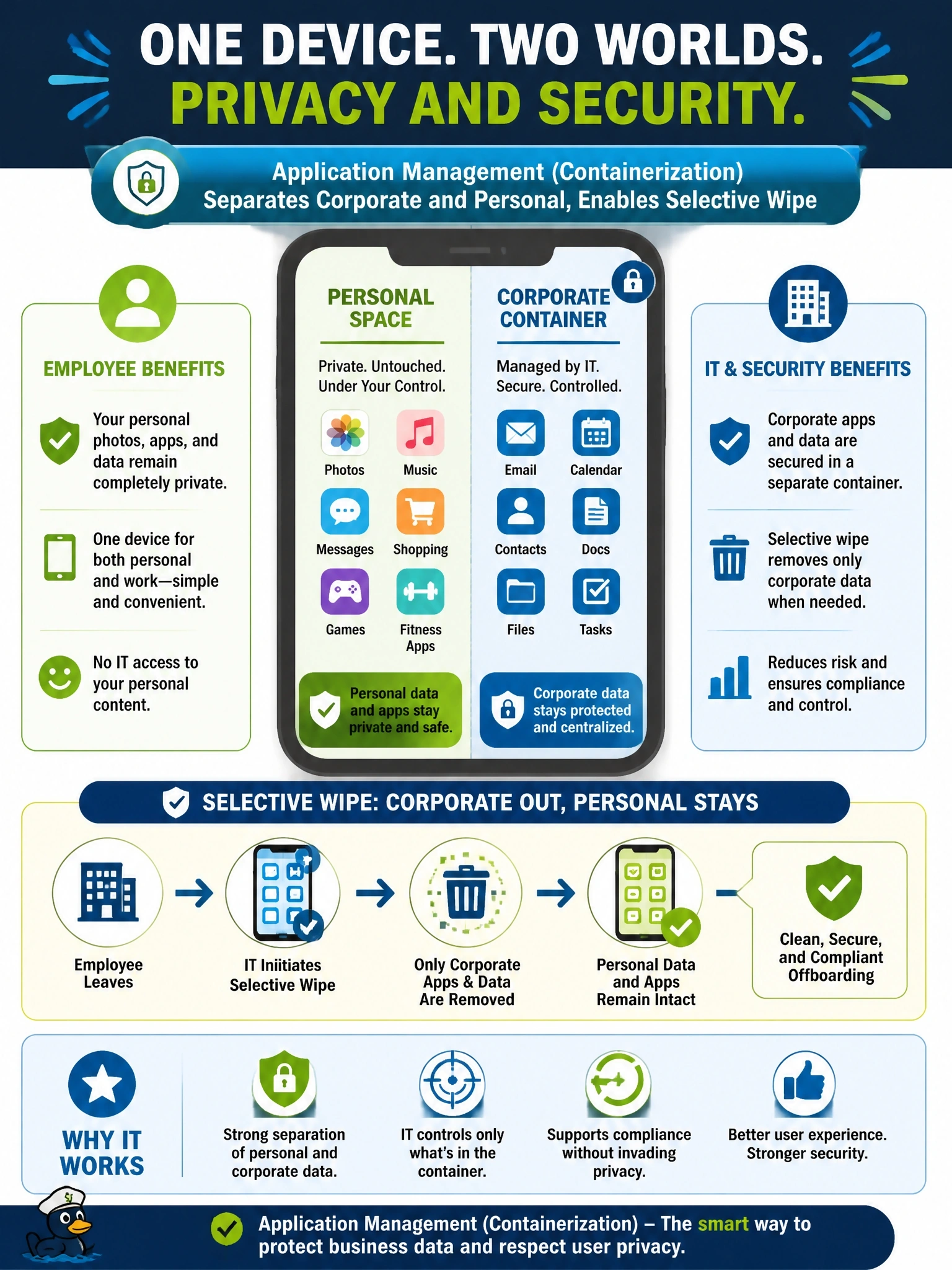
Short Explanation
Think of a locked company drawer inside your own desk: IT holds the key to the drawer, not the desk. Containerization lets them lock or empty the corporate side and leave your vacation photos alone. A full factory reset is the one move guaranteed to make BYOD users furious.
Full Explanation
BYOD programs need to balance corporate control with employee privacy. Mobile application management or containerization places corporate apps and their data in a managed space with its own policies, such as requiring a PIN, preventing copy and paste into personal apps and encrypting stored data. When the employee leaves or the device is lost, a selective wipe removes the managed apps and their data without touching personal content, and administrators do not need visibility into personal apps or photos. Full-device enrollment with a factory reset on departure gives control but erases personal data and conflicts directly with the stated privacy requirement. Leaving devices unmanaged satisfies privacy but gives security no way to control or remove corporate data, and a personal screen lock is not a corporate control. Network posture checks evaluate compliance when a device requests access; they do not delete data from a device, and disconnecting from the network is a normal event, not a trigger for removing data. Exam caveat: what an MDM can see on a personally owned device depends on the enrollment type, and user-enrollment modes intentionally limit administrator visibility. Operational check: enroll a test BYOD device, run a selective wipe, and confirm that corporate apps are removed while personal apps and photos remain.