
An employee reports that a company-owned smartphone enrolled in the organization's MDM was lost in an airport. The phone holds corporate email and documents. What is the most appropriate immediate action?
Select an answer to reveal the explanation.
Short Explanation
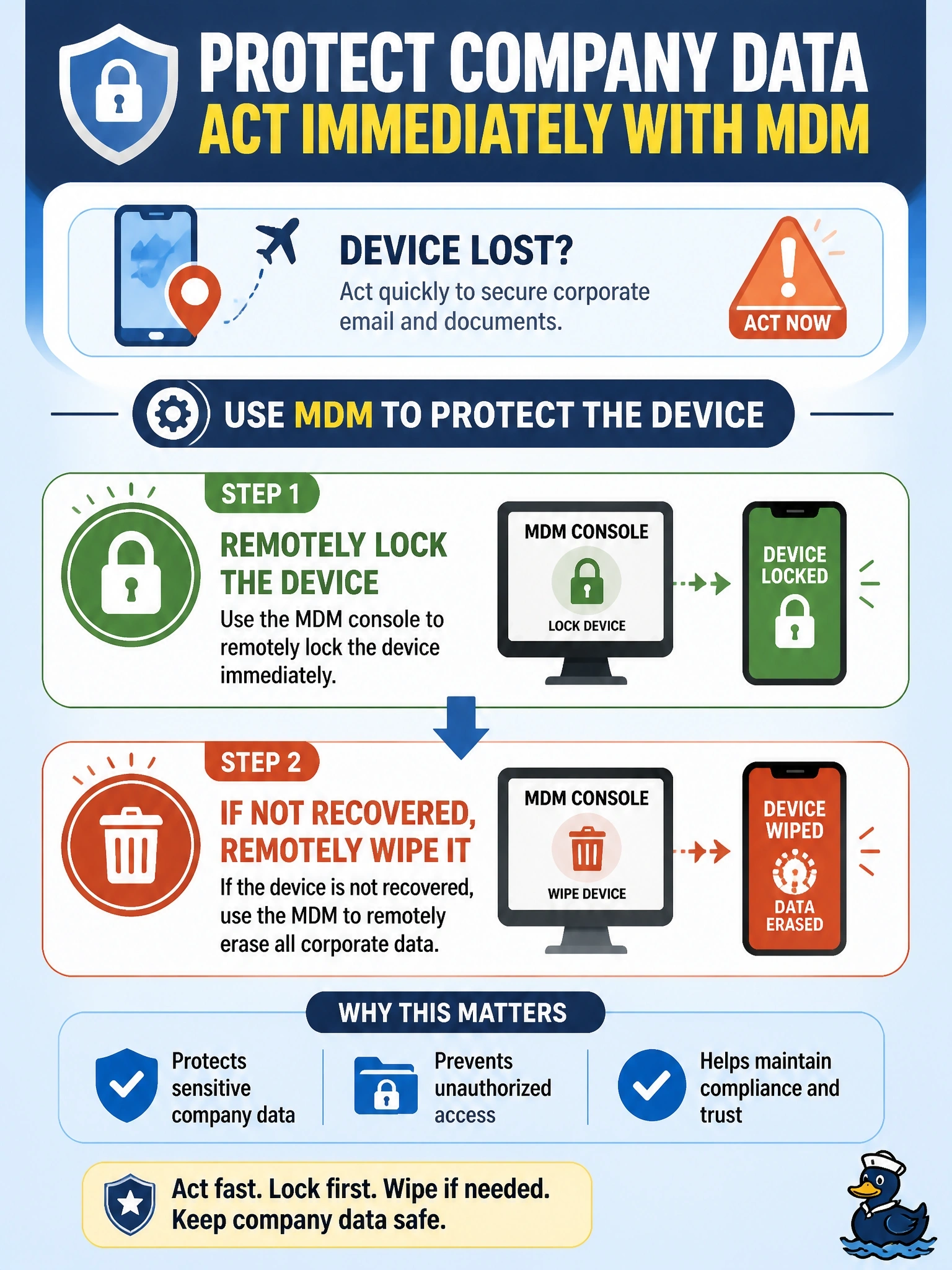
Your phone's sitting on an airport bench, and the only thing that can reach it over any network is your MDM. Lock it now, and wipe it if it doesn't come back. Blocking it from the office Wi-Fi does nothing to someone reading it at Gate 12.
Full Explanation
Mobile device management keeps a management channel to enrolled devices over any network the device can reach, including cellular data. For a lost corporate device, the standard response is to send a remote lock to prevent use and, if recovery is unlikely or the device remains missing, a remote wipe to remove corporate data. Because the phone is company-owned and fully enrolled, a full wipe is appropriate. Disabling a Wi-Fi profile in ISE only affects access to the corporate wireless network; the data stored on the phone remains readable to whoever holds it, and it can still use cellular or public networks. Revoking a DHCP reservation affects one internal network's addressing and does nothing on outside networks. Posture policies evaluate compliance when a device connects for network access; they do not reach a device that is not connecting, and they do not encrypt storage on demand. Exam caveat: for personally owned devices, organizations typically use selective or enterprise wipe that removes only corporate data, so ownership changes the response. Operational check: confirm in the MDM console that the lock command was acknowledged, track the device's last check-in, and verify that the wipe completed or is queued for the next connection.