
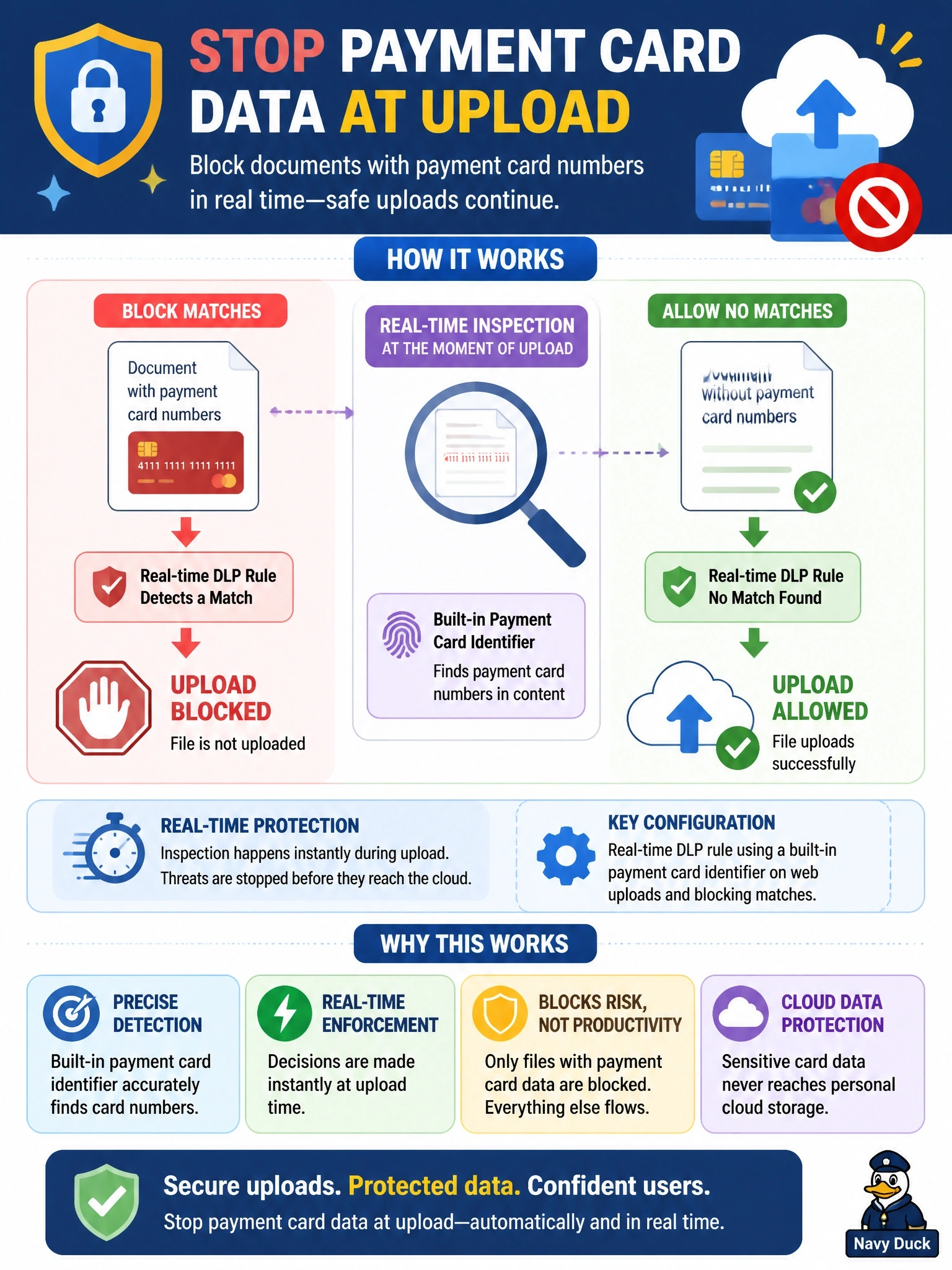
Users must be stopped from uploading documents that contain payment card numbers to personal cloud storage sites at the moment of upload, while uploads without such data continue normally. Which Secure Access configuration achieves this?
Select an answer to reveal the explanation.
Short Explanation
You want a customs officer who opens each parcel at the border, not one who audits the warehouse later. A real-time DLP rule inspects uploads as they pass through the proxy and blocks only the ones with card numbers. The trap is the SaaS API rule — that's for data already sitting in your sanctioned tenant, after the fact.
Full Explanation
Cisco Secure Access DLP offers real-time rules that inspect web traffic passing through the secure web gateway and files transferred to external destinations. A real-time rule specifies the identities and destinations in scope, the data classification to look for, which can use built-in data identifiers such as payment card numbers, and the action, monitor or block. When a user uploads a document containing card numbers to a personal storage site, the rule matches and blocks the upload, while uploads without matching data proceed normally. Because the inspection depends on seeing content, HTTPS decryption must be enabled for the destinations involved. A SaaS API DLP rule uses the APIs of sanctioned cloud tenants to scan stored files; it acts after data is stored and cannot see uploads to personal accounts the company does not control. A DNS-layer block on every cloud storage domain stops all uploads, including legitimate business use and files with no sensitive data, which violates the second requirement. A file-type block ignores content entirely, stopping harmless documents and missing card numbers in allowed types. Exam caveat: built-in identifiers can produce false positives, so start in monitor mode, review matches, and tune the classification before switching to block. Operational check: upload a test file containing a sample card number to a personal storage site and confirm the block appears in the DLP event log.