
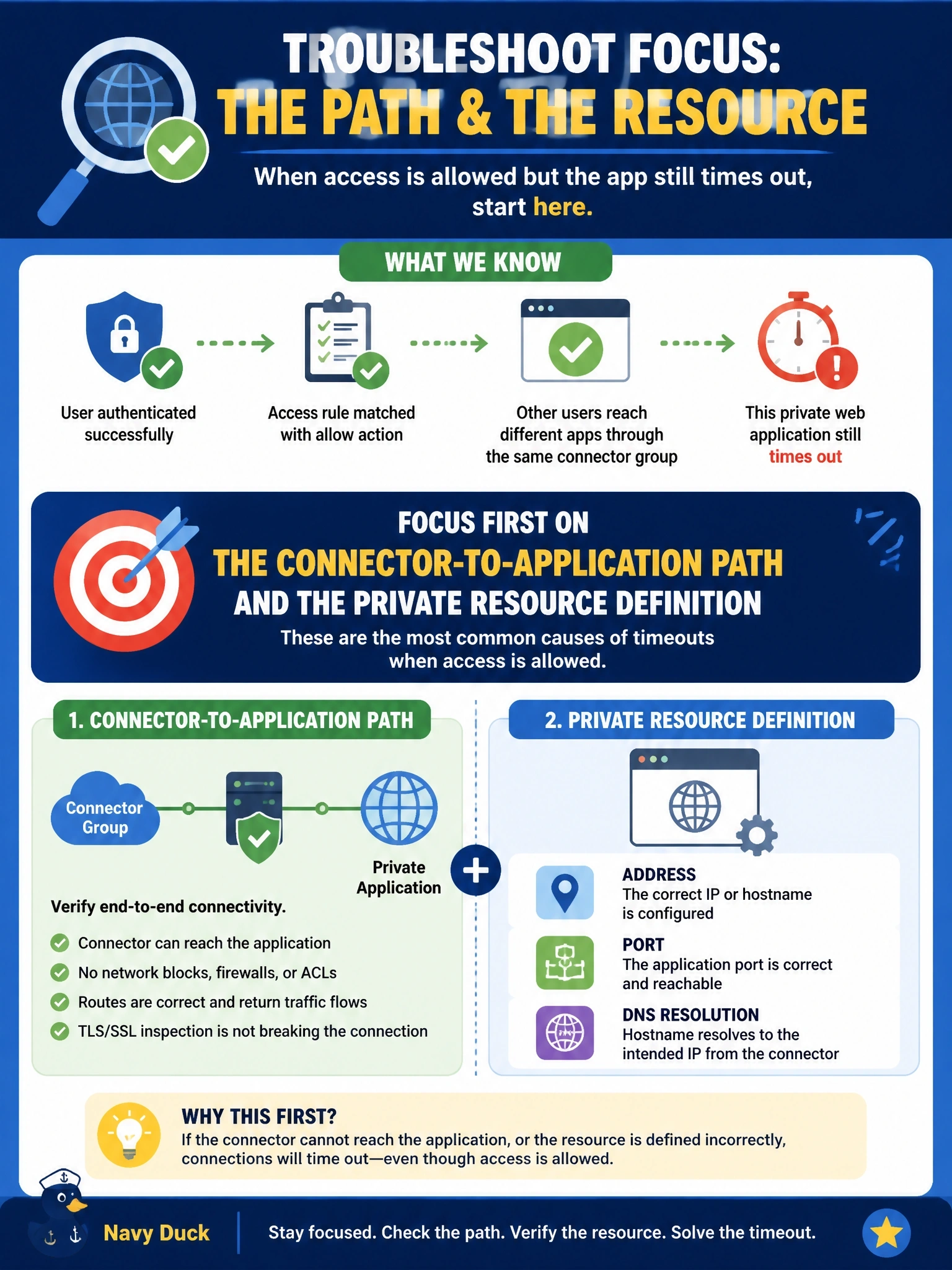
Users authenticate to Secure Access successfully and the activity log shows their private access rule matched with an allow action, but the private web application still times out. Other users reach different apps through the same connector group. Where should troubleshooting focus first?
Select an answer to reveal the explanation.
Short Explanation
If the bouncer waved you in and you still can't find the room, the problem is past the door. Identity and the rule already worked, so look at the connector-to-app path and the private resource definition. The trap is chasing authentication — the logs already told you that part succeeded.
Full Explanation
Troubleshooting private access is easiest when it follows the path. Successful authentication and a matched allow rule show that identity, policy and the user-to-service leg are working. Because other applications work through the same connector group, the connectors themselves are healthy and connected. What remains is the segment from the connectors to this particular application and the resource definition that tells Secure Access where to send the traffic: an incorrect address or FQDN, a wrong port, a name the connectors cannot resolve with their DNS servers, a routing gap, or a data center firewall rule that blocks connector traffic to the application. The SAML configuration at the identity provider is not the issue, because authentication succeeded and a failure there would stop the user before any rule matched. Internet access rules govern internet-bound traffic; private application traffic is matched against private access rules, which already allowed this session. The Secure Access root certificate matters for decrypting internet HTTPS sessions; its absence produces certificate warnings, not timeouts on private applications reached through private access. Exam caveat: a matched allow with a timeout points downstream of policy, while a block points to rule configuration. Operational check: from the connector's network, test name resolution and a TCP connection to the application's address and port, then correct the resource definition or firewall path.