
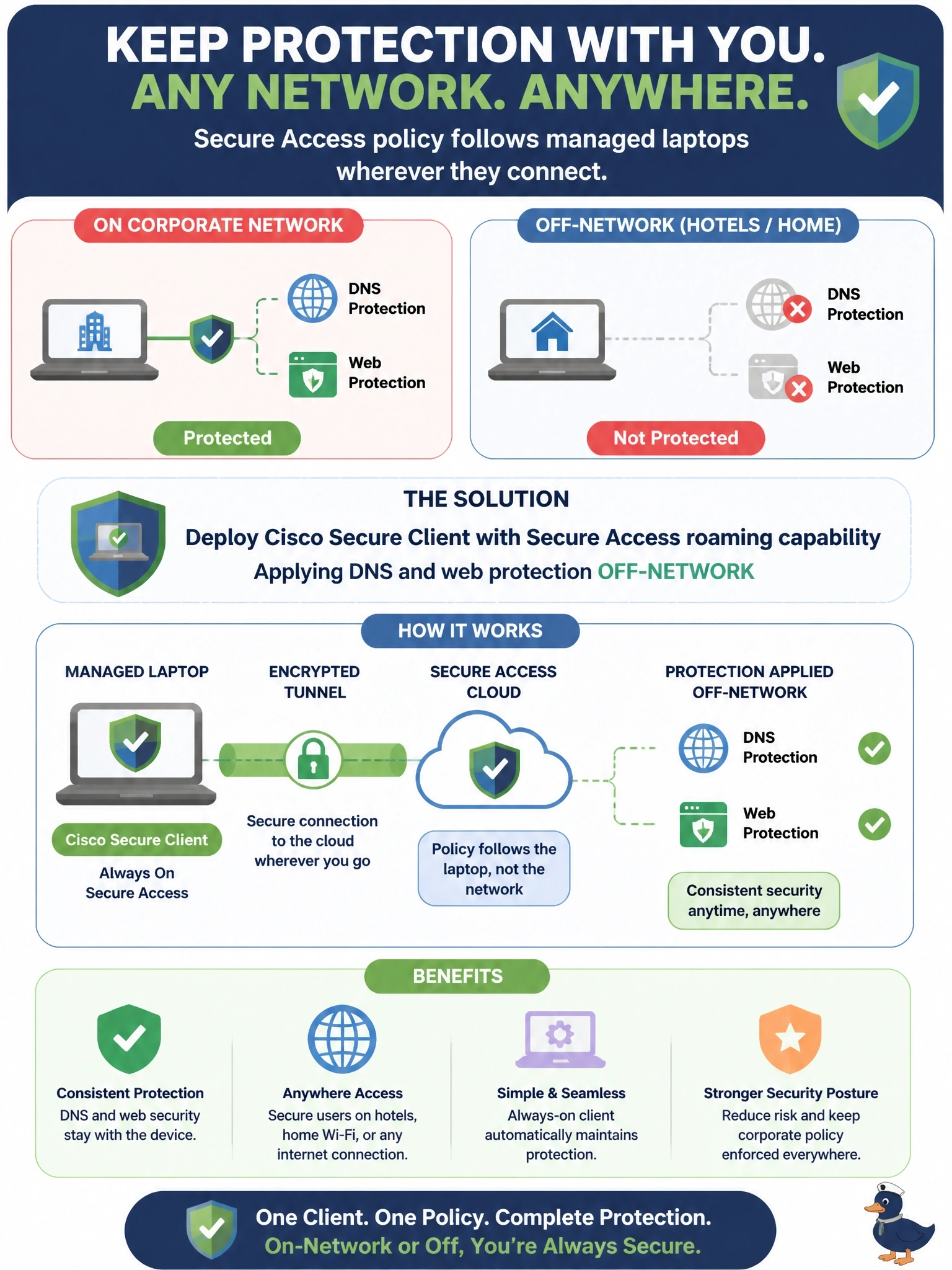
Laptops that are protected while on the corporate network lose DNS and web protection when employees work from hotels and home networks. The company wants Secure Access policy to follow these managed laptops wherever they connect. What should it deploy?
Select an answer to reveal the explanation.
Short Explanation
A network tunnel protects a building; a laptop in a hotel isn't in the building. Put Cisco Secure Client with its roaming capability on the laptop and the protection travels in your bag. The trap answers protect sites or private apps, not a roaming user's internet traffic.
Full Explanation
Cisco Secure Client includes the capability to connect managed endpoints to Cisco Secure Access when they are off the corporate network. The roaming function directs DNS queries to Secure Access resolvers and steers web traffic to the secure web gateway, so the same DNS-layer security, web policy and identity attribution apply whether the laptop is at headquarters, at home or in a hotel. Because enforcement starts on the endpoint, protection does not depend on the network the user happens to join. An IPsec network tunnel connects a site's edge device to Secure Access and protects devices behind that edge; a laptop on a hotel network is not behind the headquarters tunnel, so the tunnel does nothing for it. A resource connector provides outbound connectivity from a data center to Secure Access for private application access; it does not inspect a roaming laptop's internet browsing. Browser-based private access publishes internal web applications to users through a browser and is designed for unmanaged devices reaching private apps, not for securing internet access from managed laptops. Exam caveat: the stem's key words are managed laptops and off-network; that combination points to the endpoint client rather than to site or private-access components. Operational check: from a laptop on a non-corporate network, browse to a known test-blocked destination and confirm the block page and the activity log entry attributed to the user.