
A certificate-authenticated site-to-site tunnel between two Cisco Secure Firewall (FTD) devices stopped establishing right after the remote peer's identity certificate was reissued by a newly deployed enterprise CA. Nothing else changed. What should be done on the local FTD?
Select an answer to reveal the explanation.
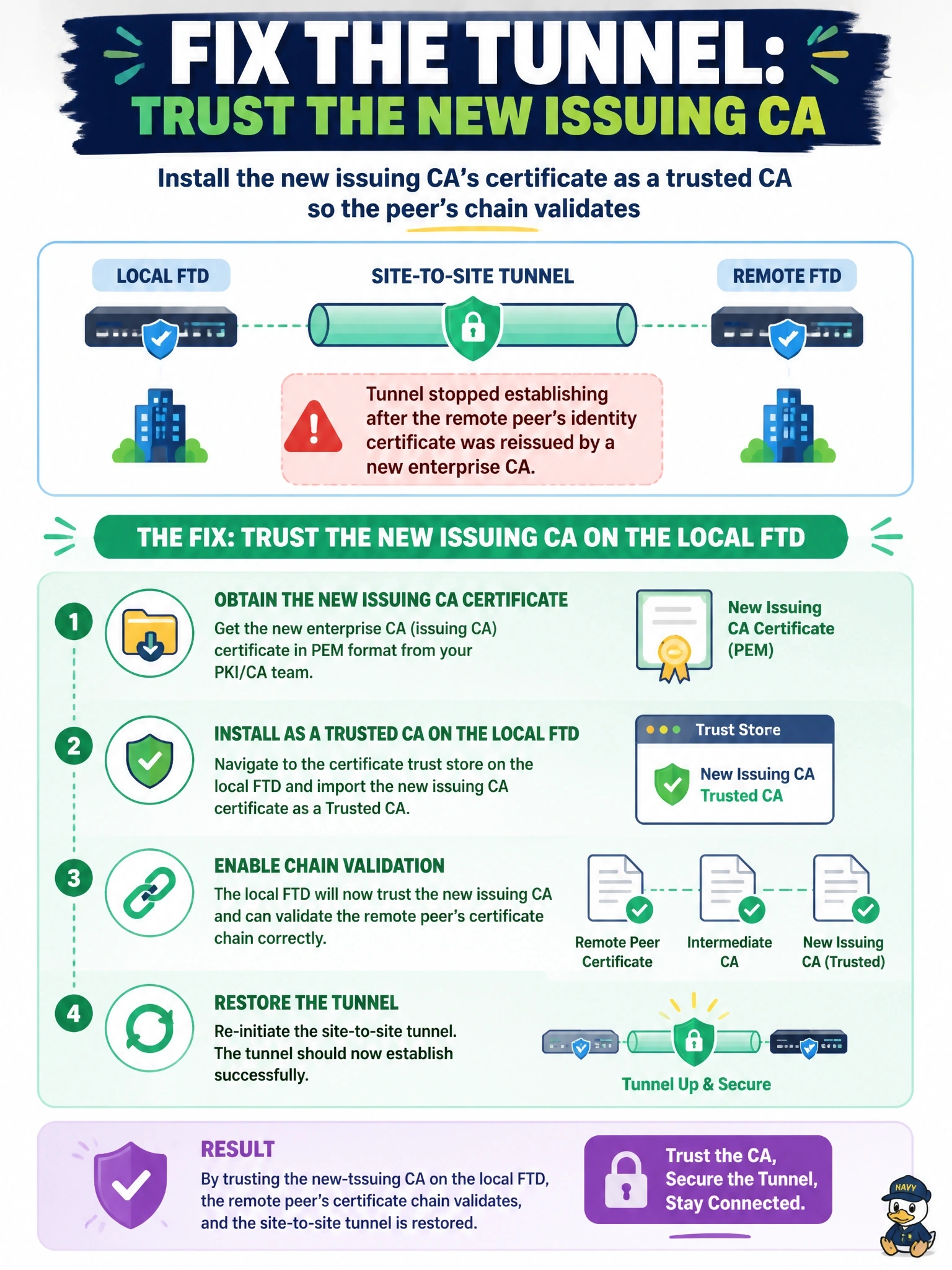
Short Explanation
Certificate trust works like a reference letter: it only counts if you trust whoever wrote it. The peer's new certificate is signed by a CA your FTD has never heard of, so it rejects it. Install that CA as trusted, and you've fixed the introduction.
Full Explanation
With certificate authentication, each IKE peer presents its identity certificate, and the other peer validates it by building a chain to a CA certificate it trusts, checking validity dates, identity and, if configured, revocation status. When the peer's certificate is reissued by a new CA, the local FTD can no longer build a chain to a trusted root or intermediate, so authentication fails during IKE even though the configuration is otherwise unchanged. Enrolling the new CA certificate, including any intermediates, as trusted on the local device restores validation. Switching to a preshared key would avoid the problem by abandoning stronger certificate-based authentication, and nothing prevents certificates from the new CA from being used once they are trusted. The local key pair is independent of the peer's certificate; regenerating it would also invalidate the local certificate and create a second outage. Disabling revocation checking weakens security and addresses only revocation failures, whereas the root problem is an unknown issuer; a new CA can and normally does publish revocation information. Exam caveat: also confirm the peer identity in the certificate matches what the local side expects, because reissued certificates sometimes change the subject. Operational check: add the CA certificate, deploy, clear the IKE security association, and confirm the tunnel authenticates with the peer certificate and the IKE logs show successful validation.