
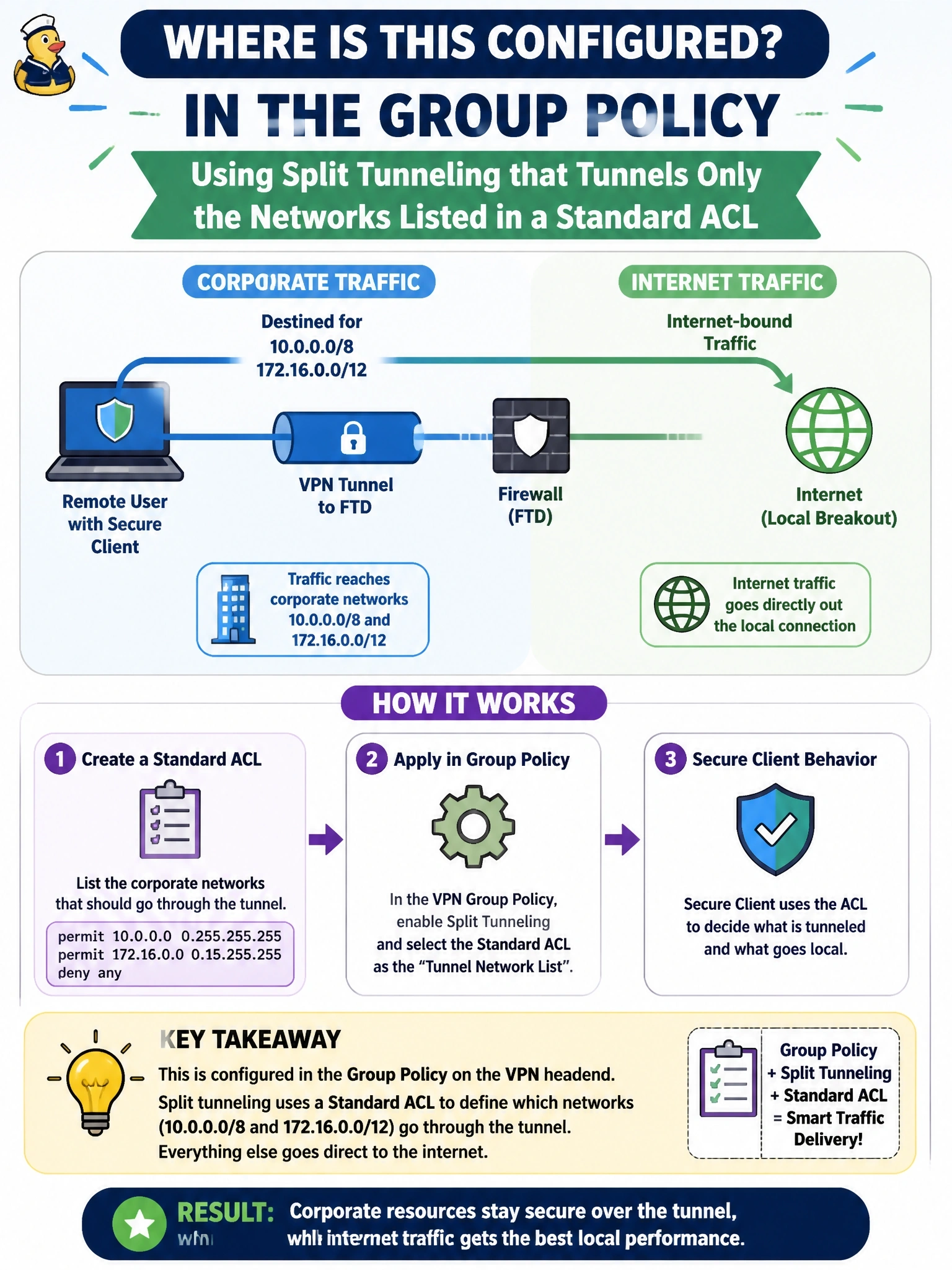
Remote users on Cisco Secure Client should send only traffic destined for corporate networks 10.0.0.0/8 and 172.16.0.0/12 through the FTD tunnel, while internet traffic goes directly out their local connection. Where is this configured?
Select an answer to reveal the explanation.
Short Explanation
Split tunneling is a traffic cop in the group policy: corporate destinations go left into the tunnel, everything else goes right to the local internet. It lives with the user's session settings, not in NAT or firewall rules. The trap is thinking you can steer traffic on the client with blocking or NAT; you can't.
Full Explanation
Split tunneling is a session attribute pushed to the client in the group policy. The administrator chooses to tunnel only the networks specified, references an access list that lists the corporate prefixes, and Secure Client installs routes so that only those destinations use the tunnel while all other traffic uses the local network. The address pool in the connection profile assigns the client's inside address; it says nothing about which destinations the client sends through the tunnel. An access control rule blocking internet traffic from the pool acts on the firewall after traffic arrives through the tunnel, so it would simply drop users' internet traffic rather than direct it out locally, breaking browsing in a full-tunnel design. A NAT exemption prevents translation between VPN clients and internal networks; it is needed for return traffic but does not influence the client's routing decision. Exam caveat: split tunneling reduces headend load but removes corporate inspection of internet traffic, so many organizations combine it with cloud security such as Secure Access for direct internet traffic. Excluding networks is the opposite mode, used to keep a few destinations local. Operational check: connect a client, review its route details to confirm only the corporate prefixes are secured, and test that internet traffic exits locally while corporate resources remain reachable.