
A user reports a blocked connection through a Cisco Secure Firewall (FTD), but no connection event exists for it. The engineer suspects a block rule but must prove which rule handled the session. What should be done first?
Select an answer to reveal the explanation.
Short Explanation
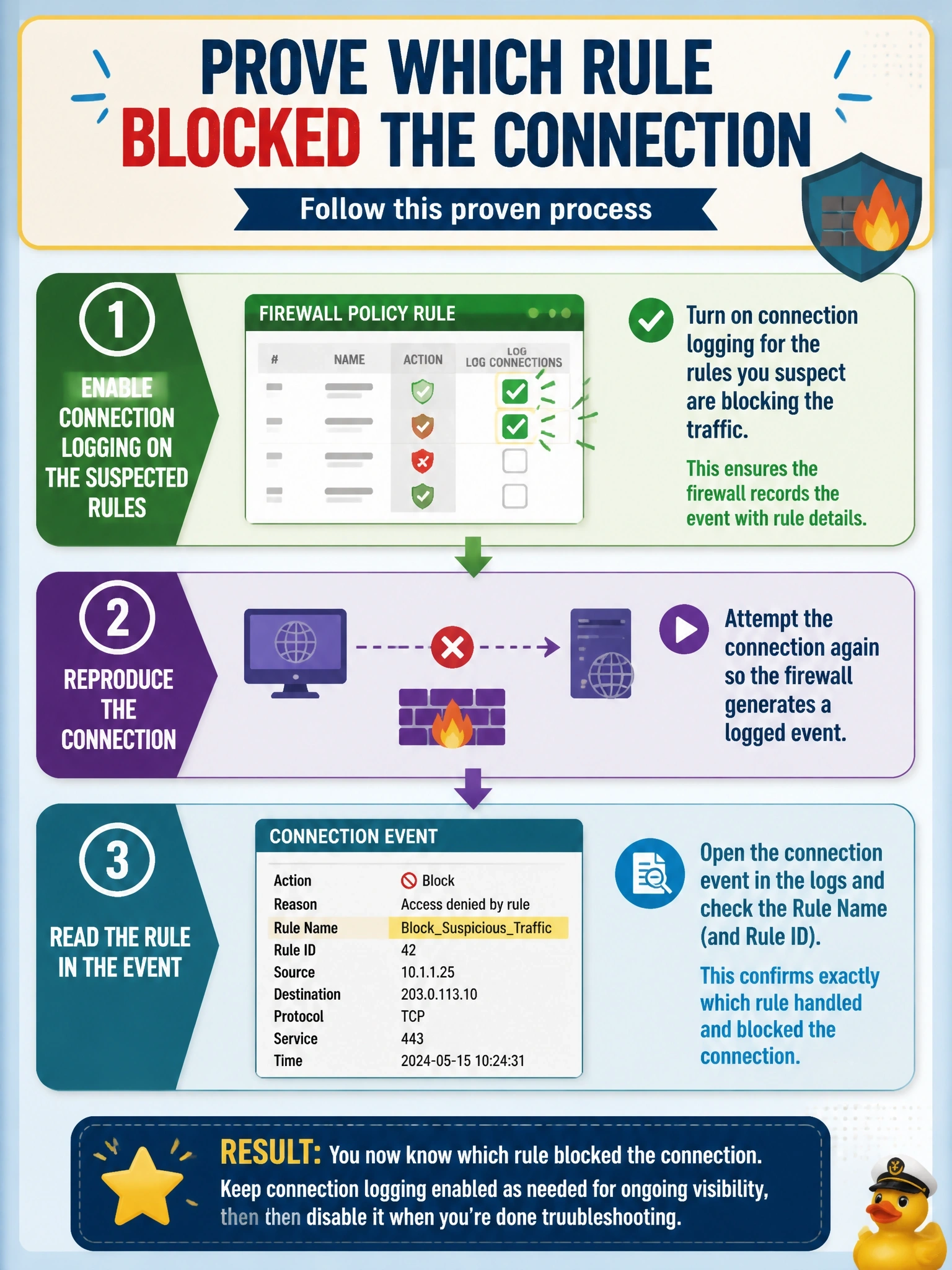
No log, no proof. FTD only writes a connection event if the rule that matched has logging switched on. Flip that on, reproduce the problem, and the event will tell you exactly which rule did the deed.
Full Explanation
FTD generates connection events only for rules, and for the default action, that have connection logging enabled. When enabled, each event records the access control rule that matched along with source, destination, user, application and action, which is exactly the evidence needed to confirm which rule blocked a session. For block rules, logging at the beginning of the connection is the relevant option because the connection never completes. Enabling logging and reproducing the attempt is therefore the first step. Raising the intrusion policy's security level affects which signatures are active on allowed traffic; a session blocked by an access rule never reaches intrusion inspection, so no intrusion event will appear. A file policy inspects files on allowed connections and cannot generate events for traffic that was blocked before any file was transferred. Changing the default action to Trust would permit everything that matches no rule, which is a serious security change, and it would not document a session already handled by an explicit block rule. Exam caveat: packet tracing and capture with trace on the device can also show the rule that matched, which helps when changing logging is not immediately possible. Operational check: enable logging at the beginning of the connection on the candidate block rules, deploy, have the user retry, and filter connection events by the user's address to read the rule name and action.