
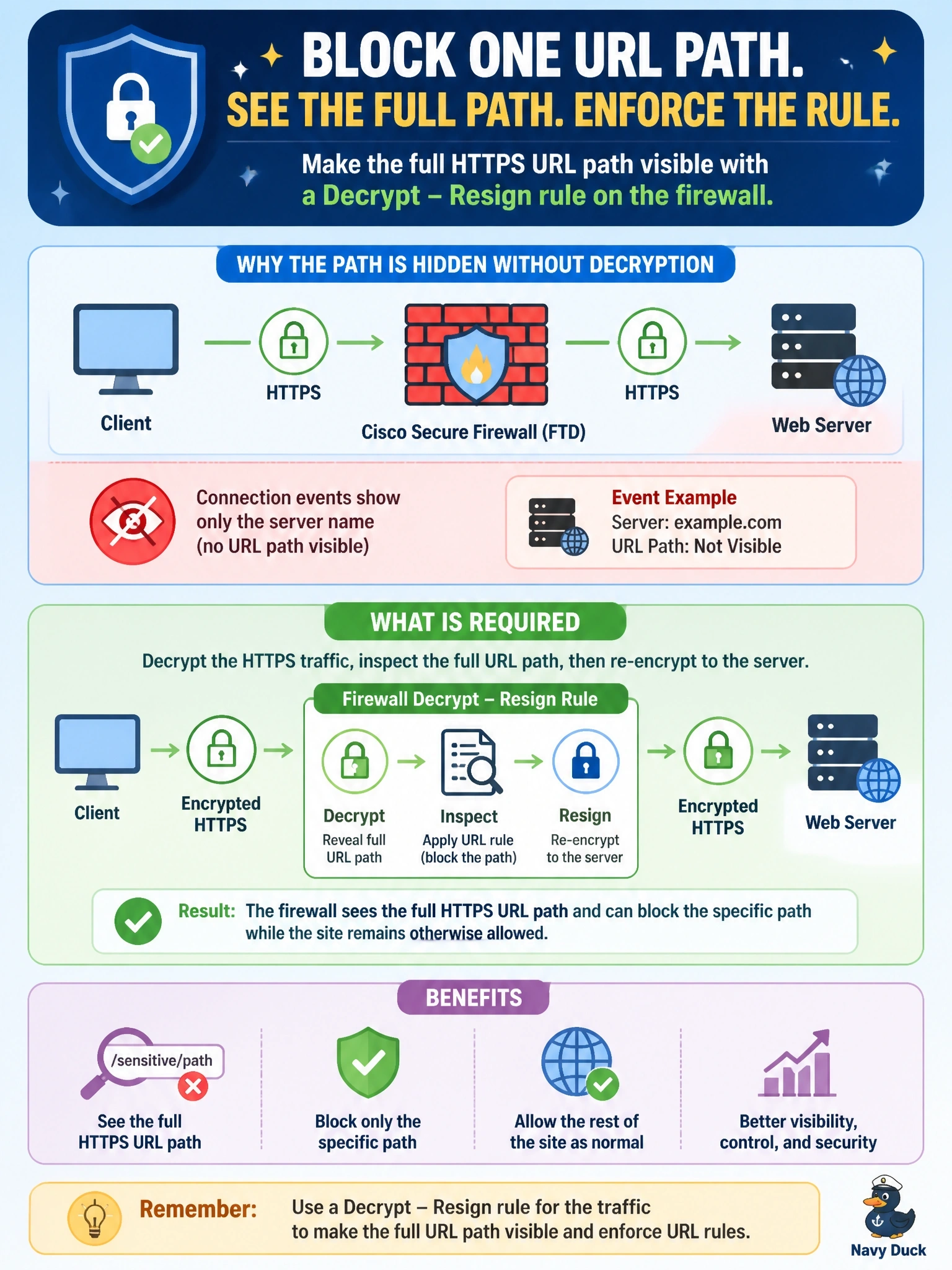
On a Cisco Secure Firewall (FTD), URL rules must block one specific path on an otherwise allowed HTTPS site, but connection events show only the server name, never the full URL path. What is required to enforce the rule?
Select an answer to reveal the explanation.
Short Explanation
Without decryption, the firewall only reads the outside of the envelope: the server name in the handshake. To see the full address inside, it has to open the envelope with Decrypt - Resign. Don't let category or app filters fool you here; they still can't read what's sealed.
Full Explanation
With HTTPS, the requested path, query string and headers are encrypted inside the TLS session. Without decryption, FTD can still identify the destination from the server name indication in the client hello and from the server certificate, which is why category and domain-level decisions work, but it cannot see the path. To enforce a rule on one specific path, the traffic must be decrypted. For outbound connections to external servers, the decryption policy uses Decrypt - Resign: the firewall terminates the session, re-signs the server certificate with an internal CA that clients trust, and inspects the cleartext request. Category and reputation conditions classify the site as a whole and cannot distinguish one path from another. A Security Intelligence block list entry for the domain blocks the entire site, which violates the requirement that the rest stay allowed. Application identification recognizes the application in use but does not reveal encrypted URL paths. Exam caveat: Decrypt - Known Key applies to inbound traffic to servers whose private key the organization owns; for user browsing to the internet, resigning is the option. Plan exceptions for pinned or privacy-sensitive categories. Operational check: deploy the CA certificate to clients, add the decrypt rule, browse to the path, and confirm connection events show the full URL and the block action.