
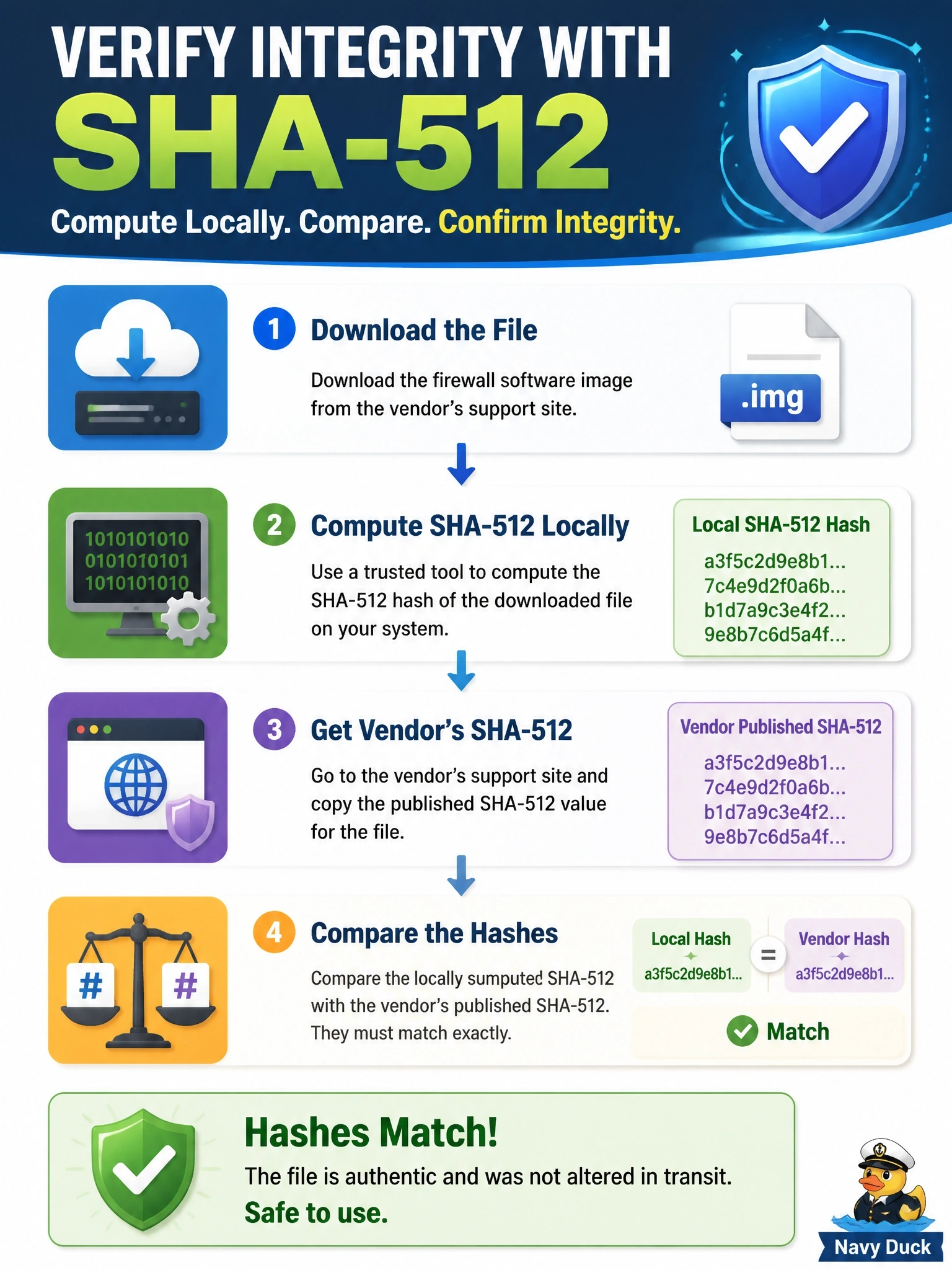
An administrator downloads a firewall software image and must confirm it was not altered in transit. The vendor publishes a SHA-512 value for the file on its support site. What should the administrator do?
Select an answer to reveal the explanation.
Short Explanation
A hash is a file's fingerprint: change one bit and the fingerprint changes completely. So you compute the SHA-512 yourself and match it to the vendor's value. Don't mix up integrity with confidentiality — encryption hides data, it doesn't prove nobody changed it.
Full Explanation
A cryptographic hash function produces a fixed-length digest from input data, and any change to the input produces a different digest with overwhelming probability. Integrity verification therefore means computing the digest of the downloaded file locally and comparing it with the value the vendor published through a separate trusted channel; a match shows the file is the one the vendor hashed. Some platforms also verify a digital signature on the image, which adds authenticity by binding the hash to the vendor's private key. Encrypting the image with AES provides confidentiality for the file's contents, but encryption cannot detect or undo modifications that happened before it was applied. The published hash is not a key; hashes are one-way digests and nothing is decrypted with them, and public keys are used to verify signatures rather than to decrypt a vendor's image. HTTPS protects the transfer between server and client, but it does not prove the hosted file is genuine, and it offers no assurance if the file was altered on a mirror or after download. Exam caveat: hashing provides integrity, encryption provides confidentiality, and signatures provide integrity with authenticity and non-repudiation. Operational check: run a utility such as sha512sum on the image and confirm the output matches the published value exactly before upgrading.